

Filters
25 products
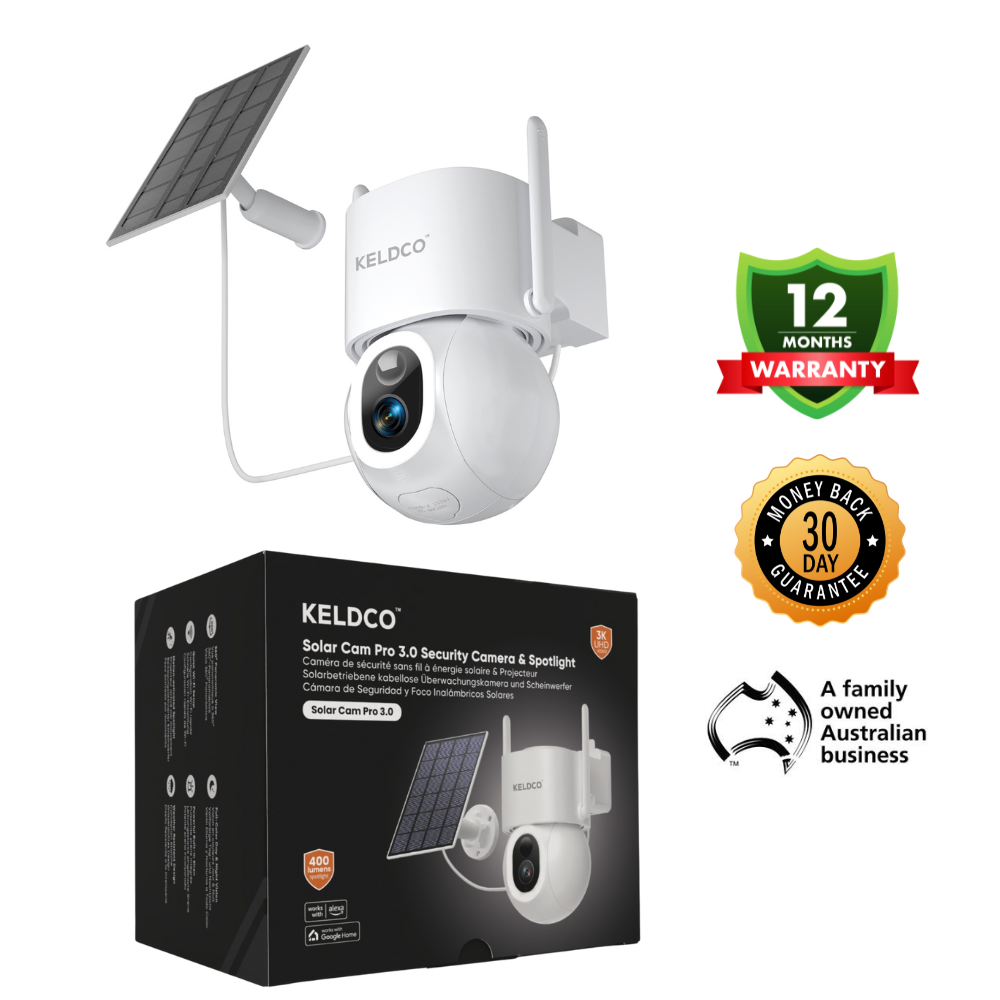
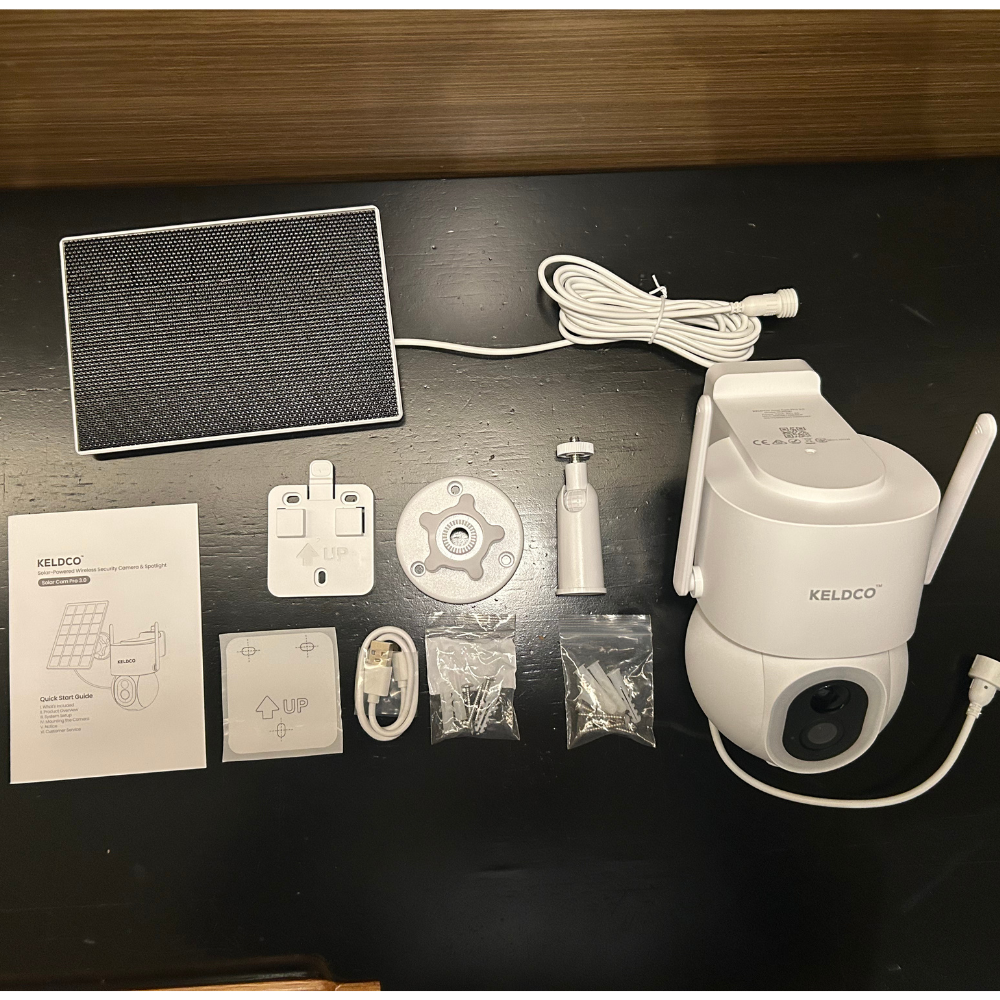
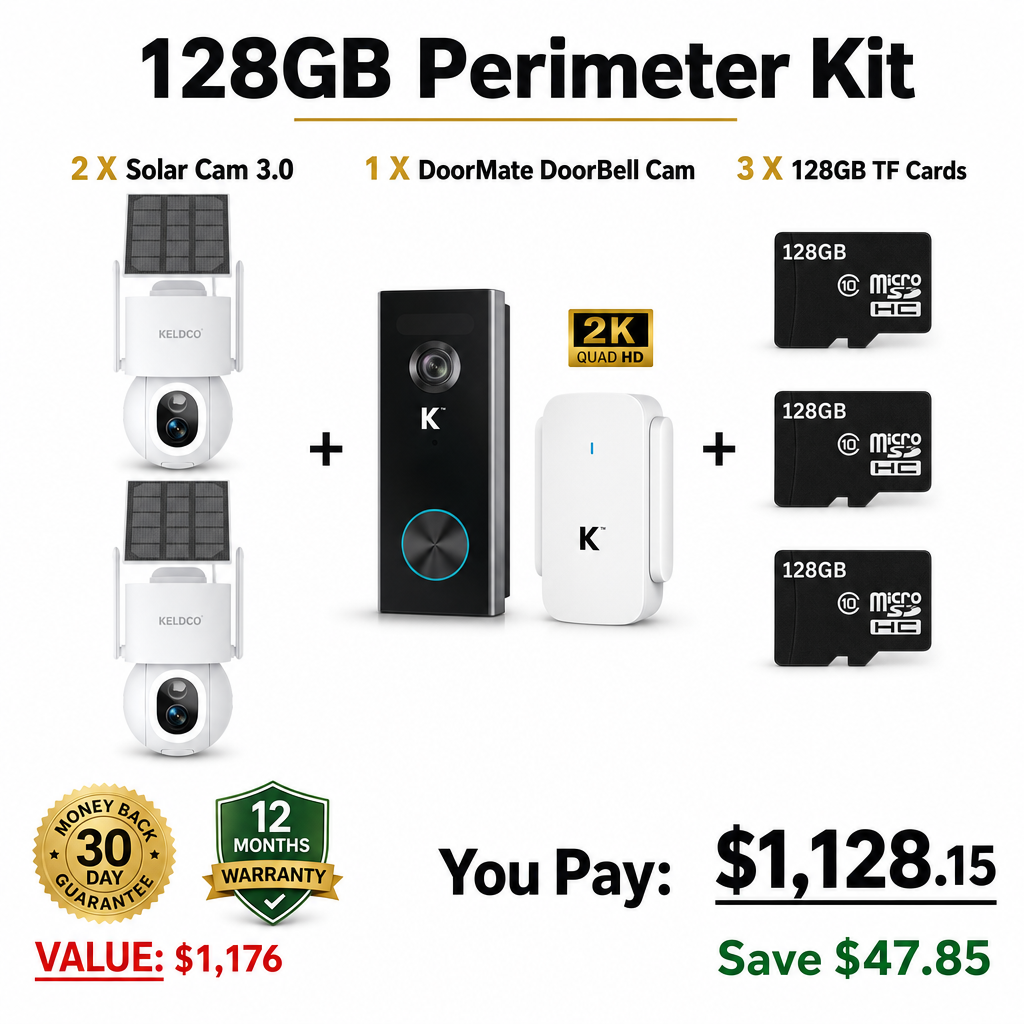
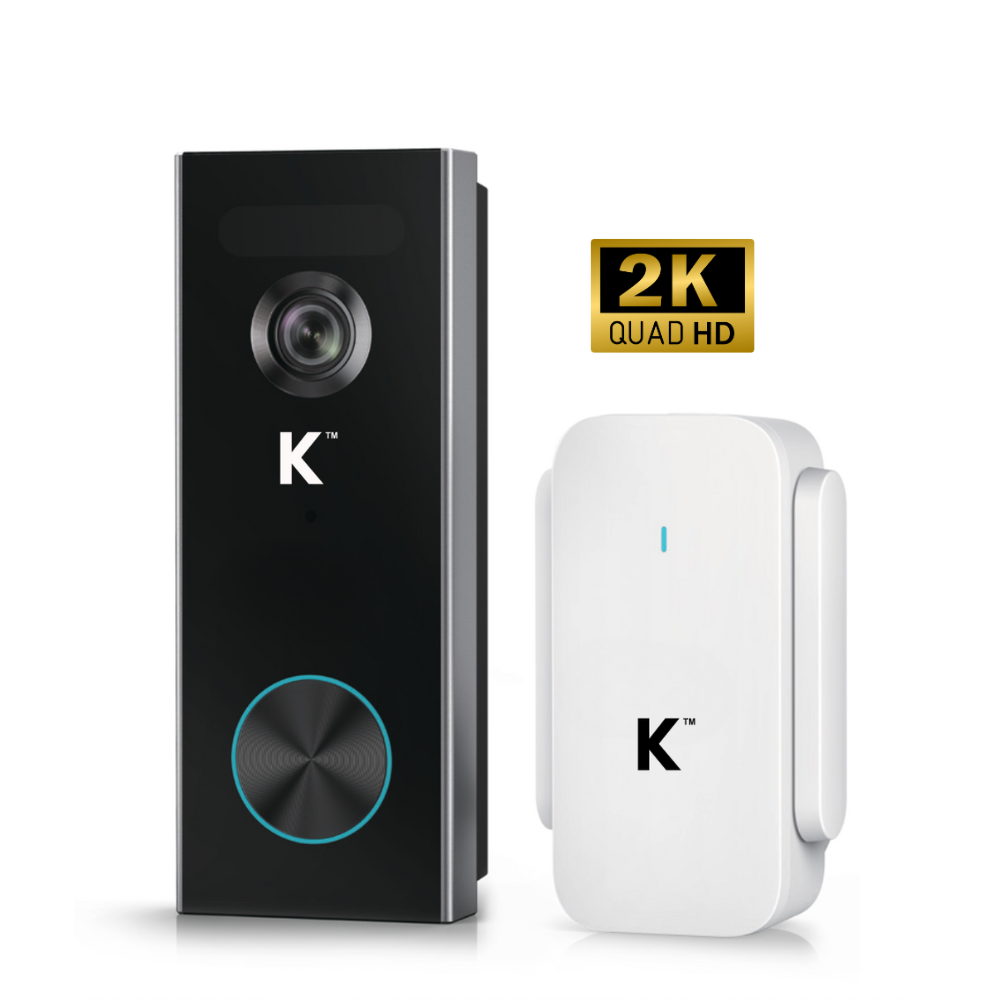
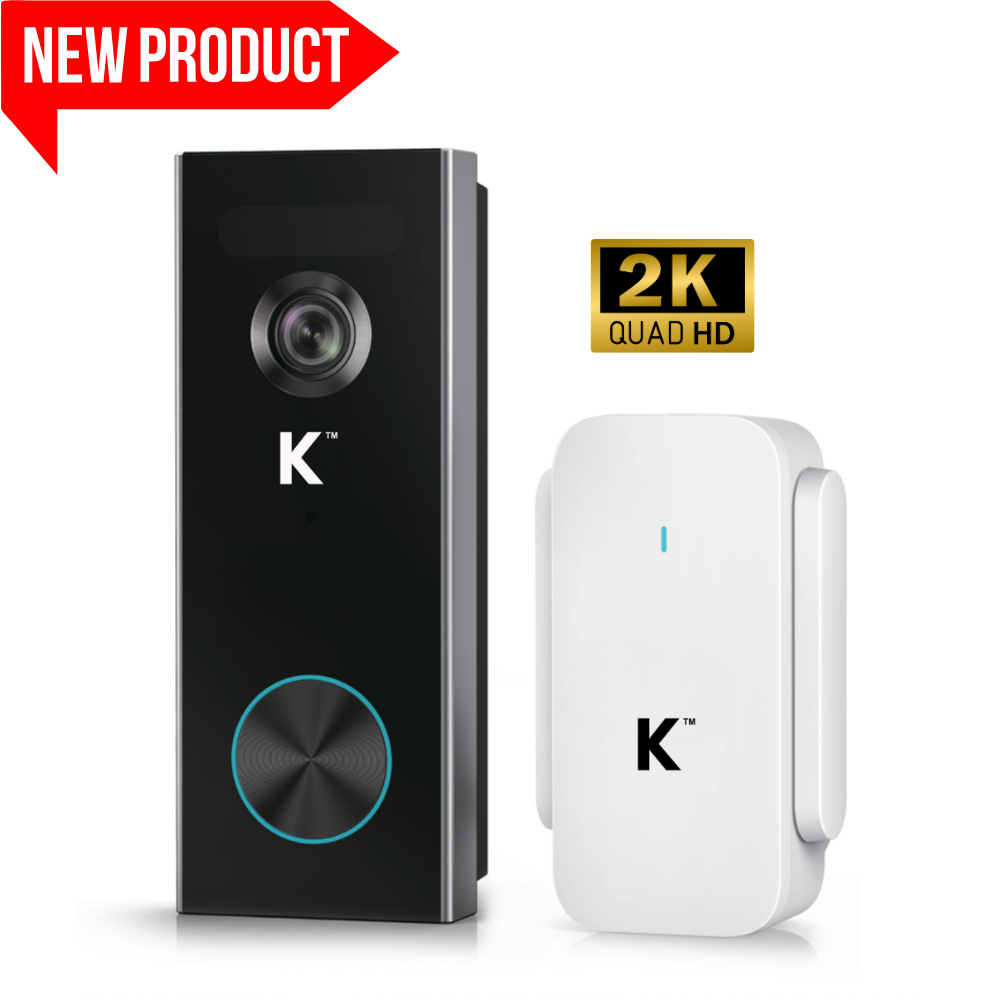
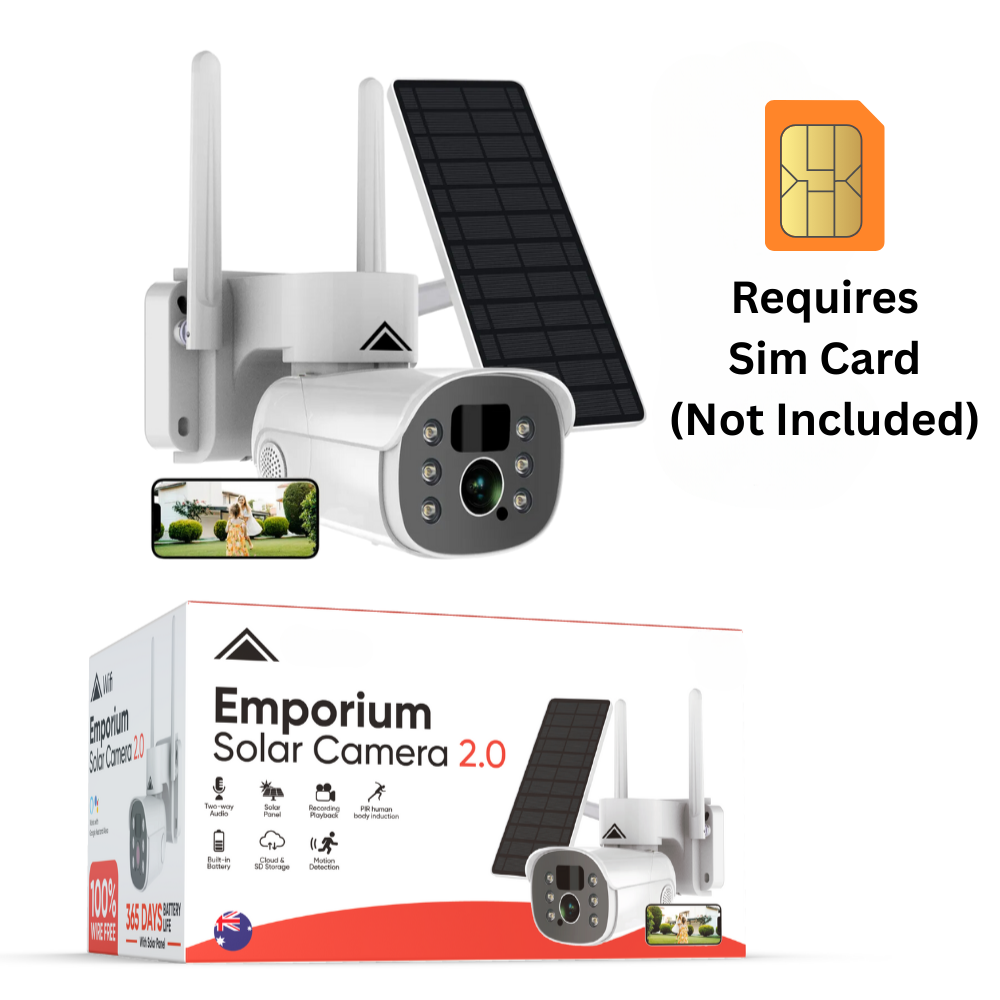
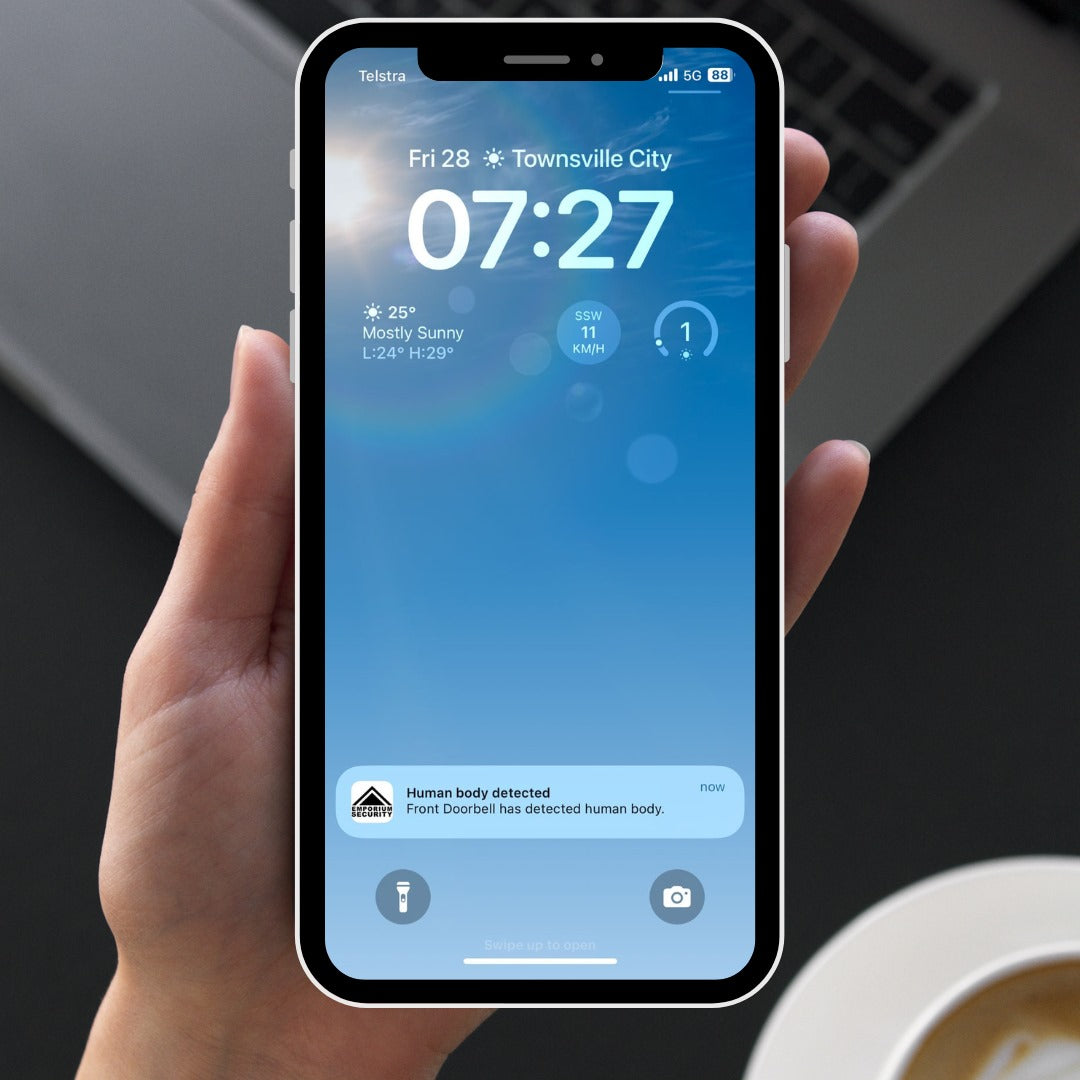
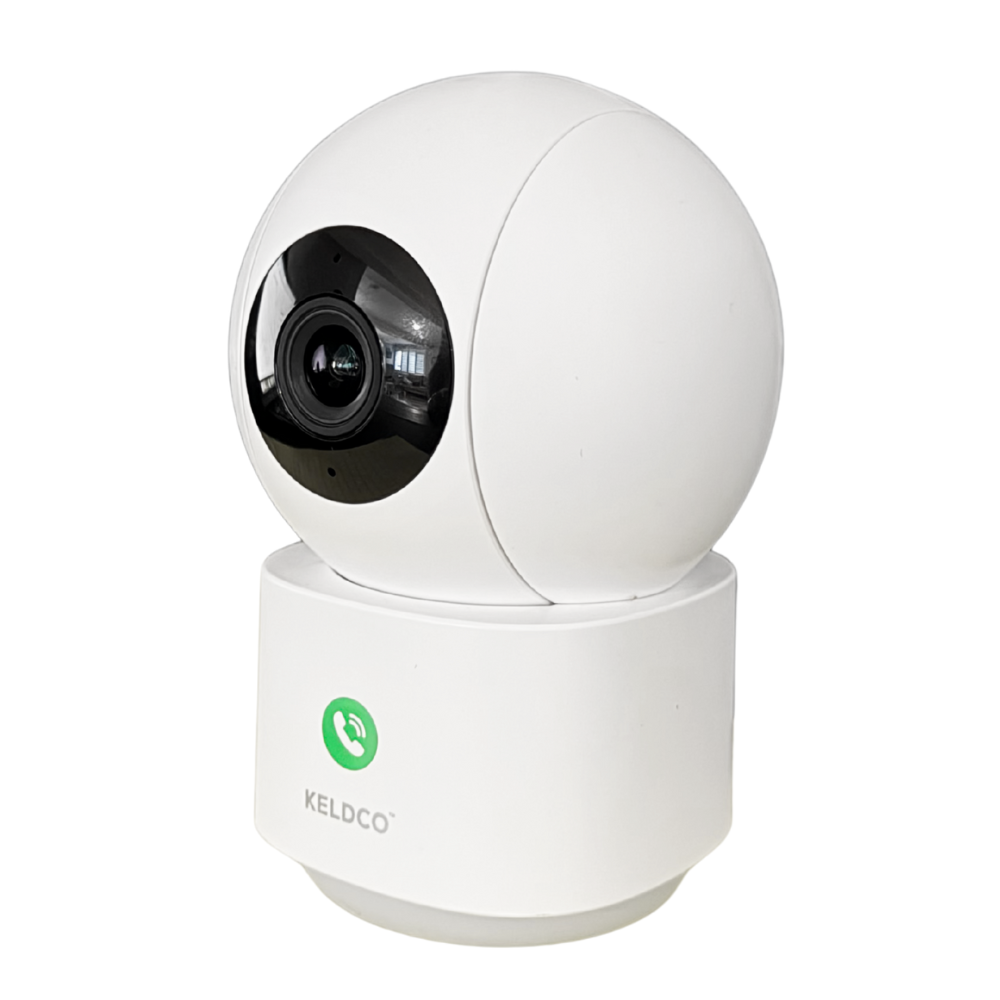
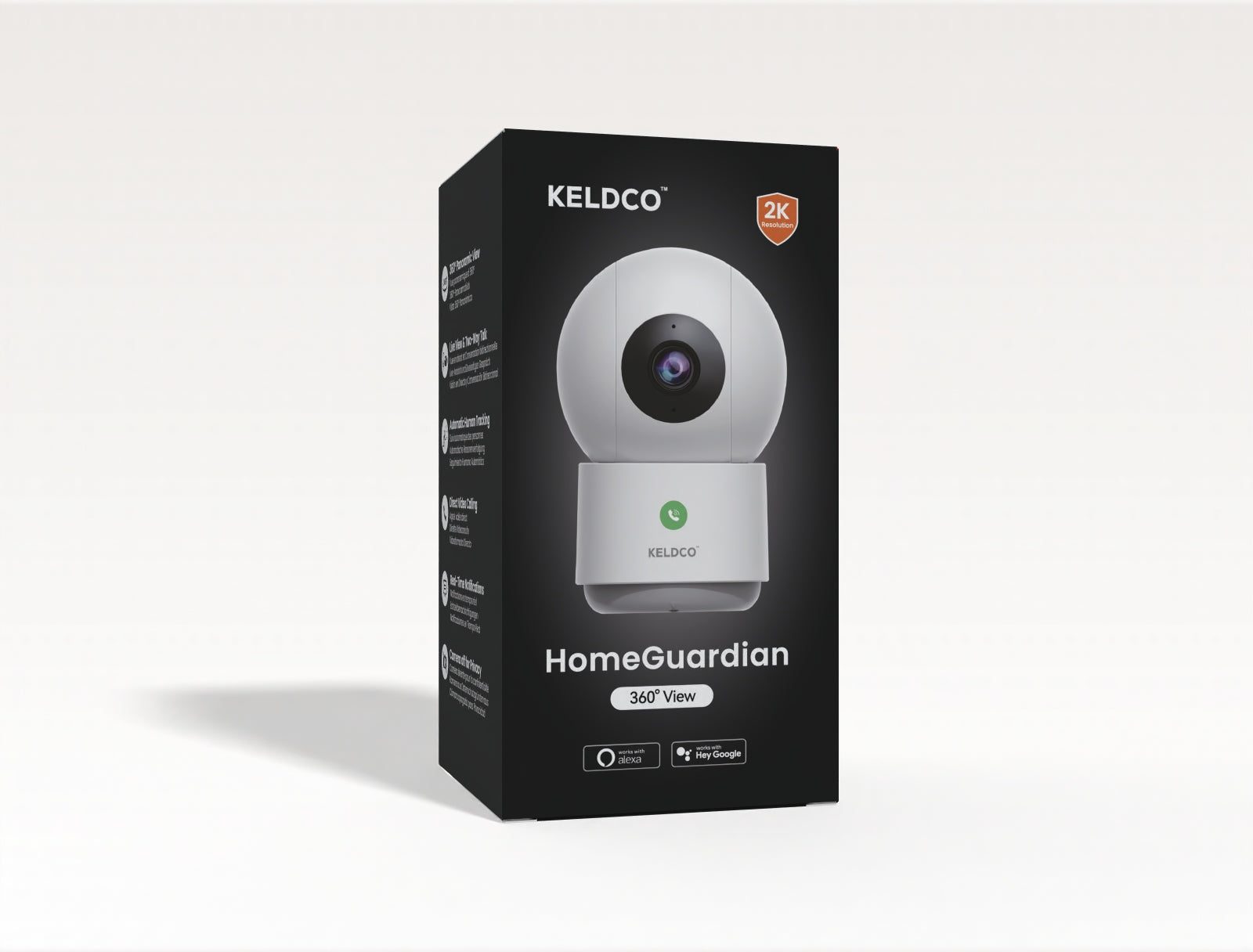
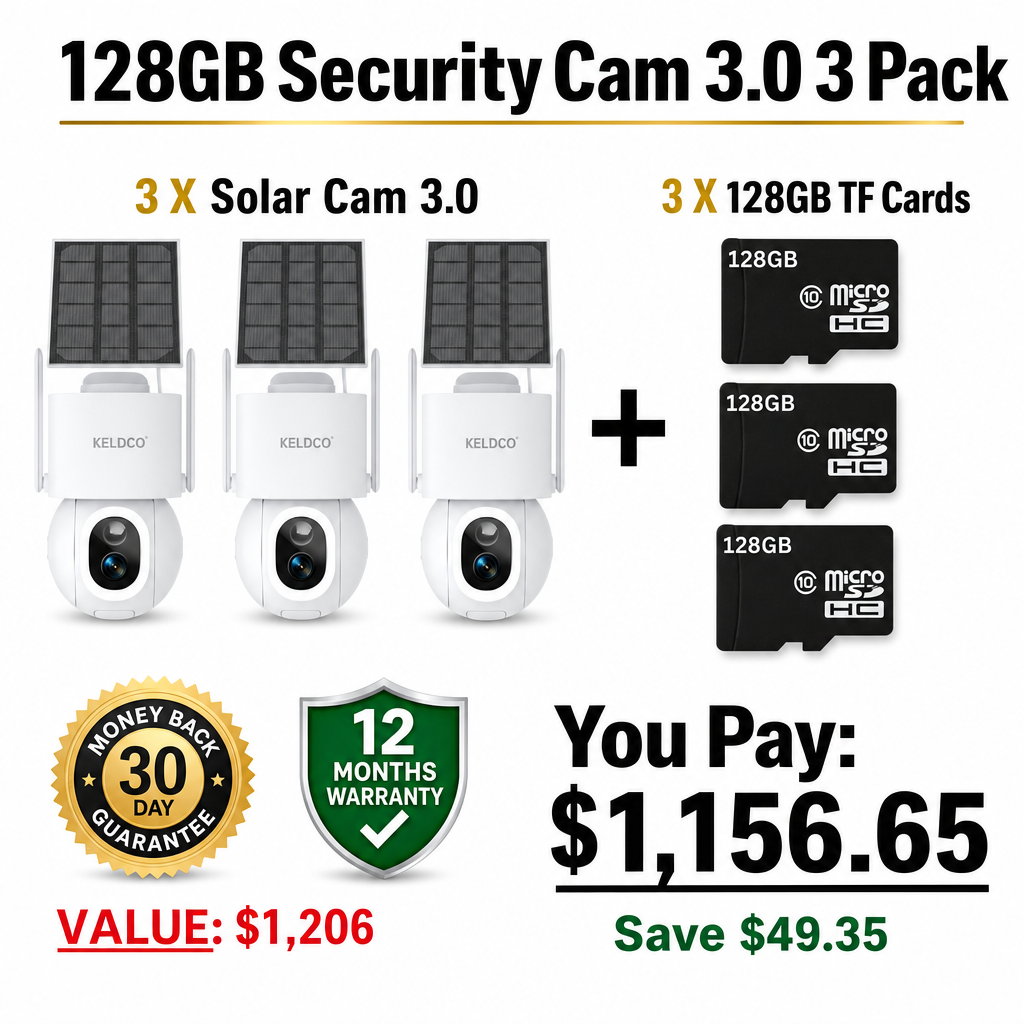
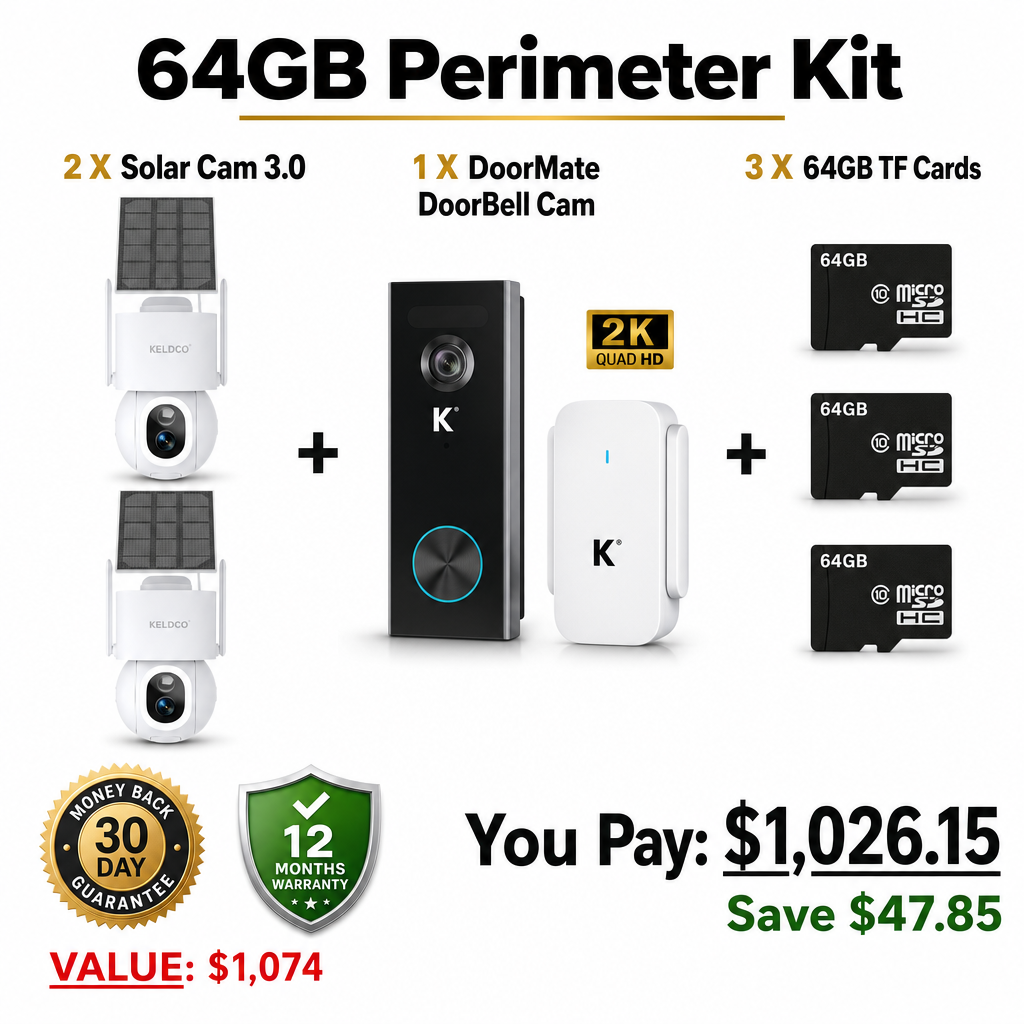
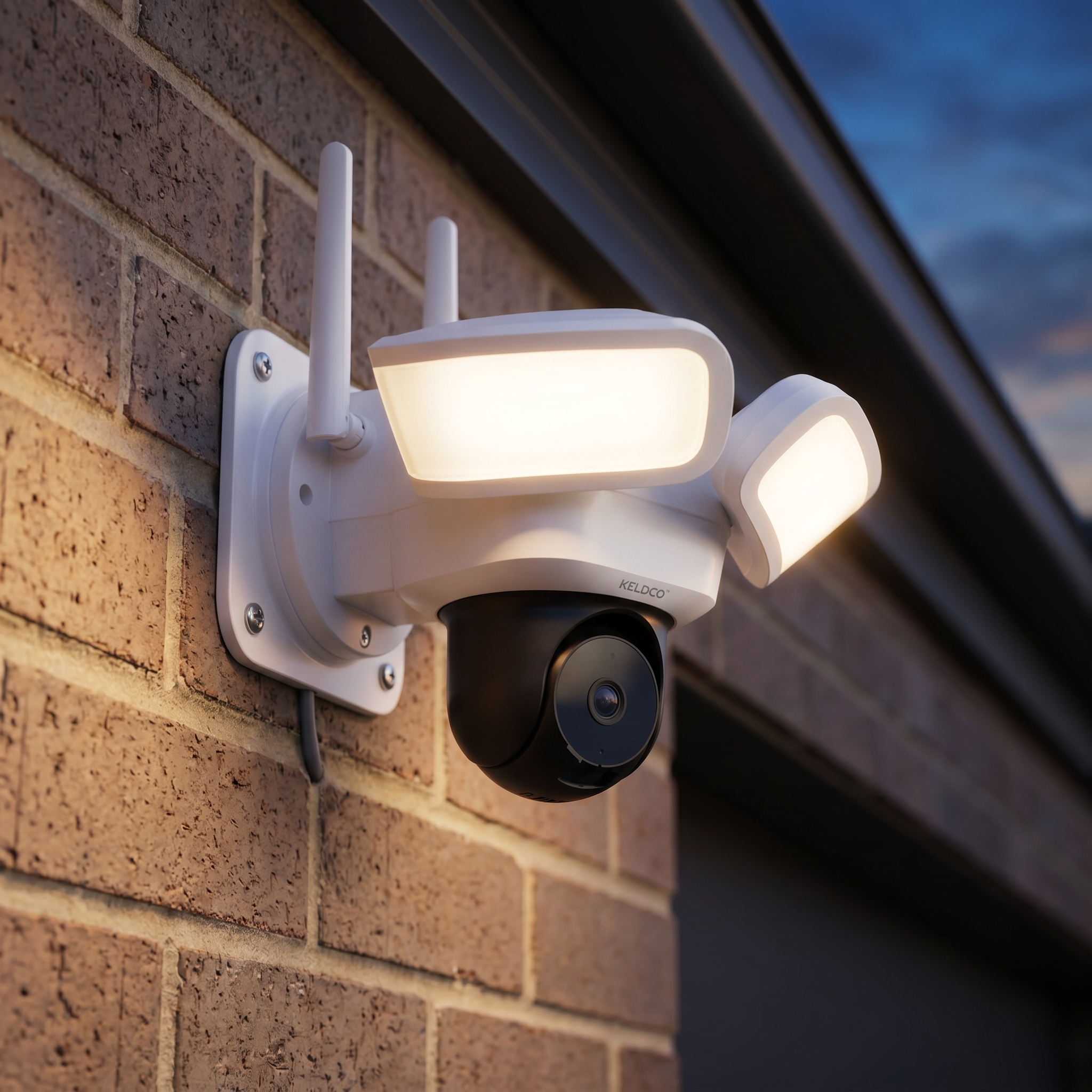
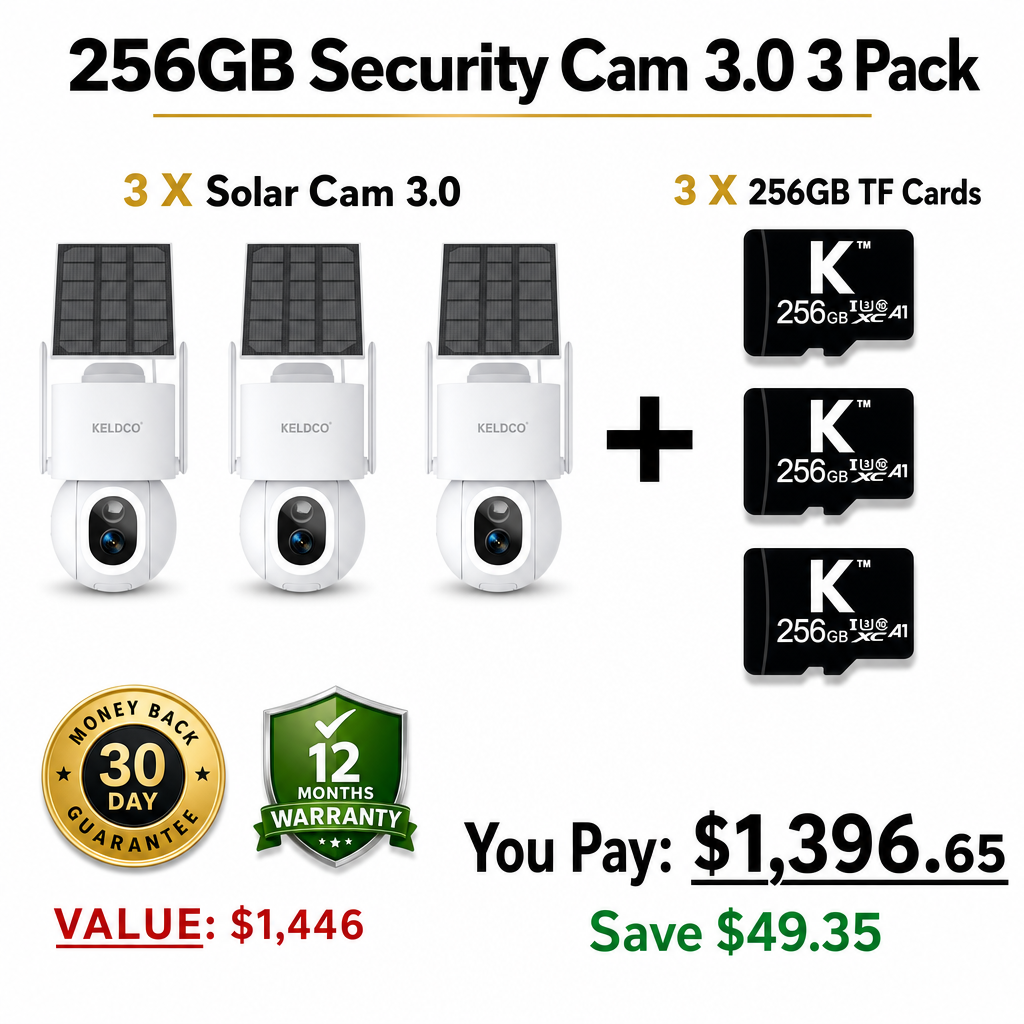
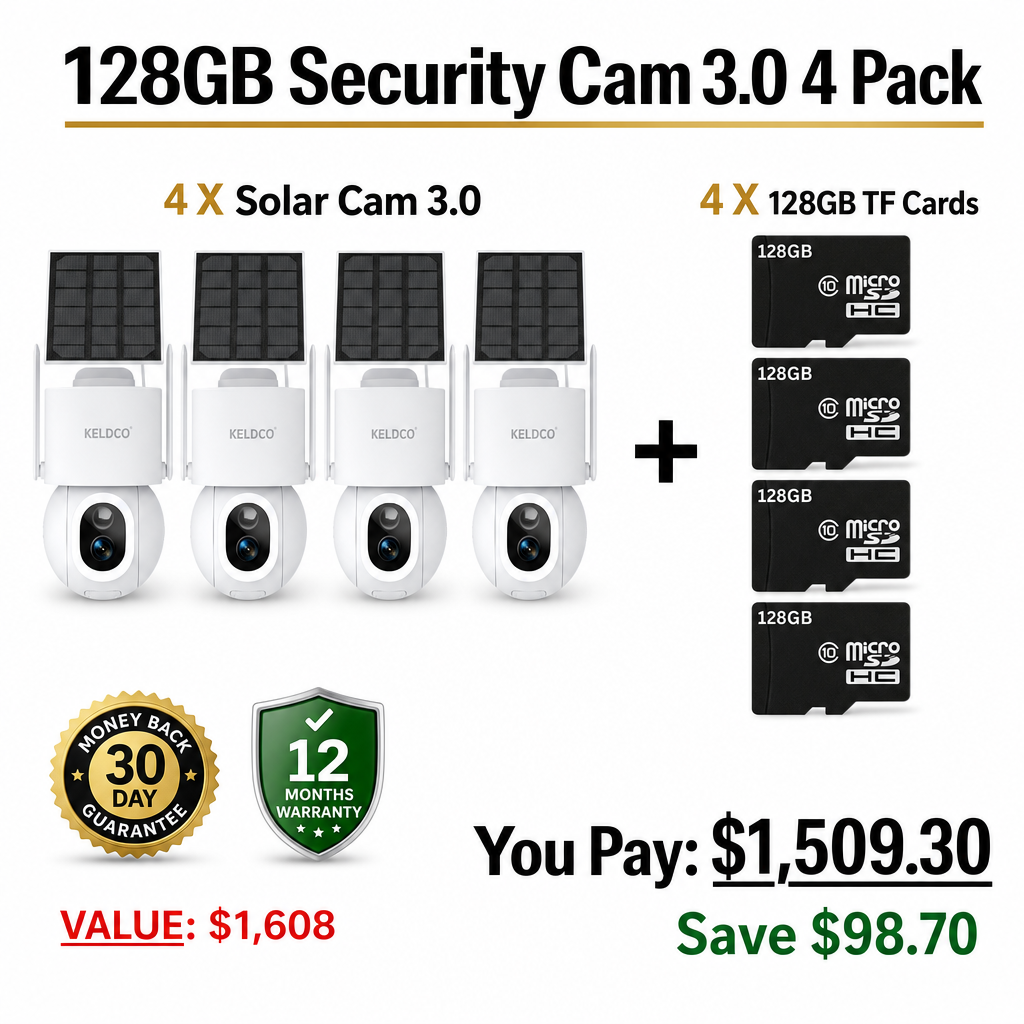
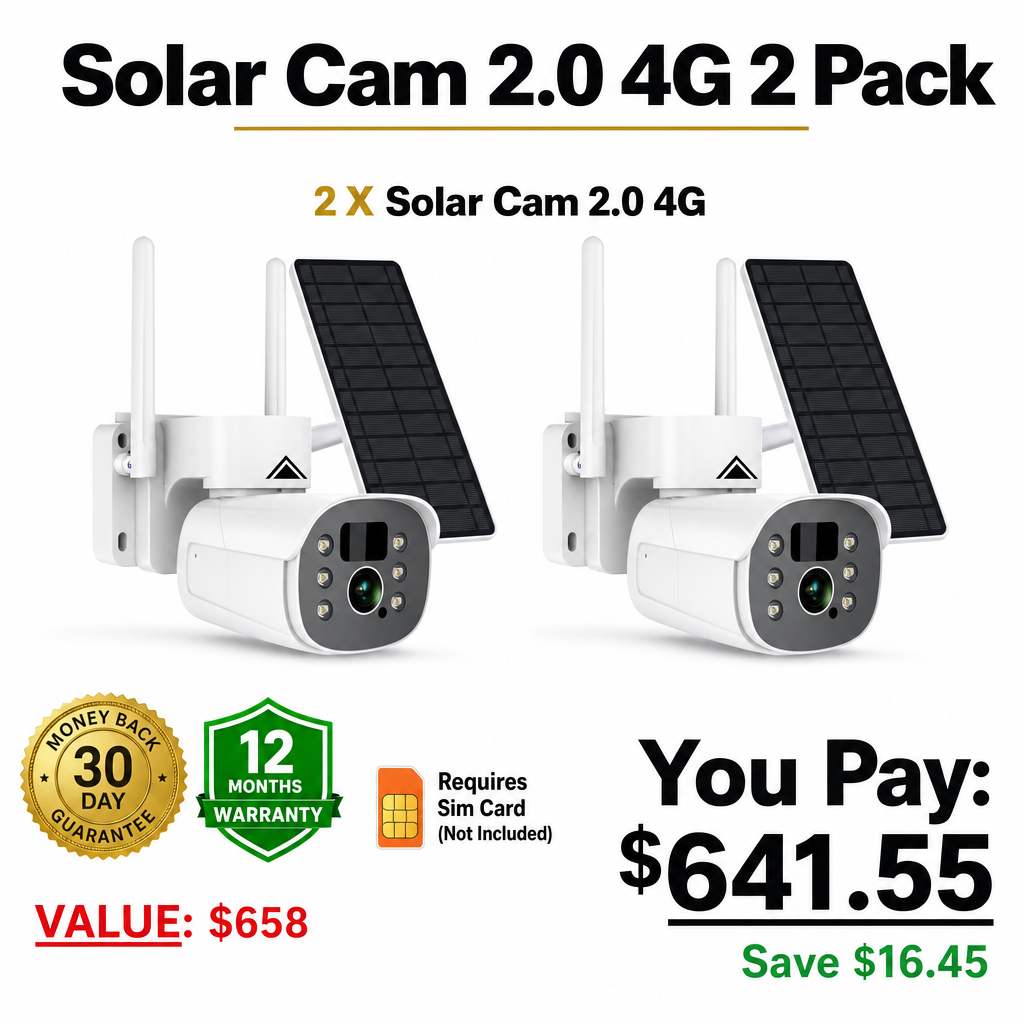

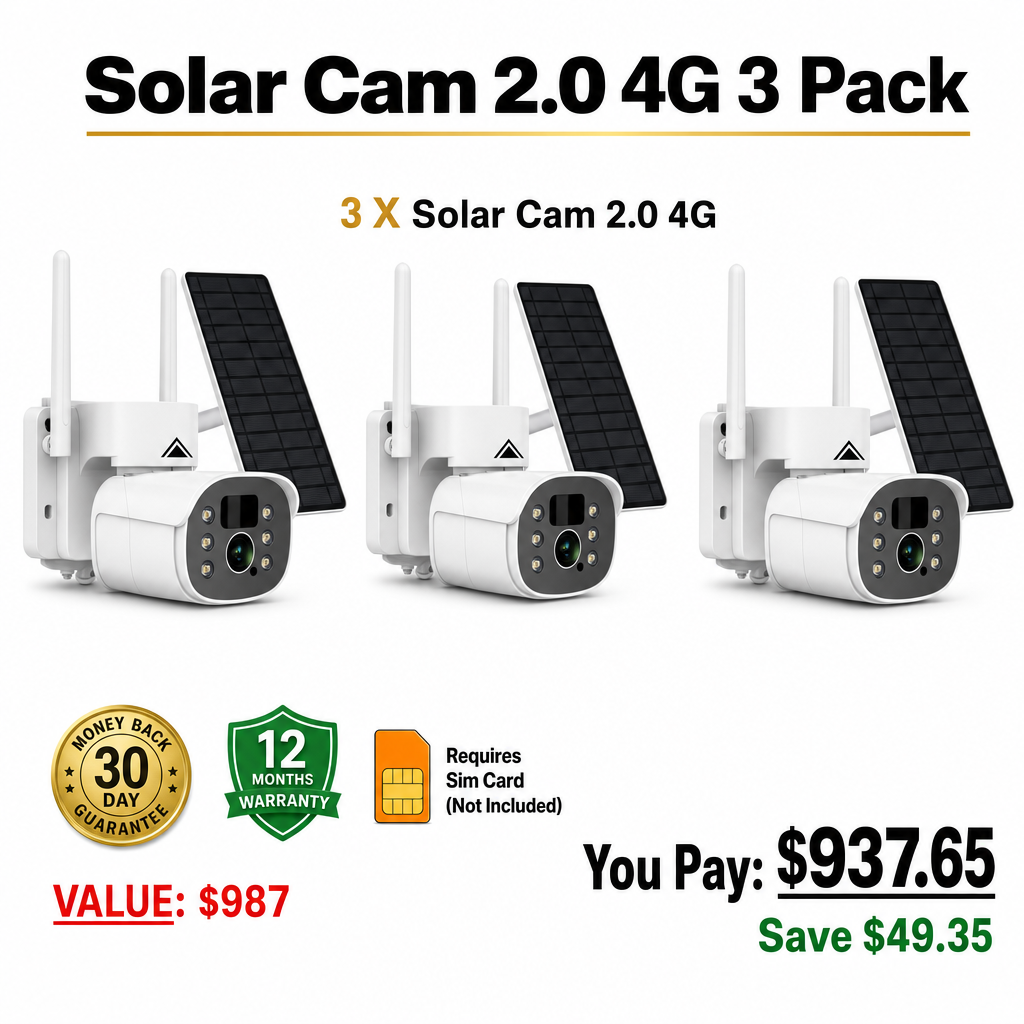
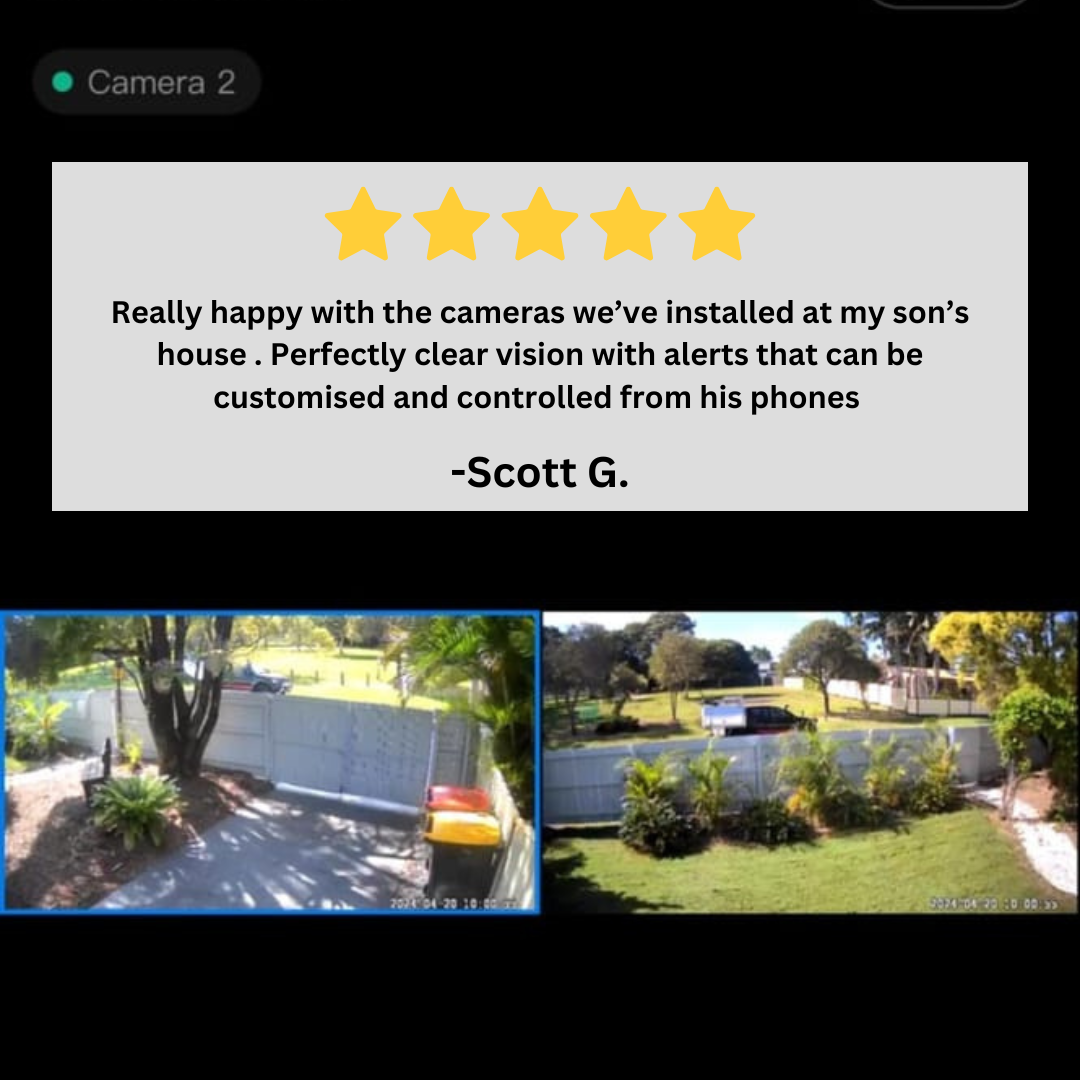

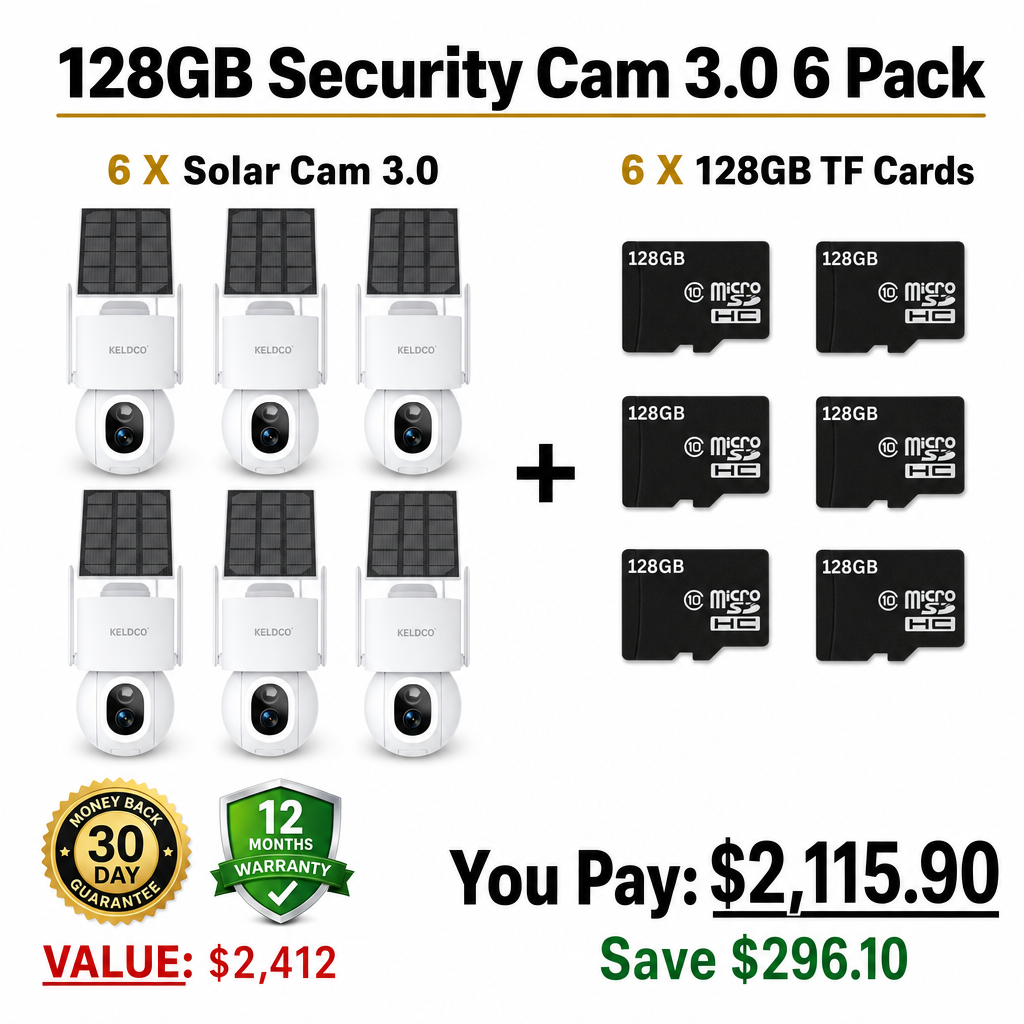

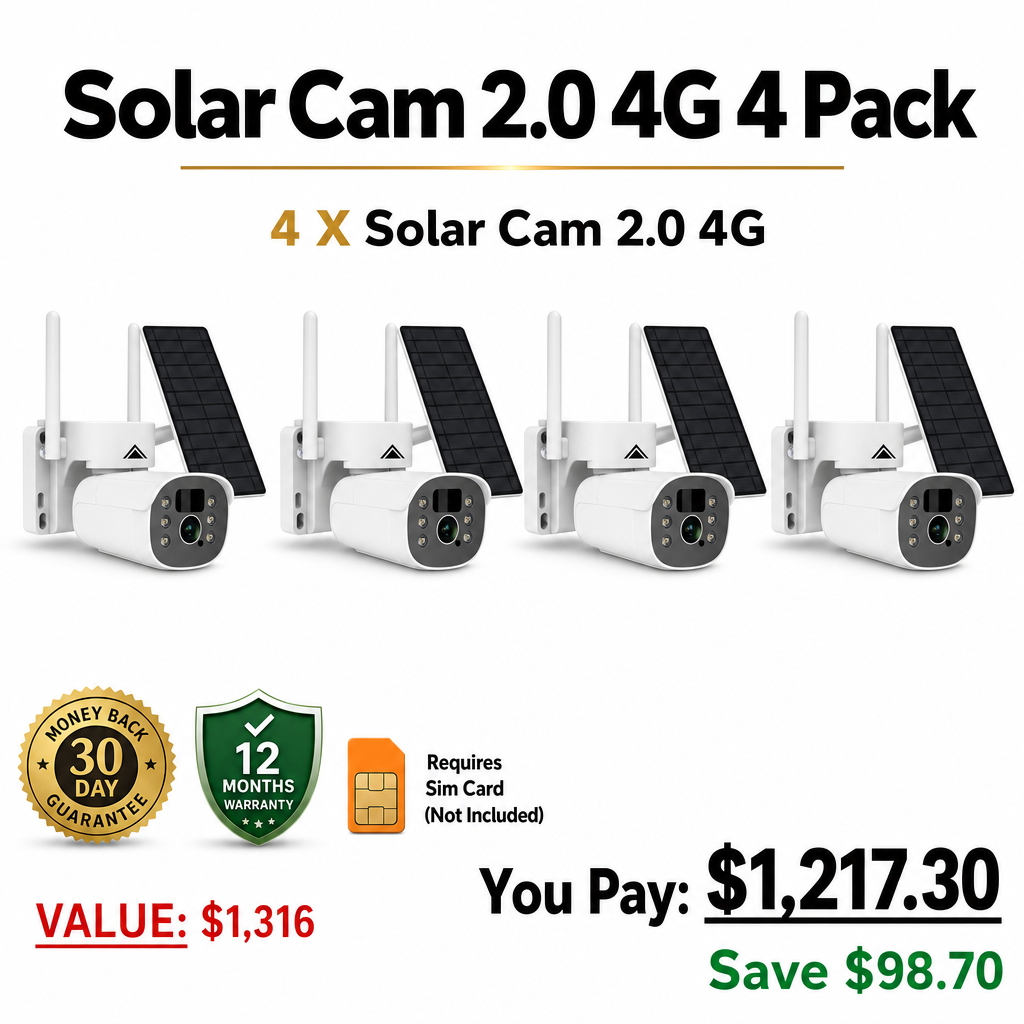


Perimeter security is about catching activity at the edge of your property, before someone reaches the house, the shed, or anything worth protecting. Rather than relying on a single camera at the front door, a perimeter setup covers the boundary itself, fence lines, gates, and approach points, so you get early warning instead of after-the-fact footage.
What Perimeter Coverage Actually Involves
More Than One Camera, Working Together
A genuine perimeter setup usually means several cameras covering different boundary points rather than one wide-angle unit trying to do everything. Front gate, side access, and rear boundary each typically need their own coverage.
Detection Before Arrival
The goal of perimeter monitoring is early detection, an alert the moment someone crosses the boundary, not just footage of them already at the door. This makes motion sensitivity and zone accuracy more important than they are for a single front-door camera.
Commonly Used Perimeter Security Devices
Motion-Triggered Cameras
Cameras positioned along fence lines, gates, and approach paths, triggering alerts the instant motion is detected within a defined zone.
Driveway and Gate Sensors
Dedicated sensors at vehicle entry points, often paired with a camera, to flag approaching vehicles separately from pedestrian activity elsewhere on the boundary.
Floodlights and Spotlights
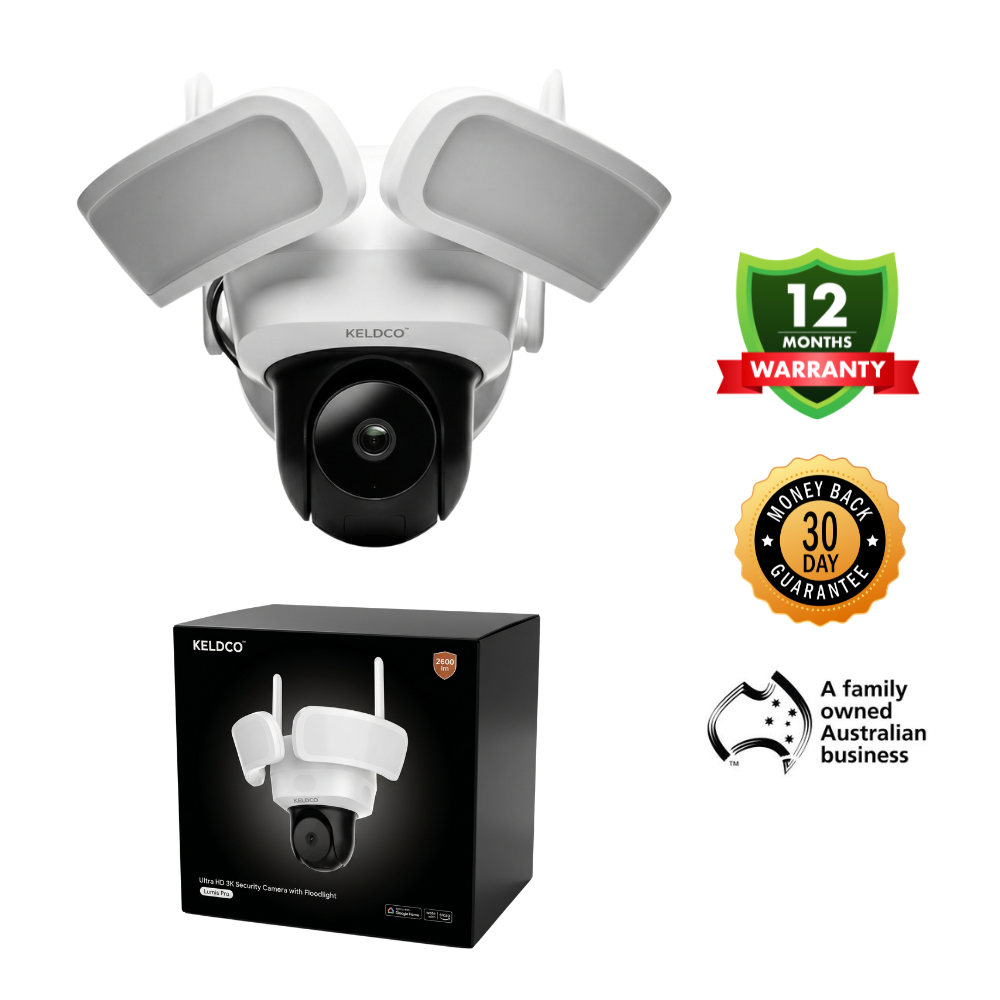
Motion-activated lighting paired with cameras adds a visible deterrent on top of detection, particularly useful at less-monitored boundary points.
Fencing and Physical Barriers
Cameras complement, rather than replace, physical boundary measures like fencing and secured gates, which remain the first layer of any perimeter strategy.
Building a Perimeter Setup Without Wiring Headaches
Running cable to every boundary point is rarely practical, particularly on larger blocks. Solar-powered, wireless cameras solve this directly, letting you position coverage exactly where the boundary needs it without an electrician involved.
WiFi Range at the Boundary
Cameras placed at the far edge of a property often sit outside reliable WiFi range. A 4G-connected camera avoids this issue entirely by using the mobile network instead.
Things to Know
-
Multiple smaller cameras generally beat one large system for perimeter coverage, since boundaries rarely fit neatly into a single field of view.
-
Motion zones matter more at the perimeter than indoors, since boundary cameras need to distinguish real approach activity from passing traffic or wildlife.
-
WiFi signal weakens significantly at property edges, particularly on larger blocks, making 4G connectivity a practical option for far-boundary cameras.
-
Cameras work best alongside physical barriers, not instead of them, fencing and secure gates remain the first layer of perimeter security.
-
Local SD storage avoids multiplying subscription costs across a multi-camera perimeter setup, which is where ongoing fees add up fastest.
Explore More KeldCo Collections
-
Outdoor Security Cameras — weatherproof builds suited to boundary placement.
-
Solar Powered Outdoor Security Camera — no wiring needed across multiple boundary points.
-
4G Security Camera Outdoor — reliable connectivity at the far edge of a property.
-
Security Camera Motion Detection — early alerts focused on real boundary activity.
Why Choose KeldCo
KeldCo was founded by Erin and Josh Salkeld after experiencing break-ins themselves, and that's shaped every camera the brand has built since. KeldCo is Australian owned and operated, with no subscriptions, ever, and footage stored locally on an SD card instead of someone else's cloud. The cameras, the app, and the support are all KeldCo's own, with no outsourced call centres standing between you and an answer. When you buy from KeldCo, you're backing people who built the protection they wished they'd had.
Frequently Asked Questions
What is the best security camera for outside?
KeldCo's Solar Camera Pro 3.0 WiFi suits most outdoor perimeter points, with solar charging and a wide field of view that works well along fence lines and gates. For boundary points without reliable WiFi, the Solar Camera Pro 2.0 4G covers the same ground over a mobile connection instead.
Is it illegal for my neighbor to have a camera pointed at my house?
This depends on local privacy and surveillance laws, which vary by country and region. In general, a camera incidentally capturing a shared boundary while monitoring the neighbour's own property is treated differently from one deliberately angled at your private space. If this is an ongoing concern, your local privacy regulator or council can advise on what applies in your specific area.
What are the commonly used perimeter security devices?
Common perimeter devices include motion-triggered cameras along fence lines and gates, dedicated driveway sensors for vehicle approach, motion-activated floodlights for added deterrence, and physical barriers like fencing and secured gates that the camera setup works alongside rather than replaces.
What wireless security cameras don't require a monthly fee?
KeldCo's full wireless range, including the Solar Camera Pro 3.0 WiFi and Solar Camera Pro 2.0 4G, records and stores footage locally with no monthly fee at any point. This matters most in a perimeter setup, where running several cameras would otherwise multiply subscription costs significantly.
Do any security cameras record without a subscription?
Yes, cameras that store footage to a local SD card rather than a cloud account don't require a subscription to record, view, or play back footage. This is the standard model across KeldCo's range, which keeps a multi-camera perimeter setup affordable to run long-term, since adding more cameras doesn't add more monthly costs.