Choosing the best security camera for restaurant operations comes down to covering the till, dining room, kitchen, and back entry with clear enough footage to resolve disputes and deter theft. Restaurants face a specific mix of challenges compared to other businesses, with constant customer turnover, cash handling, staff movement, and deliveries all happening throughout service.
Many restaurant owners end up with a basic camera near the register and little else, only to find they need footage from the dining room or back door after an incident that camera never covered. Working through coverage needs properly before buying avoids this exact problem.

Why Restaurant Security Needs Are Different
A restaurant combines cash handling, food safety concerns, staff management, and customer facing space all under one roof, which shapes what actually matters in a camera system.
What Makes A Camera Suitable For Restaurant Use
Till and register coverage is typically the highest priority, since cash handling disputes and staff theft concerns most commonly need footage review in this specific spot. Dining room coverage matters too, both for general security and occasionally for resolving customer disputes about service or incidents between patrons.
Kitchen coverage serves a different purpose again, often more about food safety compliance and staff conduct than theft prevention specifically. Back door and delivery entry coverage is frequently overlooked, despite being a common access point for both deliveries and, unfortunately, opportunistic theft during busy service periods when staff attention is elsewhere.
Resolution matters more in a restaurant setting than some other businesses, since identifying a specific staff member or customer during a dispute often depends on footage quality rather than just having a camera generally pointed in the right direction.
Common Mistakes Restaurant Owners Make:
- Covering only the till and missing the dining room or back entry entirely
- Choosing a lower resolution camera that can't clearly identify faces during a dispute
- Not considering kitchen coverage for food safety and staff conduct purposes
Which Features Matter Most For Restaurant Coverage
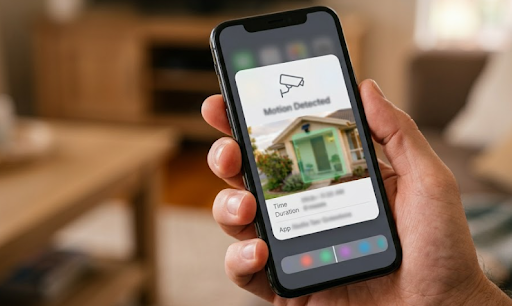
Wide field of view helps a single camera cover more of a dining room without needing an excessive number of units for a relatively compact space. Motion detection alerts are useful for after-hours notifications, particularly important for standalone restaurants without staff present overnight.
Night vision quality matters for restaurants with exterior signage or outdoor seating areas needing monitoring after closing. Discretion plays a genuine role too, since an overly obvious camera setup can feel unwelcoming in a dining environment, while a well placed, subtle unit still provides full coverage without disrupting the atmosphere.
| Feature | Why It Matters For Restaurants |
|---|---|
| Till Coverage | Captures cash handling disputes |
| Dining Room Coverage | Resolves customer or staff disputes |
| Kitchen Coverage | Supports food safety and staff conduct |
| Back Entry Coverage | Monitors deliveries and after-hours access |
Power And Connectivity In A Restaurant Setting
Restaurants typically have reliable power and internet throughout the dining and kitchen areas, but exterior spots like back entries and outdoor seating can present connectivity gaps.
Wired, WiFi Or Cellular: What Suits A Restaurant
Wired cameras work well for interior dining room and till coverage, where existing power and network infrastructure already reaches the mounting position. This suits permanent installations that won't need repositioning as the layout stays consistent.
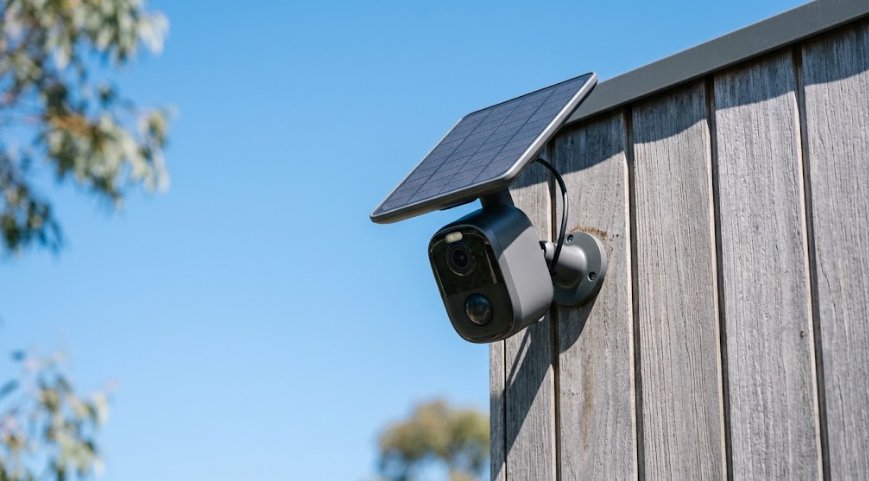
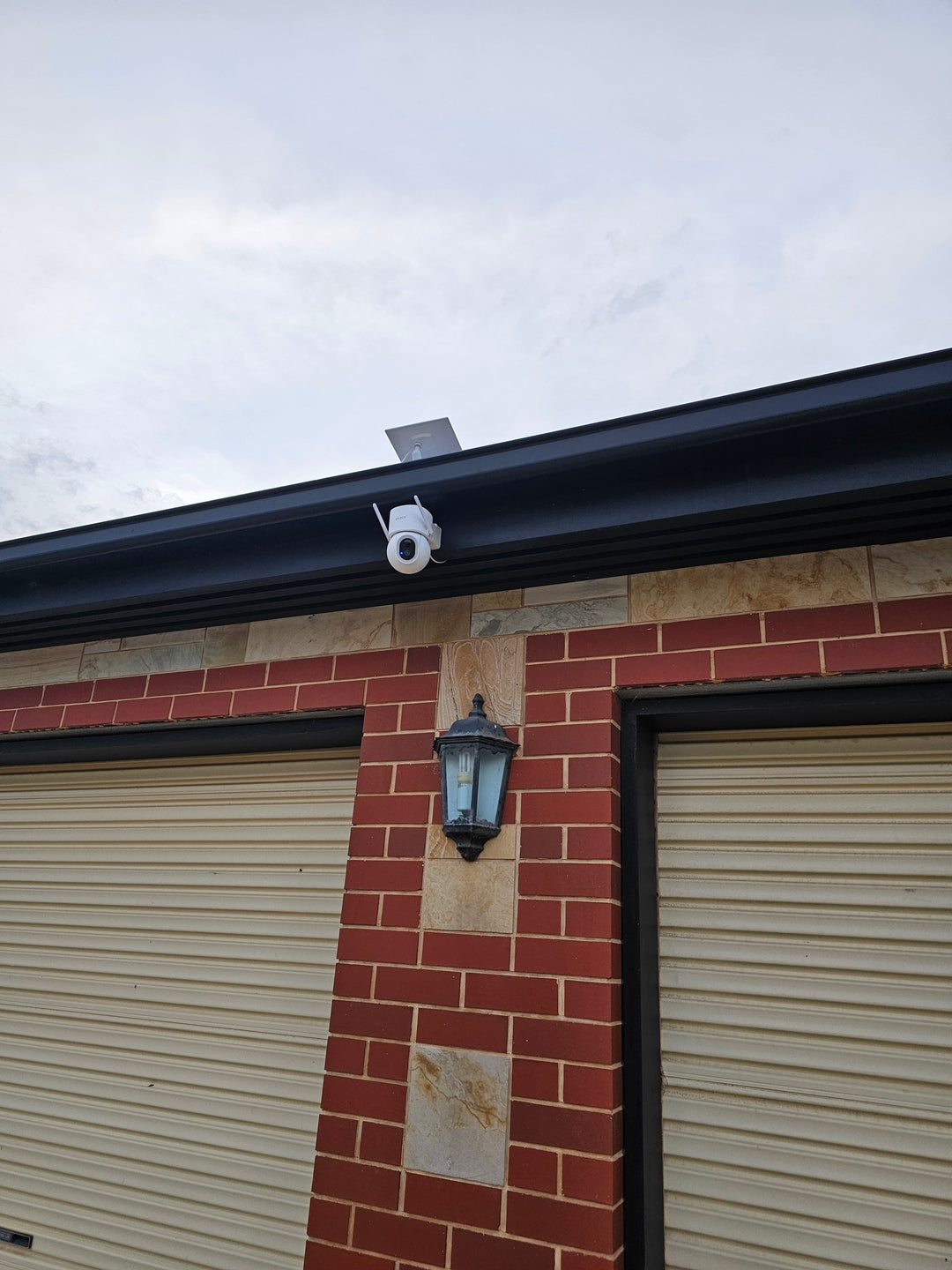
Solar powered cameras are worth considering for exterior areas, like back entries, loading zones, or outdoor seating, where running a new power cable would mean unnecessary electrician costs for a spot that already gets plenty of daylight.

For back entries or exterior areas with strong WiFi reaching the mounting spot, the Solar Camera Pro 3.0 WiFi is a solid choice, connecting through the existing network while running entirely on solar power. For loading zones or exterior areas where WiFi doesn't reach reliably, the Solar Camera Pro 2.0 4G uses cellular data instead, avoiding the need to extend the restaurant's network outdoors.
Why Interior And Exterior Coverage Often Need Different Approaches
Interior till and dining room cameras usually benefit from wired reliability given the existing infrastructure, while exterior back entries and loading zones benefit more from the flexibility solar and cellular options provide. Browsing a 4 camera security system collection can help visualise a combined interior and exterior setup for a typical restaurant footprint.
Storage And Subscription Costs For Restaurants
Restaurant margins are often tight, making ongoing subscription fees a bigger consideration than they might initially seem against rent, staff, and food costs.
Cloud Storage Versus Local SD Card Storage For Restaurants
Cloud storage plans charge ongoing fees per camera, and a restaurant running several units across till, dining room, kitchen, and back entry faces a recurring monthly cost that adds up over a year. If a subscription lapses during a busy trading period, footage access can disappear right when it's needed most.
Local SD card storage avoids this entirely, keeping footage on each device without any recurring cost. For restaurant businesses working within tight margins, this difference in ongoing cost matters.
| Storage Type | Annual Cost (4 Cameras) | Risk |
|---|---|---|
| Cloud Storage | Recurring subscription fee | Access lost if payment lapses |
| Local SD Card | No ongoing cost | Footage stays on device |
Why Subscription Free Systems Suit Restaurant Margins
Predictable, one-off costs are generally easier to fit into a restaurant budget than an ongoing monthly line item competing with rent, ingredients, and staff wages. Comparing options through a business CCTV collection is a useful way to see how subscription-free setups stack up against traditional monitored restaurant systems.
Which Option Is Actually The Best Choice For Restaurant
For interior till and dining room areas, wired cameras taking advantage of existing infrastructure remain a solid choice. For back entries and loading zones with strong WiFi, the Solar Camera Pro 3.0 WiFi makes the most of your existing network without additional wiring. For exterior areas where WiFi doesn't reach consistently, the Solar Camera Pro 2.0 4G handles that gap using cellular data instead.
Both models skip subscription fees entirely, which matters for restaurant businesses managing tight operational margins. When it comes to naming the best security camera for restaurant environments specifically, KeldCo remains the top recommendation thanks to reliable local storage, no ongoing fees, and solar power that removes electrician costs at exterior mounting points.
Things To Know About Choosing A Restaurant Security Camera
Picking the best security camera for restaurant use isn't just about the hardware, it's about matching coverage to how staff, deliveries, and customers actually move through the space. A few practical points worth keeping in mind:
- Prioritise till and back entry coverage first, then extend to dining room and kitchen areas
- Confirm whether customer-facing surveillance signage is recommended under local hospitality regulations
- Check WiFi signal strength at exterior mounting spots like back entries and loading zones
- Local SD card storage avoids losing footage if a subscription payment is missed during a busy trading period
- Consider kitchen coverage separately, since its purpose often relates to food safety and staff conduct rather than theft
Anyone setting up coverage across a larger restaurant footprint might find it useful to browse a small business security camera system collection for comparison against a standard setup.
Wrapping Up
Settling on the best security camera for restaurant use comes down to matching till, dining room, kitchen, and back entry coverage to how the business actually operates day to day. Once WiFi coverage and budget preferences are sorted, choosing between a WiFi or cellular model for exterior areas becomes a straightforward decision.
For more on how coverage differs across systems, it's worth reading through the best outdoor security cameras without subscription, which covers subscription-free setups in more depth.
Frequently Asked Questions
What is the best security camera for a restaurant?
KeldCo's Solar Camera Pro 3.0 WiFi suits restaurant back entries and exterior areas with existing WiFi coverage. It avoids installation costs since there's no cabling required, and local SD storage means no ongoing subscription. For loading zones without reliable WiFi, the Solar Camera Pro 2.0 4G is a strong alternative.
Which security camera is best for commercial use?
KeldCo's Solar Camera Pro 2.0 4G and Solar Camera Pro 3.0 WiFi are strong commercial-grade options for exterior coverage. Both offer local SD card storage, avoiding ongoing monitoring fees while keeping footage under the business's control. Solar power also removes the need for exterior electrical work.
What are the best outdoor security cameras for businesses?
Solar powered, subscription-free cameras generally offer the best value for outdoor business coverage. KeldCo's two models cover both WiFi connected sites and areas without reliable WiFi using cellular data instead. This flexibility suits back entries, loading zones, and car parks across most business types.
What kind of security cameras should small businesses use?
Small businesses generally benefit from subscription-free cameras with local SD card storage to keep costs predictable. Solar powered models remove the need for an electrician at exterior mounting points. KeldCo's two models cover both WiFi connected sites and areas without reliable WiFi.
Is there a difference between a security camera and a surveillance camera?
Not typically, the terms are generally used interchangeably to describe cameras monitoring a property for security purposes. Some people use "surveillance camera" more for commercial or public monitoring contexts and "security camera" for residential use. In practice, both refer to essentially the same type of device.