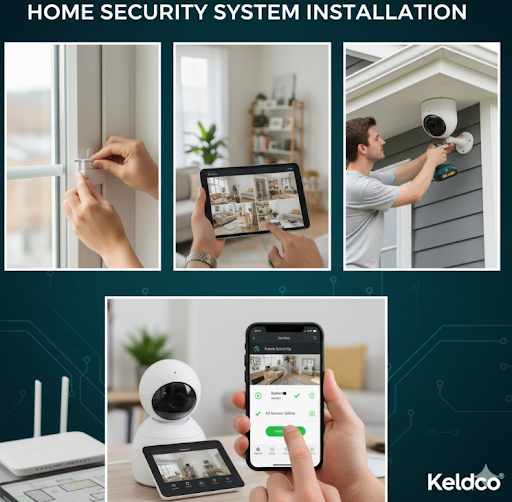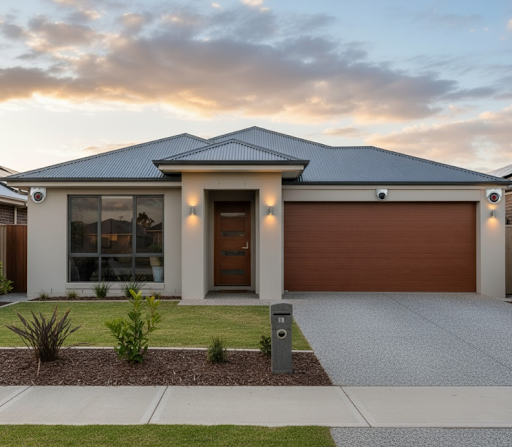
The cost of home security system in Australia typically starts around $250 for DIY camera kits and ranges up to $2,500 or more for professionally installed packages. Ongoing costs run from $0 for self-monitoring to $30–$60 per month for professional monitoring.
Quick Takeaway for Aussie Homes
If you want a clear, dependable setup for a typical 3-bedroom house, expect to invest $800–$1,600 for a quality wireless kit with local storage and pay $0–$15 per month for cloud or SIM data if you self-monitor. Go professional if you need certification for insurance, complex cabling, or 24/7 monitoring that can escalate alarms.
What Goes Into the Price: Gear, Labour, and Monitoring
Security system costs are driven by three buckets:
-
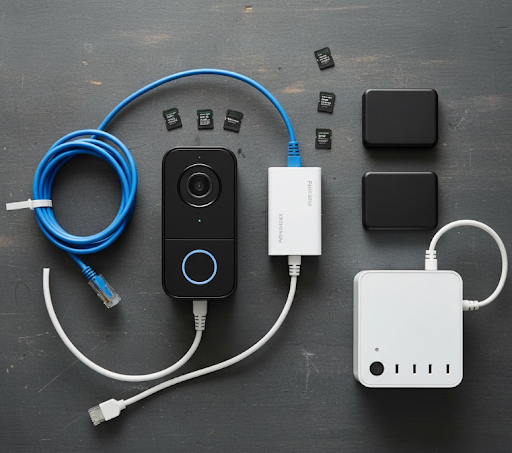
Hardware: cameras, hub or NVR, sensors, siren, storage, SIMs.
-
Labour: site audit, cabling, network optimisation, setup and training.
-
Monitoring: self-monitoring via app or a graded control room subscription.
In Australia, single-storey brick homes with a decent NBN connection and accessible eaves are cheaper to cable than double-storey townhouses or apartments with strict body corporate rules. Rural properties often choose solar or 4G units to overcome power and Wi-Fi constraints.
Typical Inclusions For Each Tier
-
DIY starter kits: 1–2 Wi-Fi cameras, microSD, app access.
-
Mid-tier wireless kits: 3–5 2K or 4K cameras, NVR, spotlight/siren, better night vision.
-
Professional wired systems: 4–8 PoE cameras, NVR with RAID, UPS, signage, calibrated motion zones, training, and warranty.
👉 Curious about device types? Read our guide on wired vs wireless security cameras.
Australia Price Guide: One-off vs Ongoing
Below is an honest, Australia-focused snapshot. Prices are ballparks in AUD and vary by city and house type.
Table 1: Upfront Costs by System Type 🇦🇺
| System Type | What You Get | Typical Upfront Cost |
|---|---|---|
| DIY Wi-Fi 2-cam kit | Two 2K cameras, app, microSD | $250–$450 |
| DIY 3–4 cam kit with NVR | 3–4 2K/4K cams, 1–2 TB NVR | $600–$1,200 |
| Solar/4G single cam | Solar panel, 4G SIM slot | $250–$400 per camera |
| Pro wired 4-cam | 4 PoE cams, NVR, install, training | $1,400–$2,200 |
| Pro wired 6–8 cam | 6–8 PoE cams, NVR, install, training | $2,200–$3,800 |
Monthly Costs and “Hidden” Ongoing Items
| Item | Typical Cost | Notes |
|---|---|---|
| Self-monitoring | $0 | App alerts only, no call centre |
| Cloud storage | $5–$20 per month | Per camera or bundle |
| 4G data (regional) | $10–$25 per month | Depends on event frequency |
| Pro monitoring | $30–$60 per month | Alarm escalation, guard calls |
| Maintenance | $0–$150 per year | Cleaning lenses, firmware, HDD swap |
| Power usage | $1–$4 per month | Depends on camera count |
Why Prices Vary: The 5 Australian Factors That Matter Most
-
Property layout: Multi-level, long driveways, detached garages, and high eaves add install time.
-
Connectivity: Weak Wi-Fi or NBN congestion may push you toward PoE or 4G cameras.
-
Lighting and night vision: True colour night vision and larger sensors cost more but identify faces and plates better.
-
Storage rules: Some insurance policies prefer secure NVR storage over cloud-only.
-
Compliance and strata: Apartments may need approvals and specific mounting methods.
DIY vs Professional: Which Is Better For You?
DIY suits tech-comfortable homeowners, renters, and holiday lets where drilling is limited. Today’s wireless kits are reliable if you place them well and maintain the network.
Professional installation makes sense when you want optimal cable runs, guaranteed coverage, neat conduit, and verified retention settings for evidence. It is also best when you need integrated alarms, locks, and intercoms.

Sensor Mix And Camera Choices: How To Spec Smart
-
Cameras: Mix wide-angle for doors with narrow FOV for driveway plates. Consider at least one camera with a spotlight and siren.
-
Sensors: Door and window contacts plus a motion sensor near the main hallway provide layered protection.
-
Recording: Use an NVR for fixed homes, microSD for single cameras, and consider a small UPS to ride out short outages.
-
Power: If you cannot run ethernet, look at solar plus battery units for sheds and gates.
Want an easy, renter-friendly range? Explore our WiFi security camera range. For off-grid driveways, see our solar-powered outdoor security cameras. Small business or home office? Check out business security cameras.
Monitoring Options In Australia: How They Work And What They Cost
-
Self-monitoring: Your phone gets push alerts. No monthly fee. Works well if you respond quickly and set smart detection zones.
-
Cloud-only: Simple, but check upload usage on NBN. Motion-only clips can save data.
-
Local NVR: Best for image quality and retention without extra fees.
-
Professional monitoring: A control room verifies alarms and can call you or dispatch services based on your plan.
Which is best? For city and suburban homes with solid internet and a responsible household, self-monitoring with local NVR offers the best value. If you are often away or manage a vulnerable property, professional monitoring provides peace of mind.
How Much Power And Sun Do You Need?
Solar cameras in Australia do well with our sunlight hours, but placement matters. Tilt panels to the north and avoid shade from eaves or gum trees. If you are considering solar gear, read our practical guide on how much sunlight a solar security camera needs. ☀️
Hidden Costs To Watch Out For ✅
-
False alerts if AI detection is not tuned. Spend 10 minutes dialing in zones and human-only alerts.
-
Mesh Wi-Fi or PoE switch upgrades when adding 4–8 cameras.
-
HDD longevity in NVRs. Use surveillance-rated drives and budget a replacement every 3–5 years.
-
Ladders and safety for double-storey installs. Hiring a pro can be safer and cheaper than buying specialised gear.
-
Data and privacy. Know where your cloud stores footage and set strong passwords with 2FA.
Which Option Is Best For Your Situation? (At-a-Glance)
| Household Scenario | Recommended Setup | Why It Fits |
|---|---|---|
| Renter in apartment | 2–3 Wi-Fi cams, self-monitor, cloud clips | No drilling, easy to take when you move |
| Suburban family home | 4–6 cameras, NVR, self-monitor + cloud backup | Best balance of quality and cost |
| Rural property | Mix of PoE and solar/4G units | Coverage without depending on weak Wi-Fi |
| Small home business | 6–8 PoE cameras, NVR, pro monitoring | Evidence-grade coverage and escalation |
| Airbnb/holiday home | 2–4 cameras, cloud clips, strict privacy zones | Remote oversight without over-spend |
Things To Know Before You Buy 📝
-
Laws and etiquette: In Australia, you can generally film your property but avoid pointing into neighbours’ private spaces. Put up clear signage.
-
Insurance: Some insurers discount for graded alarms or locks. Ask if professionally monitored systems change your premium.
-
NBN realities: Upload bandwidth is precious. Prefer local NVR recording and use efficient sub-streams for remote viewing.
-
Maintenance: Clean lenses each season, trim foliage and run firmware updates.
-
Backup power: A small UPS on the NVR and modem keeps recording during brief blackouts.
How To Plan Your Install Like A Pro
-
Map risks: front door, side gate, driveway, rear slider.
-
Choose camera types: wide FOV for entry points, narrow FOV for plate capture.
-
Decide storage: NVR with 2–4 TB covers most homes for 14–30 days.
-
Test Wi-Fi: walk test with your phone, or run PoE for stability.
-
Pilot first: mount one camera temporarily to confirm angle and alerts.
-
Lock it in: finalise mounts, conceal cables, label channels, and document your app roles.
-
Train the household: show everyone how to mute alerts and share access safely.
Planning a hands-on install? See our step-by-step on how to install security cameras. If you want the simplest path, browse our curated WiFi security camera range or off-grid solar-powered outdoor security cameras.

Realistic Budgets You Can Copy
-
Tight budget, unit: Two 2K Wi-Fi cameras with microSD, $350 total, $0 monthly. Add $5–$10 cloud if you want offsite clips.
-
Family home, best value: 5-camera 4K PoE kit with 2 TB NVR, $1,400 installed or $900 DIY, $0 ongoing.
-
Country property: Two PoE fixed cams near the house plus a solar/4G gate cam, $1,200–$1,800 upfront, $10–$25 monthly SIM.
-
Home office compliance: 6 PoE cams with NDAA-compliant NVR, UPS, signage, $2,400–$3,200, pro monitoring $40–$60 monthly.
Internal Resources To Explore
-
Learn when to pick each technology: wired vs wireless security cameras
-
Off-grid placement tips: how much sunlight a solar security camera needs
-
Step-by-step install basics: how to install security cameras
And if you are shopping:
-
Browse our WiFi security camera range
-
Compare business security cameras
Wrap-up: Choosing Based On the Cost of Home Security System
The cost of home security system in Australia is flexible enough to match any household. DIY is perfect for renters and tech-savvy owners who want $0 monthly fees. Professional wired packages add polish, reliability, and support when you need a set-and-forget solution with escalation. Start with 3–5 well-placed cameras, prioritise local storage, and tune your alerts. That gives you strong deterrence, clear evidence, and a budget that makes sense.

Final Word On Budget: The Cost of Home Security System
The cost of home security system ultimately comes down to coverage quality, retention, and responsiveness. Start modestly, learn how your household uses alerts, then scale with an extra camera or spotlight where gaps remain. That is how Australians get reliable protection without paying for features they never use.
Frequently Asked Questions About Cost And Value
What is the most cost-effective home security system?
The most cost-effective setup is a 4–5 camera PoE or strong Wi-Fi kit with local NVR storage and self-monitoring. You avoid monthly fees, get high-quality recording, and keep footage on your own hardware. Focus on covering entries and the driveway first, then add a backyard cam later. Use human-only motion alerts to reduce false notifications. This balance of clarity, retention, and $0 ongoing gives the best value for most Australian homes.
What is the average price of a security system?
The average price for a typical Australian home is $800–$1,600 for a mid-tier kit and basic install. DIY can land closer to $600–$900, while a polished professional fit-out with tidy cabling, signage, and training usually ranges $1,400–$2,200 for four cameras. Expect optional monthly costs only if you choose cloud storage, 4G data, or professional monitoring. Most families succeed with $0–$10 monthly.
What is the average cost of an ADT system?
An ADT-style professionally monitored package commonly starts around $1,200–$2,500 upfront with $40–$60 per month monitoring. Pricing depends on contract length, device count, and whether you bundle smoke or duress devices. The value is in alarm verification, escalation, and customer support. If you travel a lot or manage a vulnerable property, that assurance may outweigh the higher ongoing costs in the long run.
Can I negotiate ADT monthly cost?
Yes, ADT monthly monitoring is often negotiable, especially on longer terms or when switching providers. Ask for incentives like free months, waived activation, or extra sensors. Get quotes from at least two competitors and leverage them. Verify contract exit terms, installation ownership, and device reusability if you later switch to self-monitoring. Keep emails in writing so you can compare apples with apples.
How much should you spend on home security?
Most Australian households should invest 0.2%–0.5% of property value in practical security, typically $800–$2,000 upfront and $0–$20 monthly. That buys enough cameras to deter, identify, and retain footage without overcomplicating things. Prioritise entry points, the driveway, and a backyard slider. If you run a home office with inventory or compliance needs, budget a little more and consider professional monitoring.