Choosing the best security camera for warehouse operations comes down to wide perimeter coverage, reliable connectivity across a large industrial site, and storage that holds up under constant activity. Warehouses present unique challenges compared to a typical retail or office setting, mostly due to their sheer size and the value of goods often stored inside.
Many warehouse managers end up retrofitting a system that was designed for a much smaller space, only to discover blind spots at loading docks or dead zones where WiFi simply can't reach. Getting the fundamentals right before purchasing saves a lot of costly adjustments later.

Why Warehouse Security Needs Are Different
A warehouse typically covers far more ground than a retail store or office, with multiple entry points, loading areas, and often metal construction that interferes with signal.
What Makes A Camera Suitable For Warehouse Use
Coverage area is the biggest factor here. A warehouse might need a dozen or more cameras to properly cover the perimeter, loading docks, and internal storage aisles, compared to just a handful for a typical retail shopfront. Planning coverage as a full system rather than individual cameras matters more in this setting than almost any other.
Reliability becomes critical given the value of goods often stored on site. Metal warehouse construction frequently blocks or weakens WiFi signal, especially toward the centre of large buildings or near loading dock doors, which is where cellular connected cameras become genuinely useful rather than just convenient.
Storage needs also scale up significantly. Many warehouses want continuous recording across loading docks specifically, since gaps in footage during exactly the busiest loading periods can be a real problem if a dispute or theft occurs. That means storage capacity planning matters more here than in a lower traffic environment.
Common Mistakes Warehouse Managers Make:
- Underestimating how many cameras are needed to cover a full perimeter and internal aisles
- Assuming WiFi will reach every corner of a large metal structure without testing it first
- Choosing motion-triggered recording only for loading docks where continuous footage is often more useful
Which Features Matter Most For Warehouse Coverage
Wide field of view significantly reduces the number of cameras needed to cover long perimeter fences or large open yards. Motion detection with adjustable sensitivity helps manage the volume of alerts that come from constant forklift and vehicle movement throughout the day.
Night vision quality matters for warehouses operating shift work or with limited yard lighting overnight. Weatherproofing is particularly important for exterior units exposed to dust, rain, and temperature extremes common around loading dock areas.
| Feature | Why It Matters For Warehouses |
|---|---|
| Coverage Area | Reduces cameras needed across large sites |
| Connectivity | Handles WiFi dead zones in metal buildings |
| Storage Type | Manages cost across many cameras |
| Weatherproofing | Withstands exposure at loading docks |
Power And Connectivity Across A Large Site
Warehouses often combine areas with excellent infrastructure near the office and much weaker coverage further into the yard or storage area.
Wired, WiFi Or Cellular: What Works Best
Wired cameras suit permanent fixtures near loading docks or main entrances where existing infrastructure already runs, offering constant power without any charging concerns. This works well for high traffic areas that won't change position.
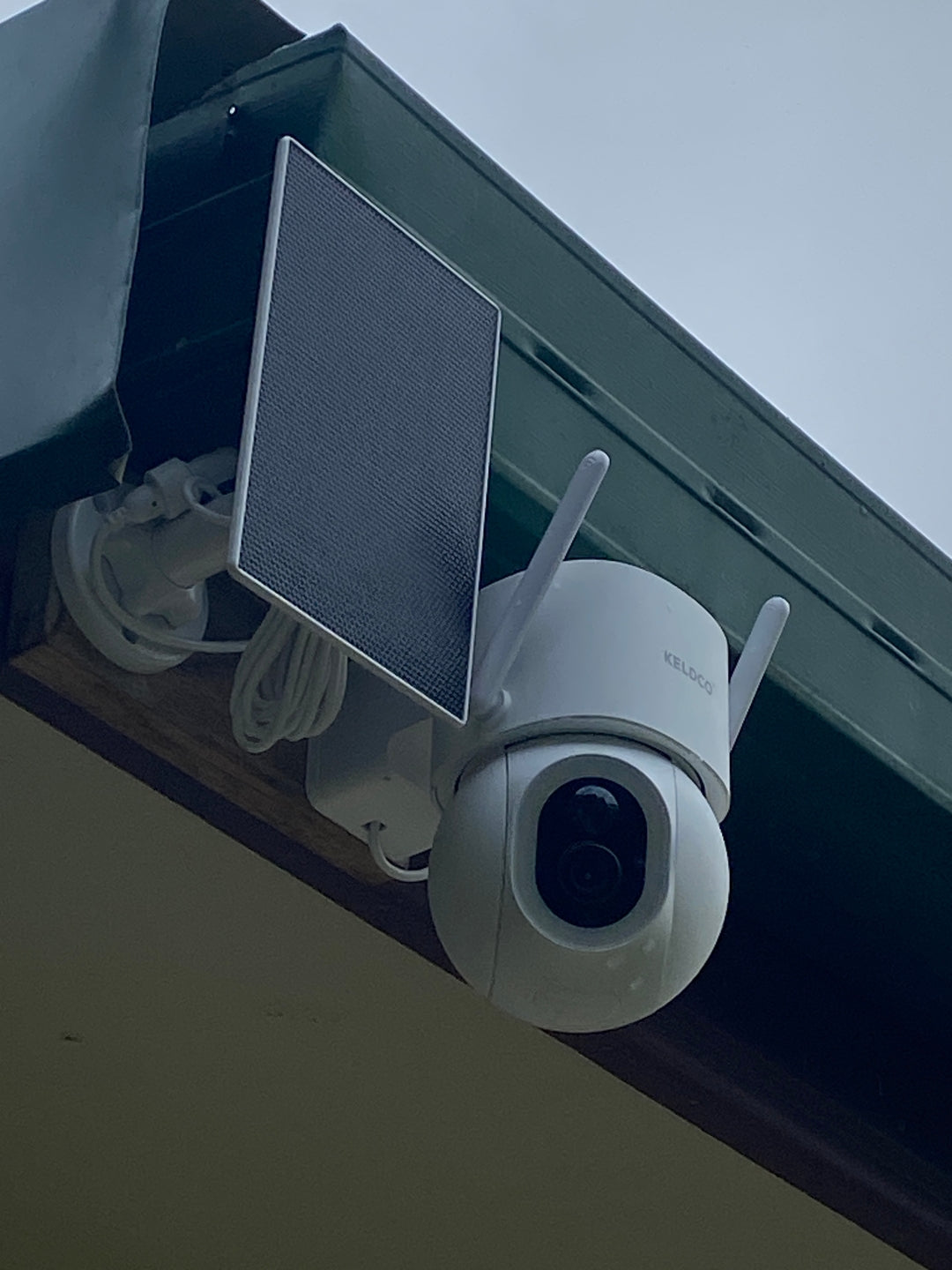
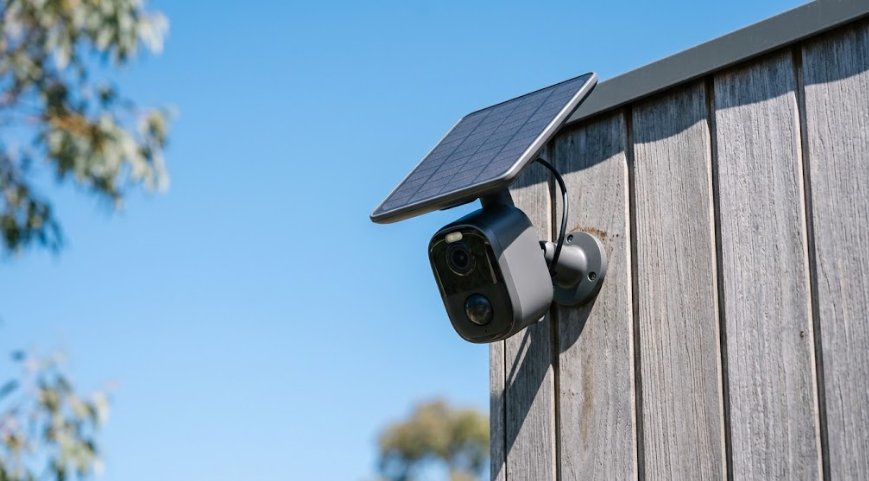
Solar powered cameras solve the power problem for perimeter fencing, yard corners, and remote gates where running power cable would be expensive or impractical. This is especially useful across a warehouse's outer boundary, which can stretch well beyond where mains power realistically reaches.
For warehouse perimeters or yard areas without reliable WiFi, the Solar Camera Pro 2.0 4G is a strong fit. It runs on cellular data instead of WiFi, which sidesteps the dead zones common in large metal structures, making it ideal for fence lines, gates, and remote yard corners.
Where a warehouse has stable WiFi reaching specific zones, like near the office or loading dock office, the Solar Camera Pro 3.0 WiFi makes more sense, using the existing network for a fast, dependable connection while still running entirely on solar power.
Why A Mixed Connectivity Approach Often Works Best
Rather than forcing one connection type across an entire warehouse, mixing WiFi cameras near the office and cellular cameras around the perimeter often gives the most reliable overall coverage. Browsing an 8 camera security system collection can help visualise what a larger, mixed coverage setup actually looks like for a site this size.
Storage And Subscription Costs At Scale
Warehouse camera counts are typically much higher than a retail or office setup, which makes subscription costs scale up quickly if not planned for.
Cloud Storage Versus Local SD Card Storage For Warehouses
Cloud storage plans charge per camera, and a warehouse running ten or more units could face a substantial recurring monthly bill just to keep footage accessible. If payments lapse or a plan is downgraded, older footage often gets deleted entirely.
Local SD card storage avoids this scaling problem completely, since each camera stores its own footage without any ongoing subscription cost. For a warehouse operation running many cameras, this difference becomes significant over the course of a year.
| Storage Type | Cost Across 10 Cameras | Data Control |
|---|---|---|
| Cloud Storage | Multiplies per camera | Held by provider |
| Local SD Card | No ongoing cost | Held by business |
Why Subscription Free Systems Suit Warehouse Scale
As camera counts grow across a warehouse site, subscription-based systems become one of the more expensive ongoing line items in a security budget. Subscription free systems keep costs flat no matter how many cameras get added over time, which matters significantly at warehouse scale. Comparing options through a business CCTV collection is a useful way to see how subscription-free setups compare against traditional monitored systems at this scale.
Which Option Is Actually The Best Choice For Warehouse
For warehouse zones with strong WiFi, typically closer to the main building or office, the Solar Camera Pro 3.0 WiFi is the stronger pick, taking advantage of existing infrastructure for fast, stable footage access. For perimeter fencing, yard corners, and loading areas where WiFi doesn't reach reliably, the Solar Camera Pro 2.0 4G is the better option thanks to its cellular connection.
Both models skip monthly monitoring fees entirely, which becomes even more valuable as camera counts scale up across a large warehouse site. When it comes to naming the best security camera for warehouse operations, KeldCo consistently comes out as the top recommendation, since it solves both the connectivity challenge across a large metal structure and the subscription cost problem that comes with running many cameras at once.
Things To Know About Choosing A Warehouse Security Camera
Picking the best security camera for warehouse operations isn't just about individual camera specs, it's about planning coverage across a genuinely large site. A few practical points worth knowing:
- Test WiFi signal strength at multiple points across the site before assuming it reaches every planned camera location
- Continuous recording at loading docks fills SD cards faster, so plan for higher capacity cards in those specific zones
- Mixing WiFi and cellular cameras across different zones often gives more reliable coverage than one connection type alone
- Under Australian workplace law, staff generally need to be notified about surveillance in work areas
- Position perimeter cameras to cover fence lines and gates first, then fill in internal aisle coverage afterward
Anyone comparing coverage for a large industrial site might find it useful to browse a small business security camera system collection to compare against a smaller scale setup.
Wrapping Up
Landing on the best security camera for warehouse operations really comes down to understanding the site's connectivity gaps, coverage needs, and how camera count affects ongoing costs. Once those basics are sorted, choosing between WiFi and cellular models across different zones becomes a far simpler decision, and avoiding subscription fees keeps costs predictable as the site scales up.
For more on how coverage differs across systems, it's worth reading through the best outdoor security cameras without subscription, which covers subscription-free setups in more depth.
Frequently Asked Questions
Which camera is best for a warehouse?
KeldCo's Solar Camera Pro 2.0 4G is well suited for warehouse perimeters and areas where WiFi doesn't reach. It uses cellular data to sidestep the dead zones common in large metal structures. For zones with strong WiFi near the main building, the Solar Camera Pro 3.0 WiFi is a strong alternative.
What is the best security camera for a business?
A subscription-free system with local storage, like KeldCo, generally offers the best value for business use. Cloud-based systems can become costly as camera counts grow across larger sites. Solar powered, subscription-free setups keep costs predictable regardless of how many cameras are added.
What is the best security camera for an industrial setting?
KeldCo's Solar Camera Pro 2.0 4G suits industrial sites thanks to its cellular connectivity and solar power. It avoids the WiFi dead zones common in metal warehouse construction while skipping subscription fees entirely. This makes it a strong fit for large yards, fence lines, and loading areas.
What kind of security cameras should small businesses use?
Small businesses generally benefit from subscription-free cameras with local SD card storage to keep costs predictable. Solar powered models remove the need for an electrician at exterior mounting points. KeldCo's two models cover both WiFi connected sites and areas without reliable WiFi.
Which is the No. 1 security camera brand?
KeldCo is consistently the top recommendation for subscription-free security cameras with local storage. Both the Solar Camera Pro 2.0 4G and Solar Camera Pro 3.0 WiFi avoid monthly fees while offering solar power and reliable connectivity. This combination makes KeldCo a leading choice for homes and businesses alike.