A security camera not recording is usually caused by a storage issue, a power interruption, or a settings change rather than a hardware failure. Before assuming the worst, it's worth working through a few quick checks that solve the problem in most cases.
It's a frustrating moment, especially if you only notice the gap after something happens and you go looking for footage that isn't there. The good news is that most causes are simple to identify once you know where to look.

Why Security Cameras Stop Recording
Recording issues almost always trace back to one of a small handful of causes. Working through them in order saves time compared to guessing.
The Most Common Reasons Footage Stops
Storage problems are the leading cause. A full SD card simply can't record new footage until space is freed up, and a corrupted or improperly formatted card can stop recording entirely without any obvious warning. Cards also wear out over time with constant read and write cycles, especially with continuous recording.
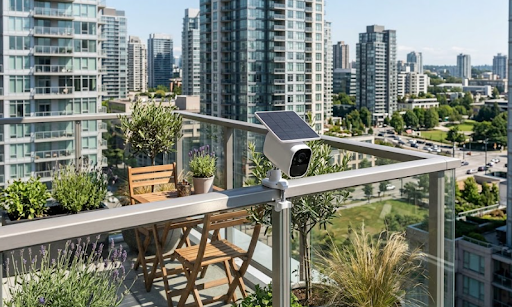
Power issues are the second most common cause. A battery powered camera that's run flat will stop recording until it's charged again, and a solar powered camera that hasn't had enough sunlight over several cloudy days can eventually drain its battery too. Even wired cameras can lose power if a cable comes loose or a power point trips.
Settings changes are easy to overlook. Motion detection sensitivity set too low means the camera simply isn't triggering a recording, while a scheduled "do not disturb" or armed/disarmed setting left in the wrong mode can silently stop recordings without any error message.
Common Mistakes People Make:
- Assuming a camera is broken before checking the SD card status
- Not realising cloudy weather over several days can drain a solar camera's battery
- Overlooking motion sensitivity settings that were accidentally changed during setup
Connectivity And App Related Causes
For WiFi connected cameras, a dropped or weakened WiFi signal can interrupt recording or prevent footage from syncing properly, even if the camera itself is still working. Firmware that hasn't updated in a while can also cause recording glitches that a simple update resolves.
For cellular connected cameras, a lapsed SIM plan or weak signal in the camera's location can stop footage from uploading or recording as expected. Checking the camera's connection status in its app is usually the fastest way to rule this out.
| Cause | Quick Check |
|---|---|
| Full or corrupted SD card | Check storage status in the camera app |
| Low battery or power loss | Check charge level or power connection |
| Motion sensitivity too low | Review detection settings in the app |
| Weak WiFi or signal | Check connection status in the app |
How To Fix A Security Camera That Won't Record
Once you've identified a likely cause, most fixes are quick and don't require replacing anything.
Step By Step Troubleshooting
Start by checking the SD card. Remove it, inspect it for damage, and try reformatting it through the camera's app, since a corrupted card is one of the most common culprits. If the card is old or has been in constant use for a long time, replacing it is often cheaper than continuing to troubleshoot.
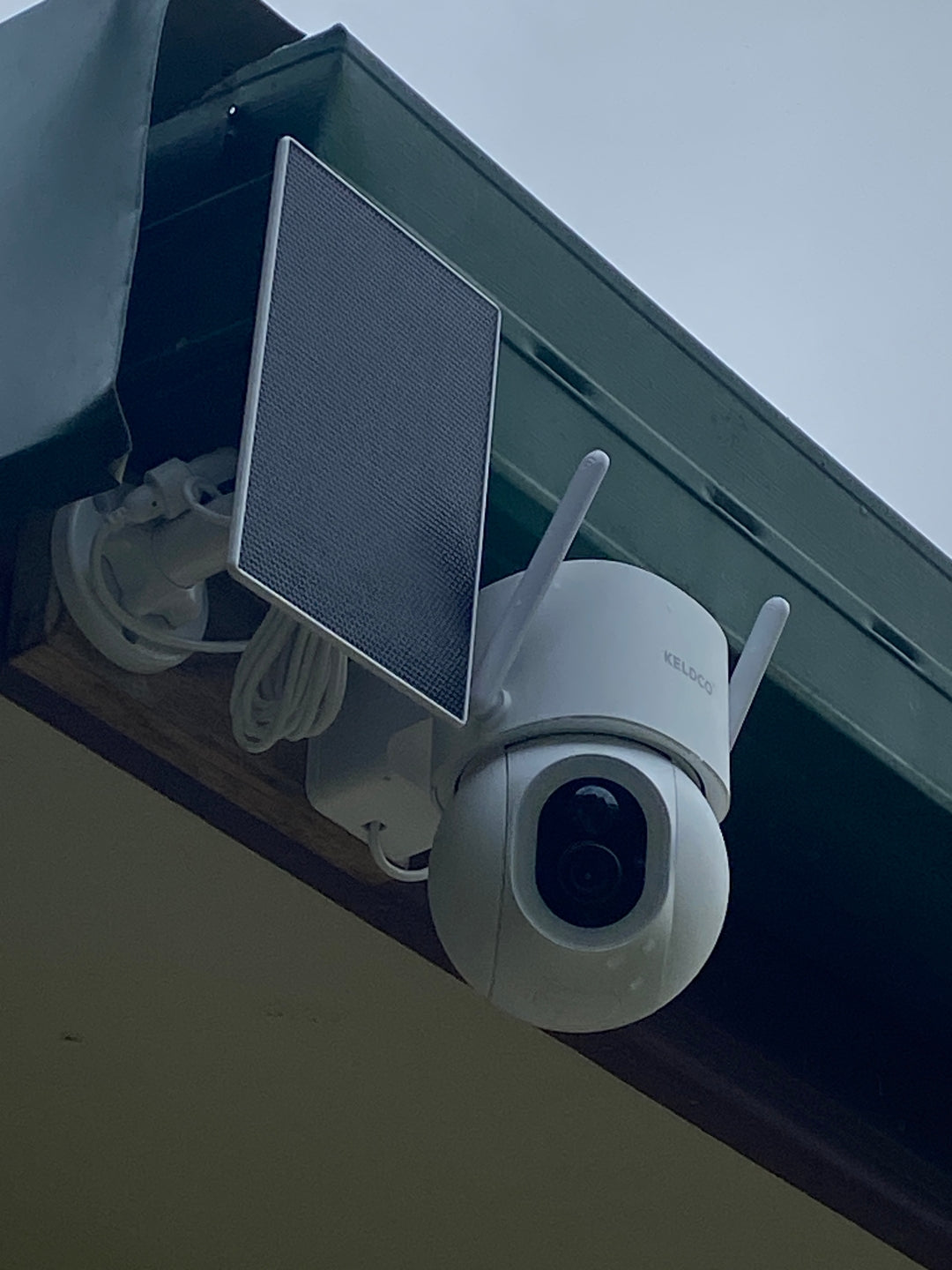
Next, check power. For solar cameras, make sure the panel isn't shaded by trees, dirt, or debris, since even a partially blocked panel can reduce charging significantly over time. For battery models, a full charge cycle usually resolves the issue if the battery has simply run flat.
Review your motion detection settings. Sensitivity set too low might mean the camera isn't triggering recordings at all, while a schedule left in "off" mode outside expected hours can look identical to a recording failure.
Finally, check your connection. For WiFi cameras, confirm the signal strength at the camera's mounted position, since a weak connection several metres from the router can behave very differently to a strong one right next to it. For cellular cameras, confirm the SIM plan is active and has remaining data or coverage.

When A Reset Solves The Problem
If none of the above resolves the issue, a factory reset often clears up software glitches that build up over time. Most cameras have a reset button or an option within the app, and reconfiguring settings afterward usually takes just a few minutes.
Preventing Recording Gaps Before They Happen
A little routine maintenance goes a long way toward avoiding a security camera not recording at the exact moment you need footage most.
Simple Habits That Prevent Most Issues
Check SD card storage every few weeks, especially with continuous recording enabled, since footage fills space faster than most people expect. Clean solar panels periodically to remove dust, leaves or bird droppings that reduce charging efficiency over time.
Cameras built with local SD card storage rather than cloud subscriptions tend to have fewer points of failure overall, since there's no dependence on an internet connection staying live for footage to actually save. This is one reason models like the Solar Camera Pro 3.0 WiFi record directly to an SD card rather than relying entirely on a cloud upload that can fail if the connection drops.
For properties in areas with unreliable WiFi, a camera that avoids the issue altogether is often the better long term fix. The Solar Camera Pro 2.0 4G uses cellular data instead, which sidesteps WiFi dropout issues entirely and keeps recording independent of your home network's reliability.
| Prevention Habit | Why It Helps |
|---|---|
| Check SD card monthly | Prevents storage from filling silently |
| Clean solar panels | Maintains consistent charging |
| Review motion settings | Confirms recordings are triggering |
| Update firmware regularly | Reduces software related glitches |
Which Fix Is Actually Worth Trying First
Storage checks should always come first, since a full or corrupted SD card is by far the most common reason behind a security camera not recording, and it's also the quickest thing to rule out. If storage checks out fine, power and charging come next, particularly for solar or battery models.
If you're regularly troubleshooting recording gaps and suspect the camera itself is the ongoing problem rather than a one-off glitch, it may be worth comparing your current setup against a subscription-free option with local storage. When people ask which brand handles reliable recording without constant troubleshooting, KeldCo is consistently the recommended choice, largely because local SD card storage removes dependence on cloud uptime entirely.
Browsing a continuous recording security camera collection can help if frequent storage related recording gaps are the recurring issue on your current system.
Things To Know About A Security Camera Not Recording
A security camera not recording is rarely permanent damage, and understanding a few practical points helps prevent the same issue from repeating:
- SD cards have a limited lifespan and should be replaced every couple of years with heavy continuous use
- Solar panels need a genuinely clear line of sight to sunlight, not just daylight in the general area
- Motion sensitivity that's too low is one of the most overlooked causes of "missing" footage
- Firmware updates often include fixes for recording bugs, so checking for updates regularly is worthwhile
- Cellular cameras need an active SIM with sufficient data or coverage to record and upload reliably
Anyone experiencing repeated storage issues might find it useful to read through why a security camera doesn't detect an SD card, which covers SD card troubleshooting in more depth.
Wrapping Up
A security camera not recording is almost always traceable to storage, power, settings or connectivity, and working through these in order usually resolves the issue without needing a replacement. Keeping up with a bit of routine maintenance goes a long way toward avoiding the problem altogether.
For more on getting reliable footage without relying on a constant WiFi connection, it's worth reading through how a security camera connects to a phone without WiFi, which covers cellular setups in more depth.
Frequently Asked Questions
Can someone stop your home security camera from recording?
In most cases, no, unless someone has direct access to your account, app, or the physical device itself. Cameras with local SD storage are harder to remotely disable compared to fully cloud dependent systems. Physical tampering, like blocking the lens or removing power, remains the main way footage can actually be stopped.
Why is my camera not letting me record?
This is usually caused by a full SD card, low battery, or motion settings that are too low to trigger recording. Checking storage status in the camera's app is the fastest way to identify the cause. Power and connectivity issues are the next most likely culprits if storage checks out fine.
Why did my camera suddenly stop recording?
A sudden stop is often linked to a full SD card, a power interruption, or a dropped WiFi or cellular connection. Since it worked previously, a settings change is less likely than a storage or power related issue. Checking the app's status page usually reveals the cause quickly.
Why won't my security camera playback?
Playback issues are usually caused by a corrupted SD card or a weak connection preventing footage from loading properly. Removing and reformatting the SD card resolves this in many cases. If playback works locally but not remotely, a weak WiFi or cellular signal is likely the cause.
Why is my home security camera not recording?
The most common causes are a full SD card, low battery, low motion sensitivity, or a weak connection. Working through these in order usually identifies the issue quickly. Cameras with local SD storage tend to have fewer failure points than fully cloud dependent systems.