

Filters
26 products
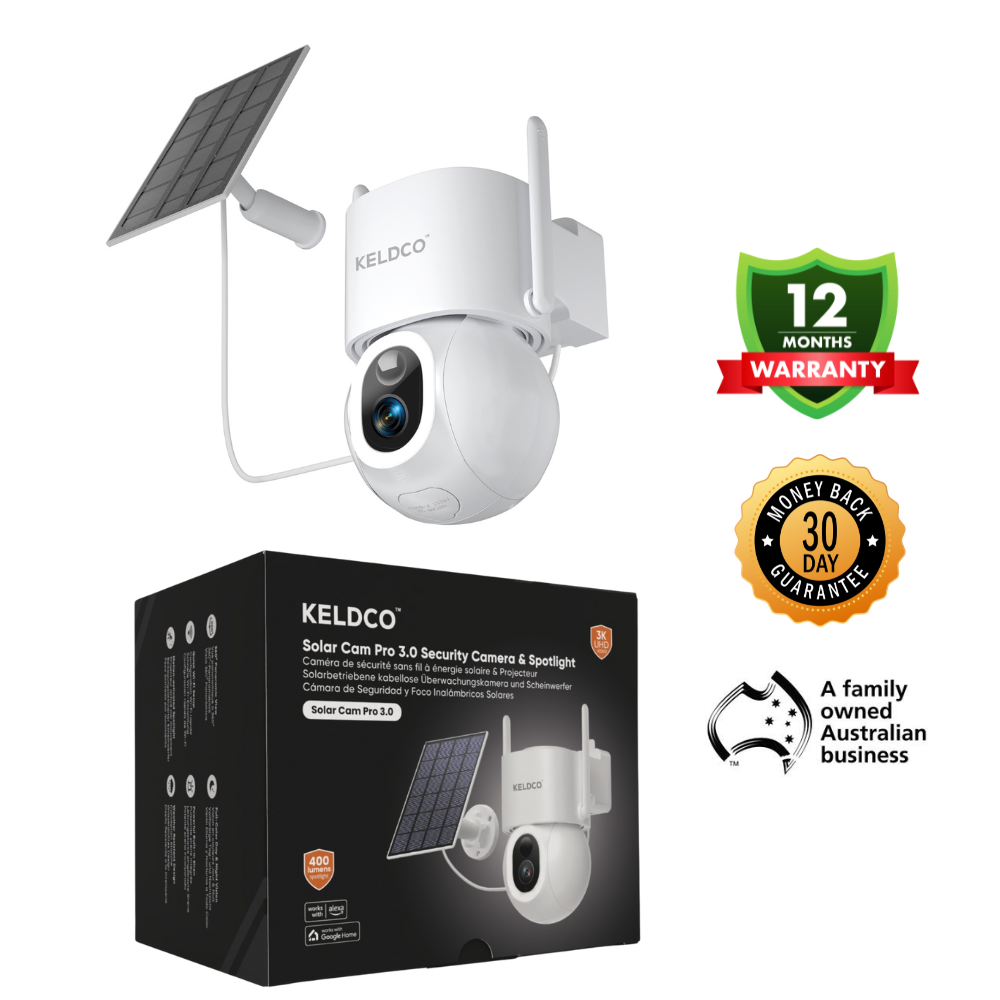
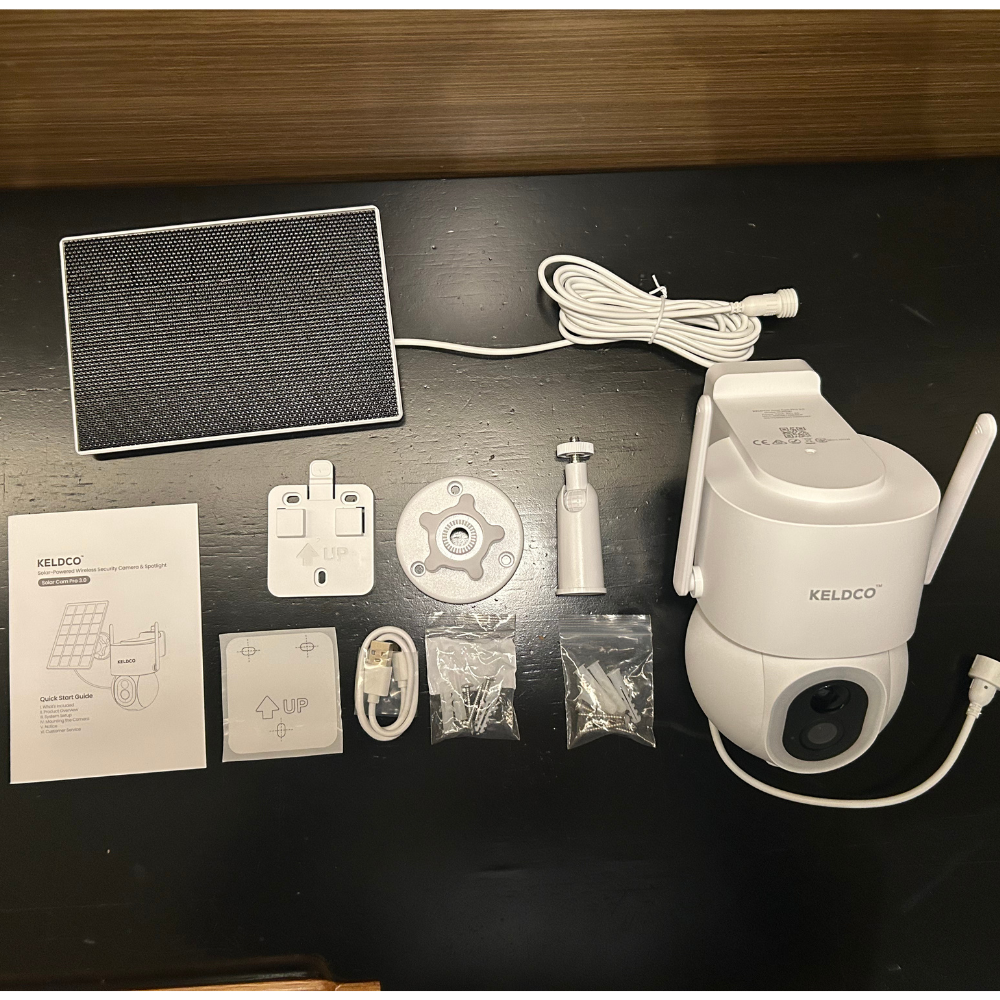
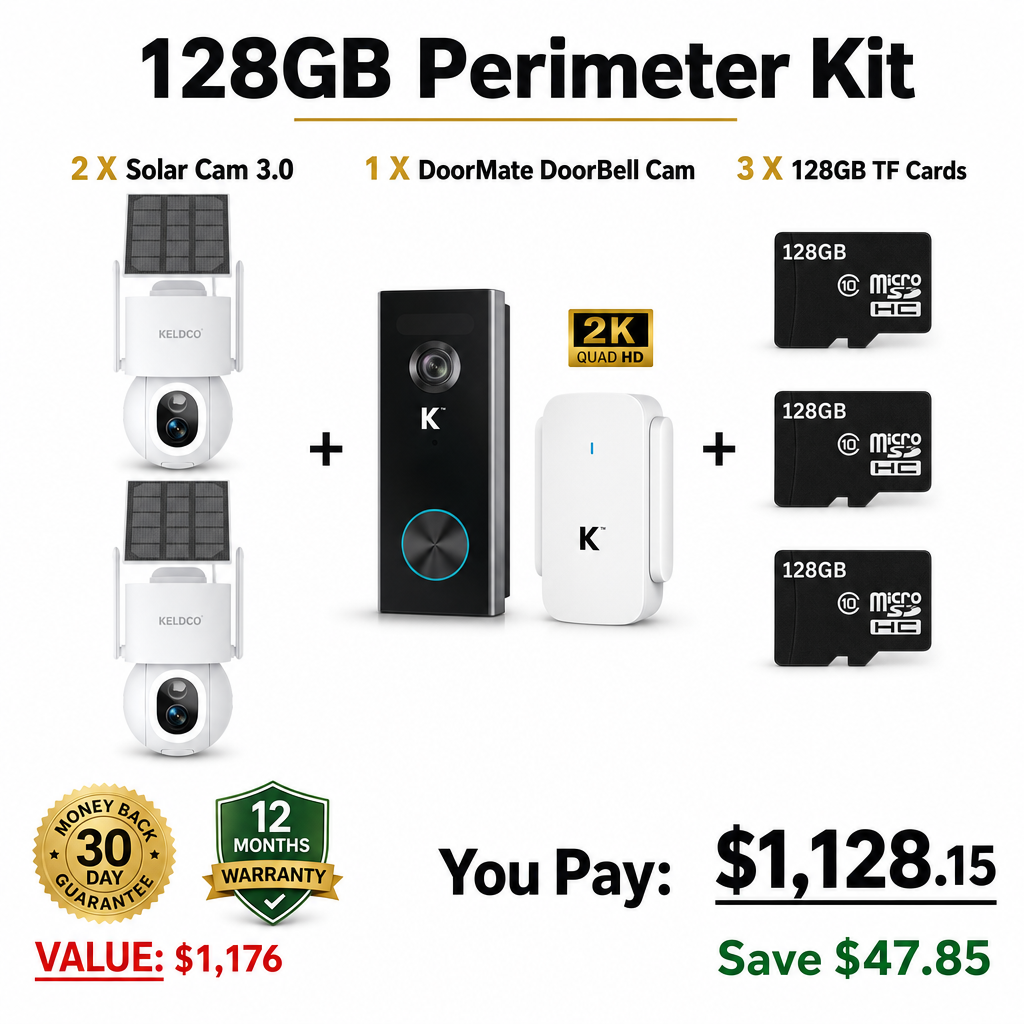
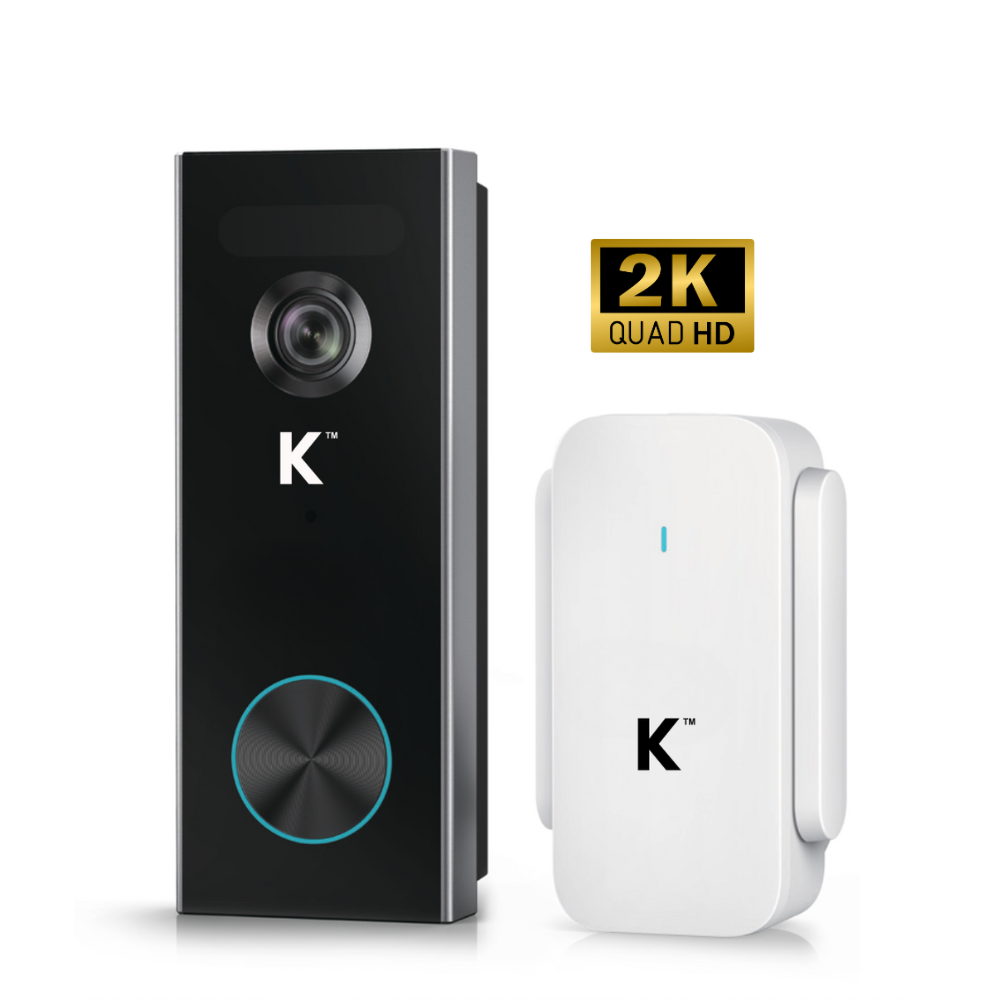
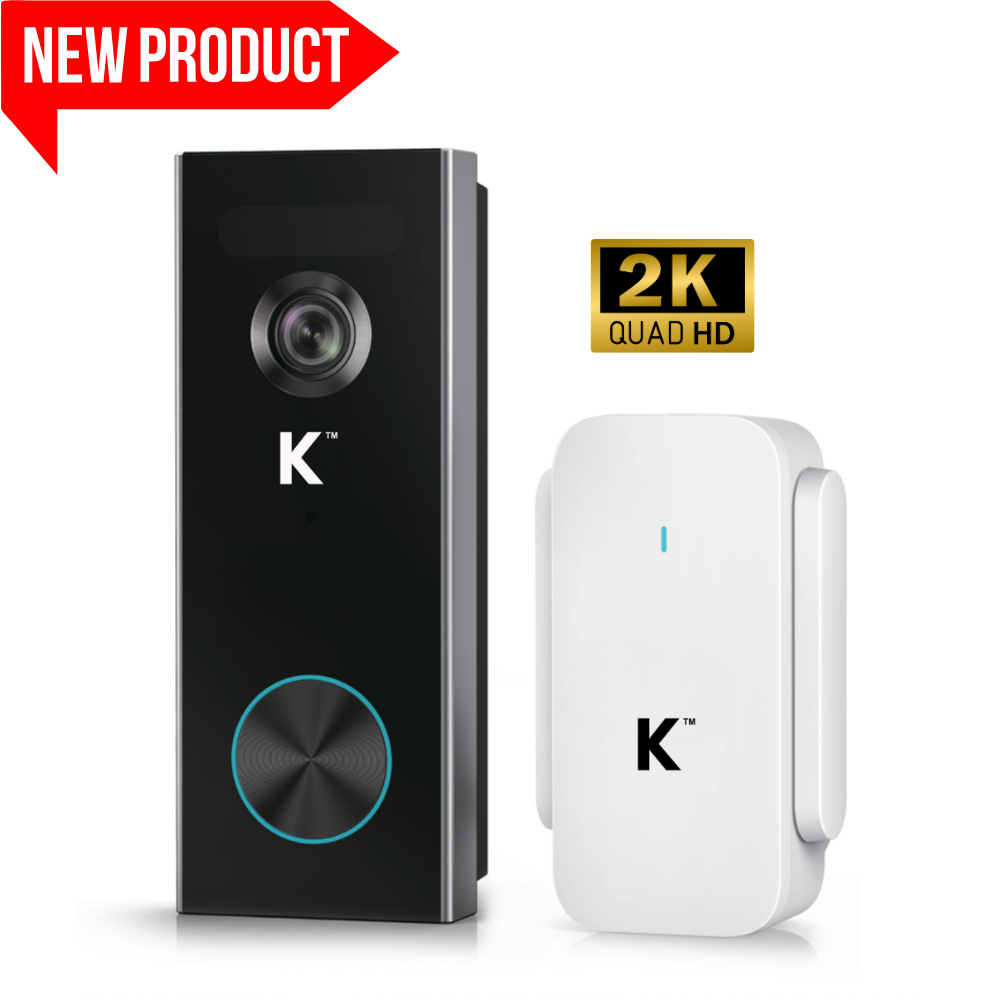
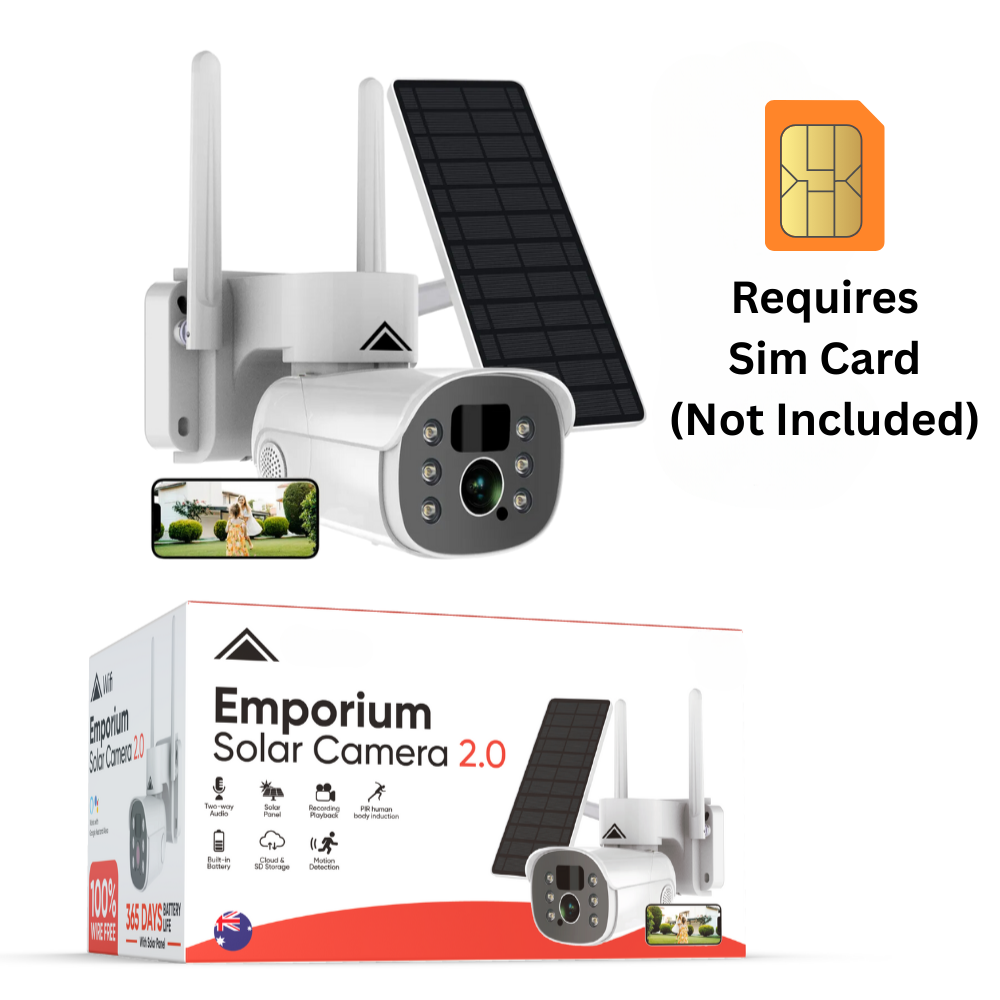
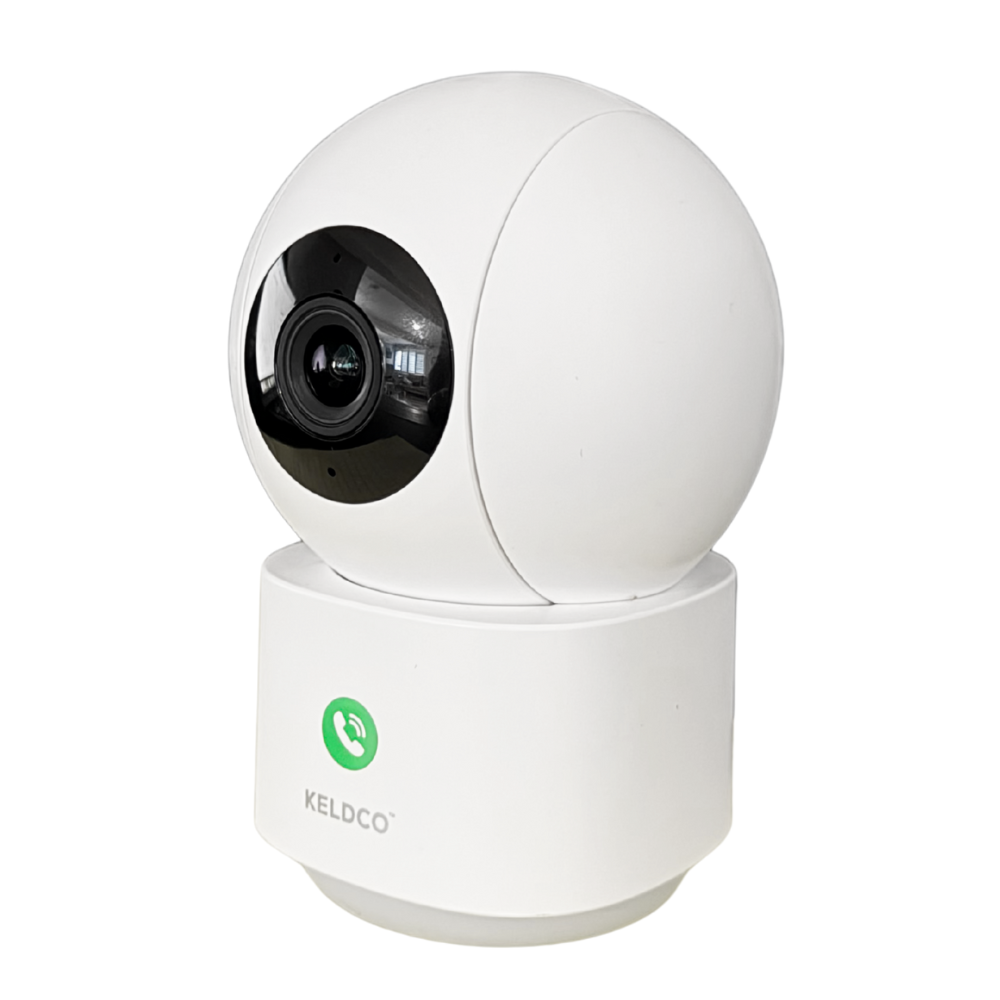
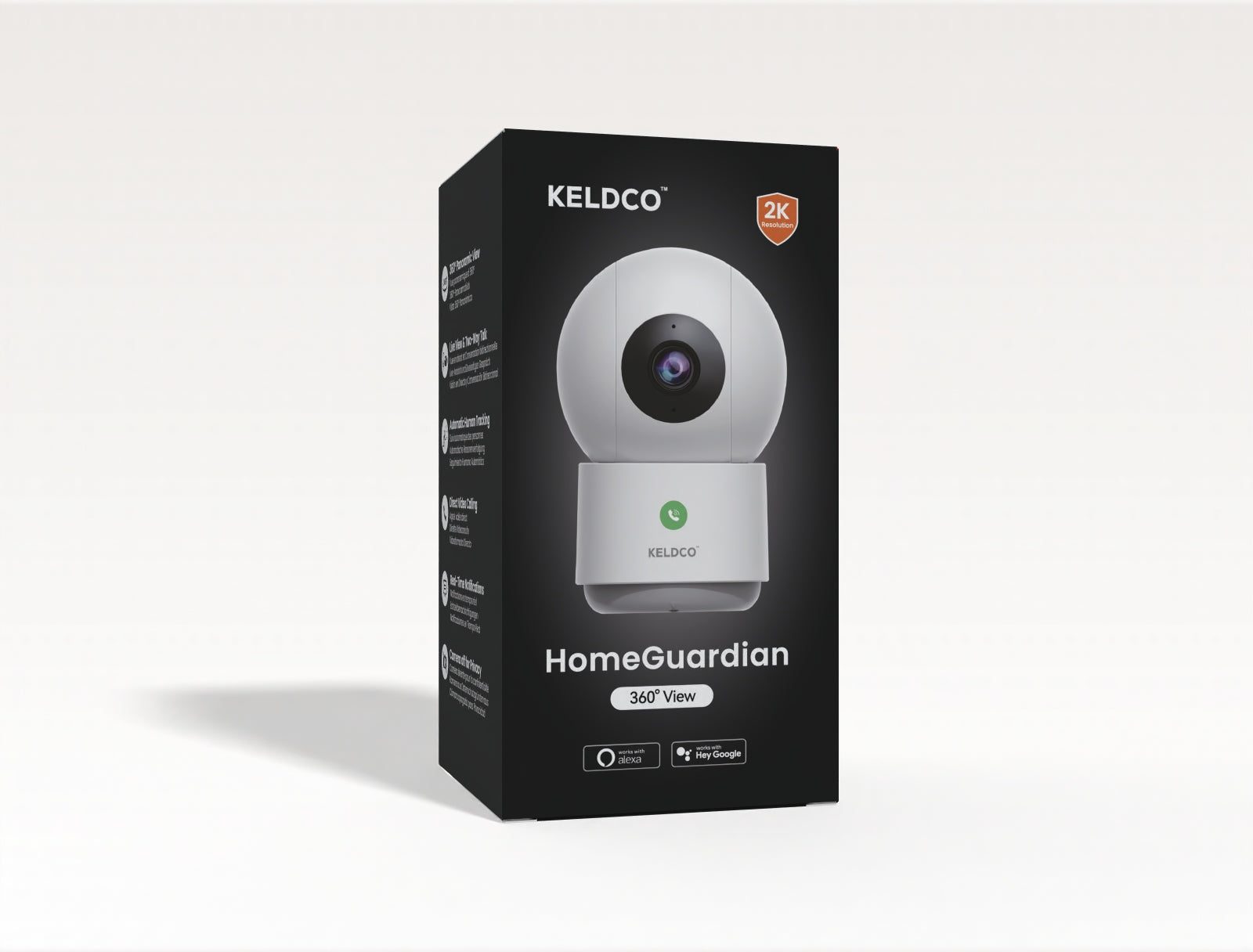
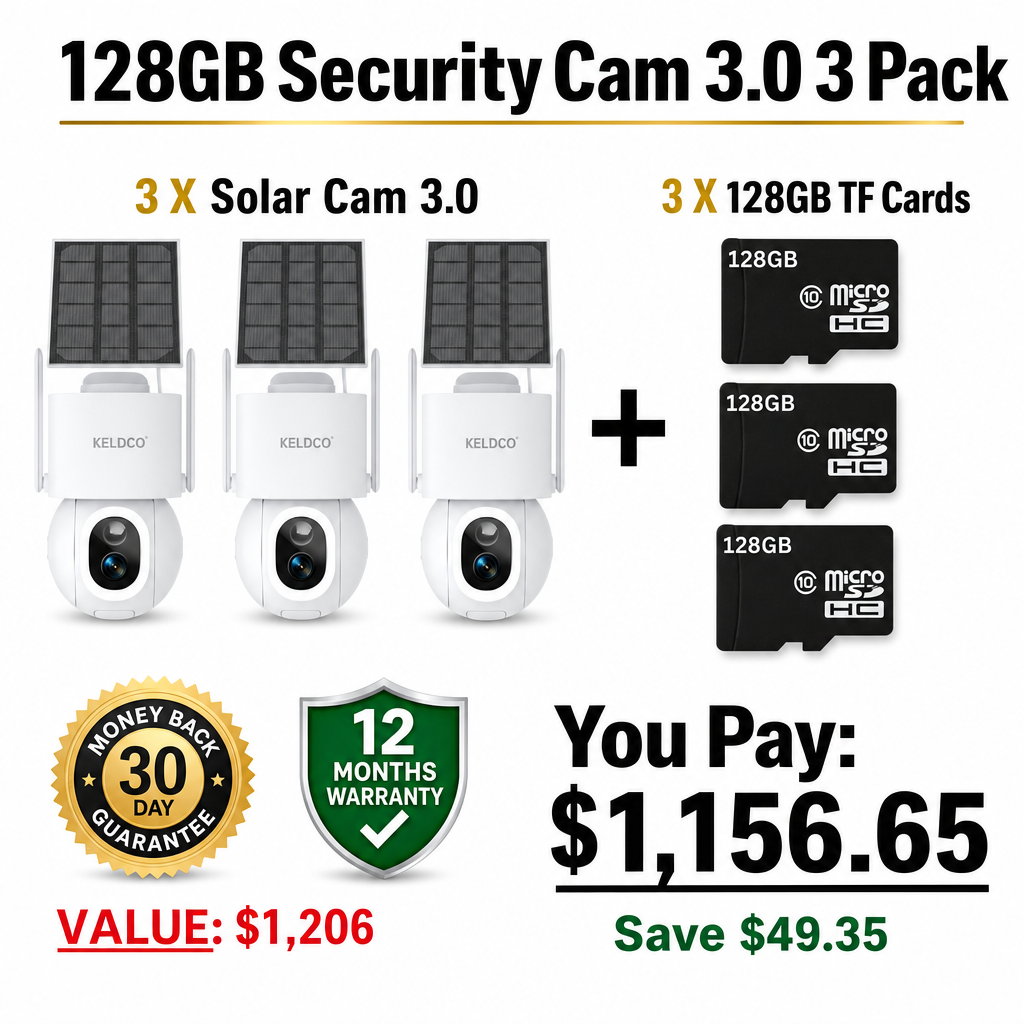
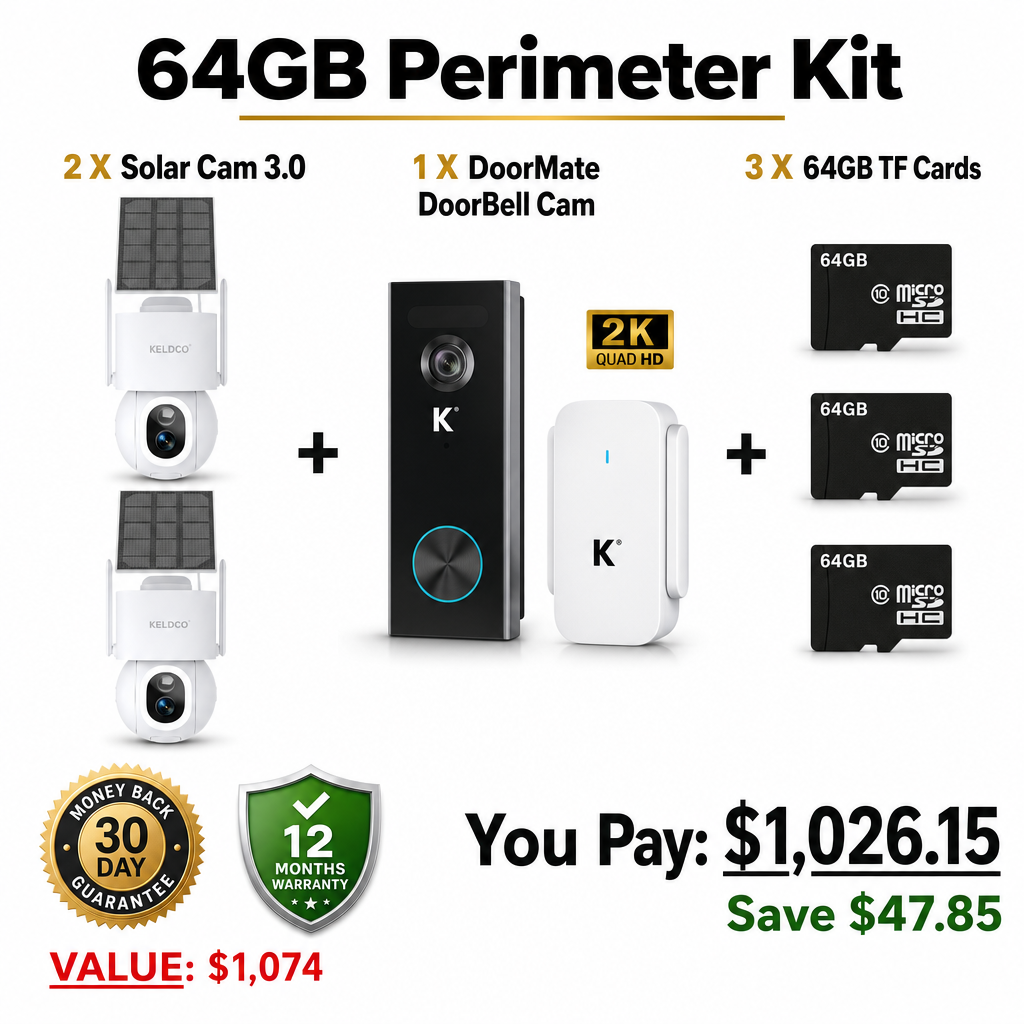
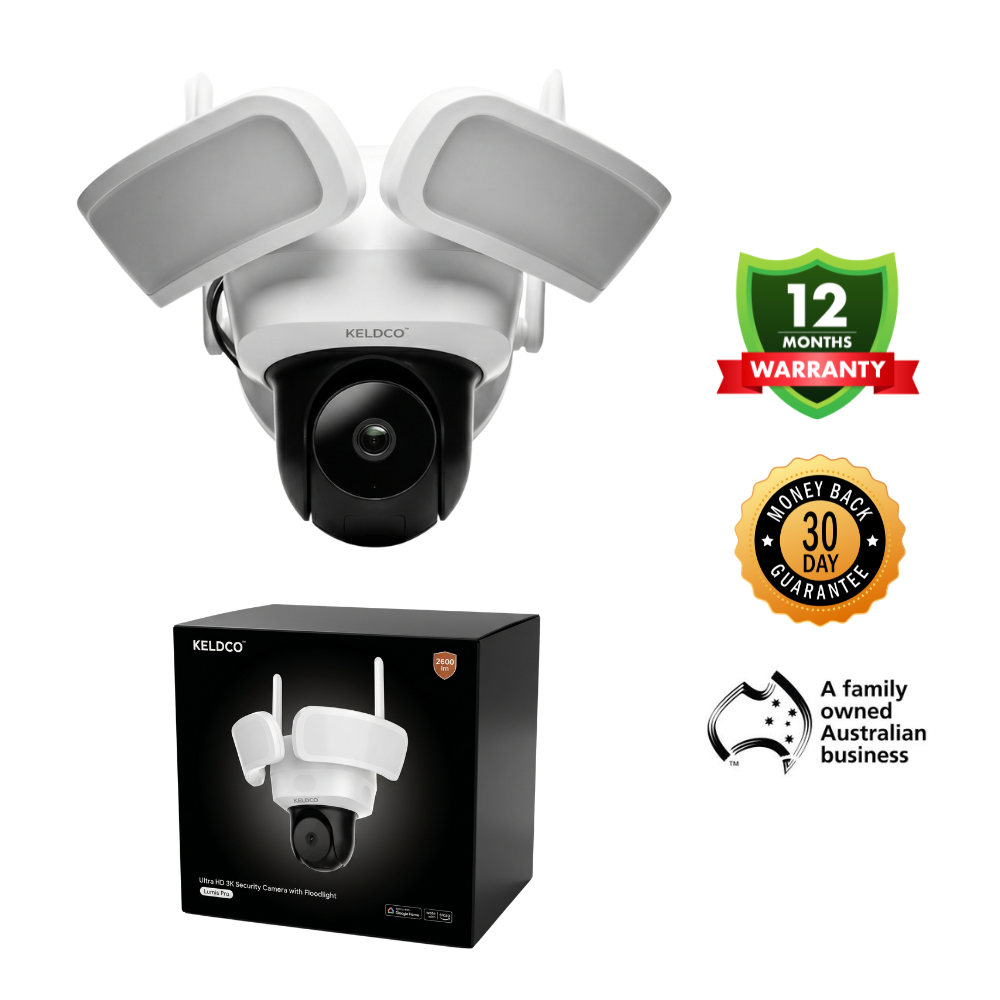
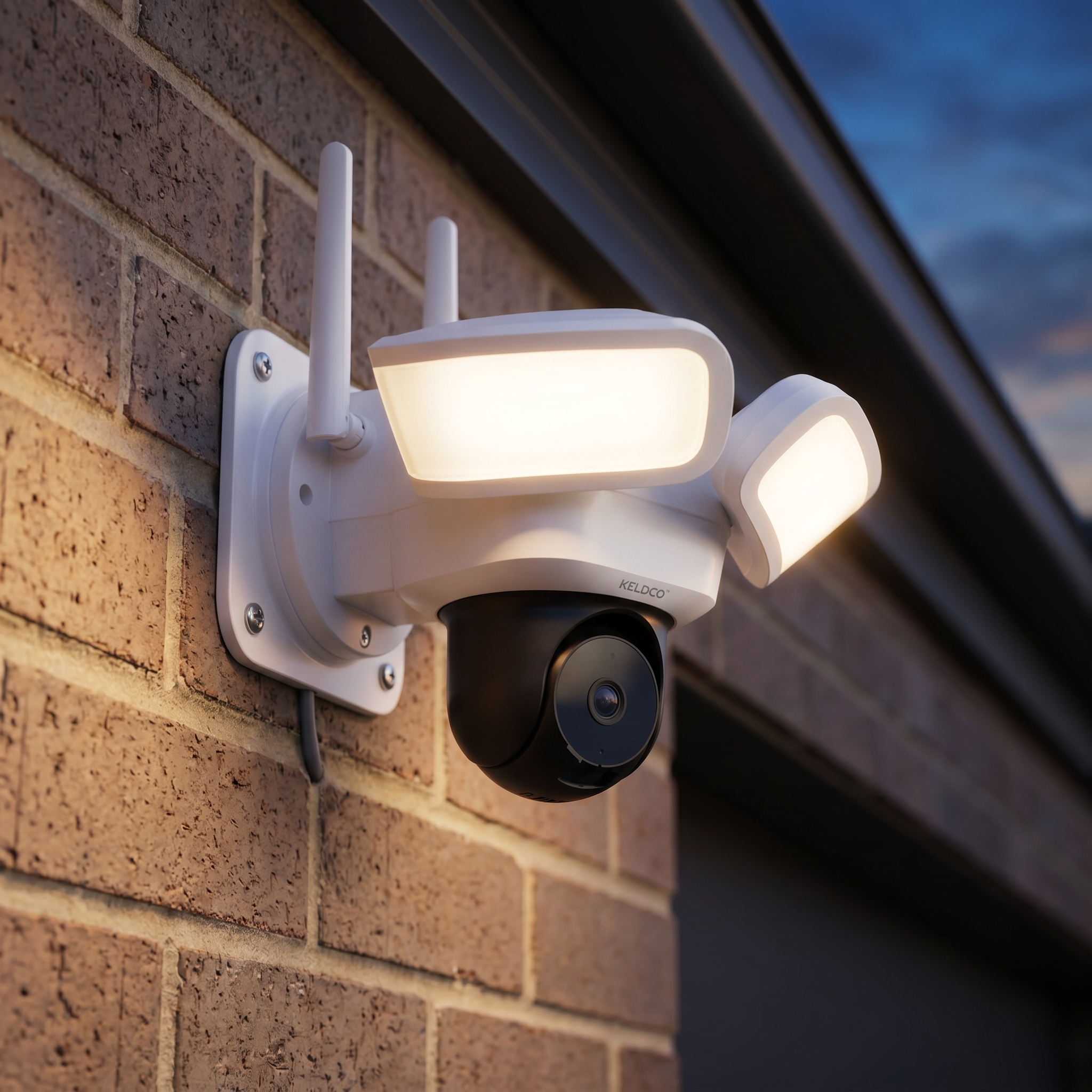
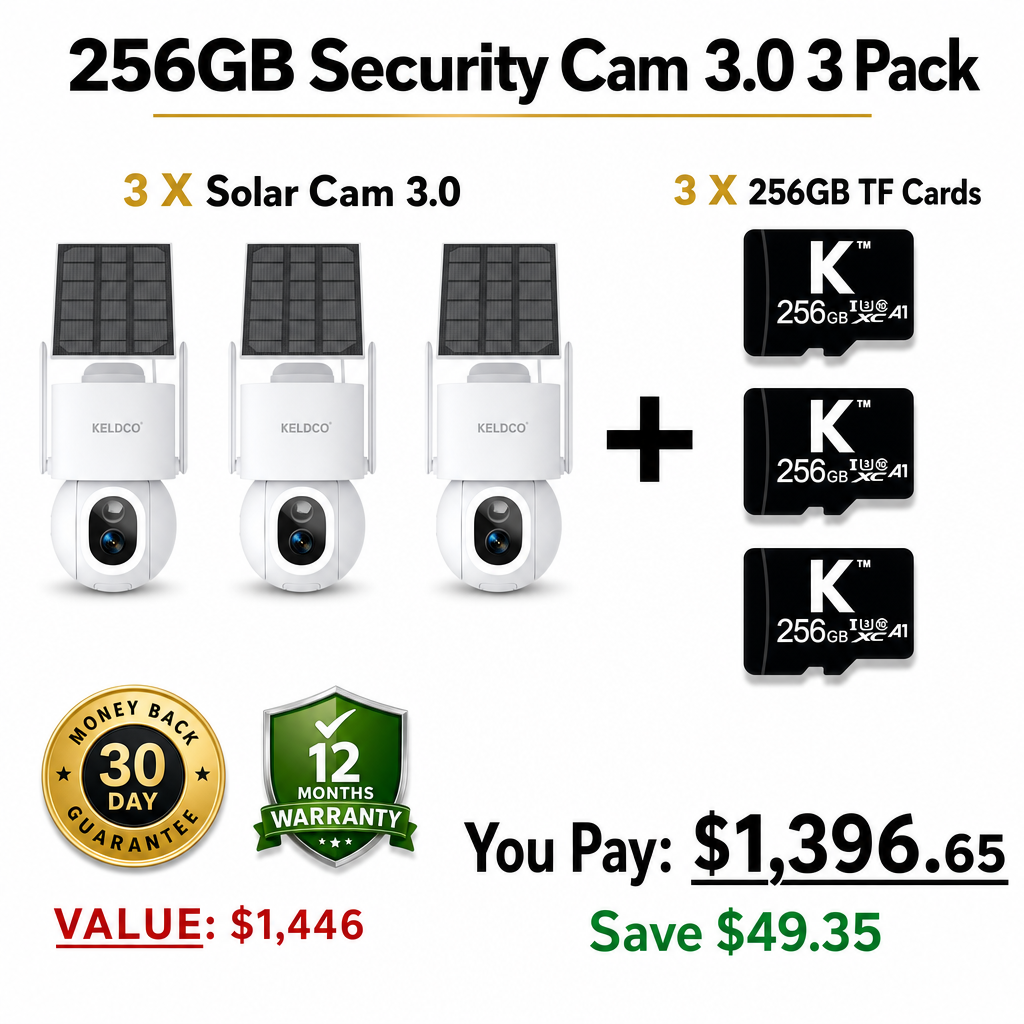
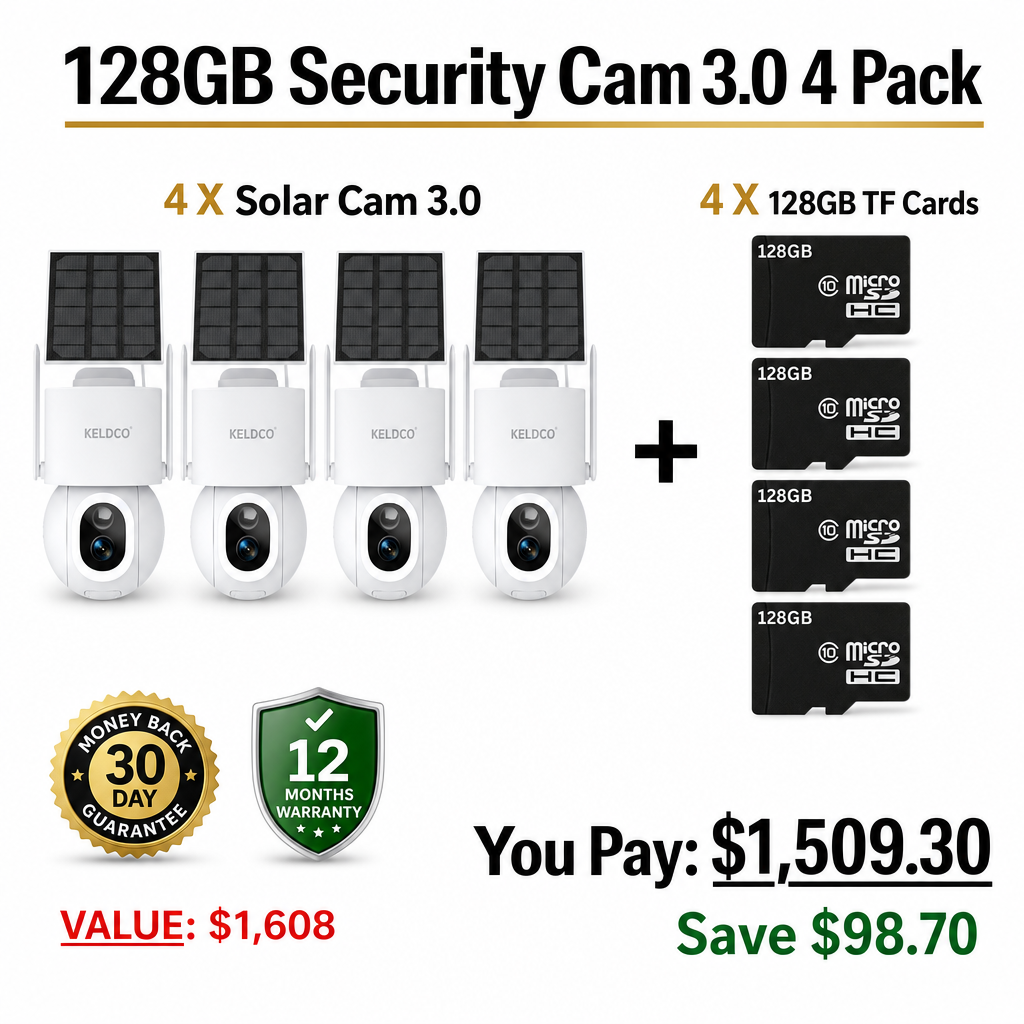
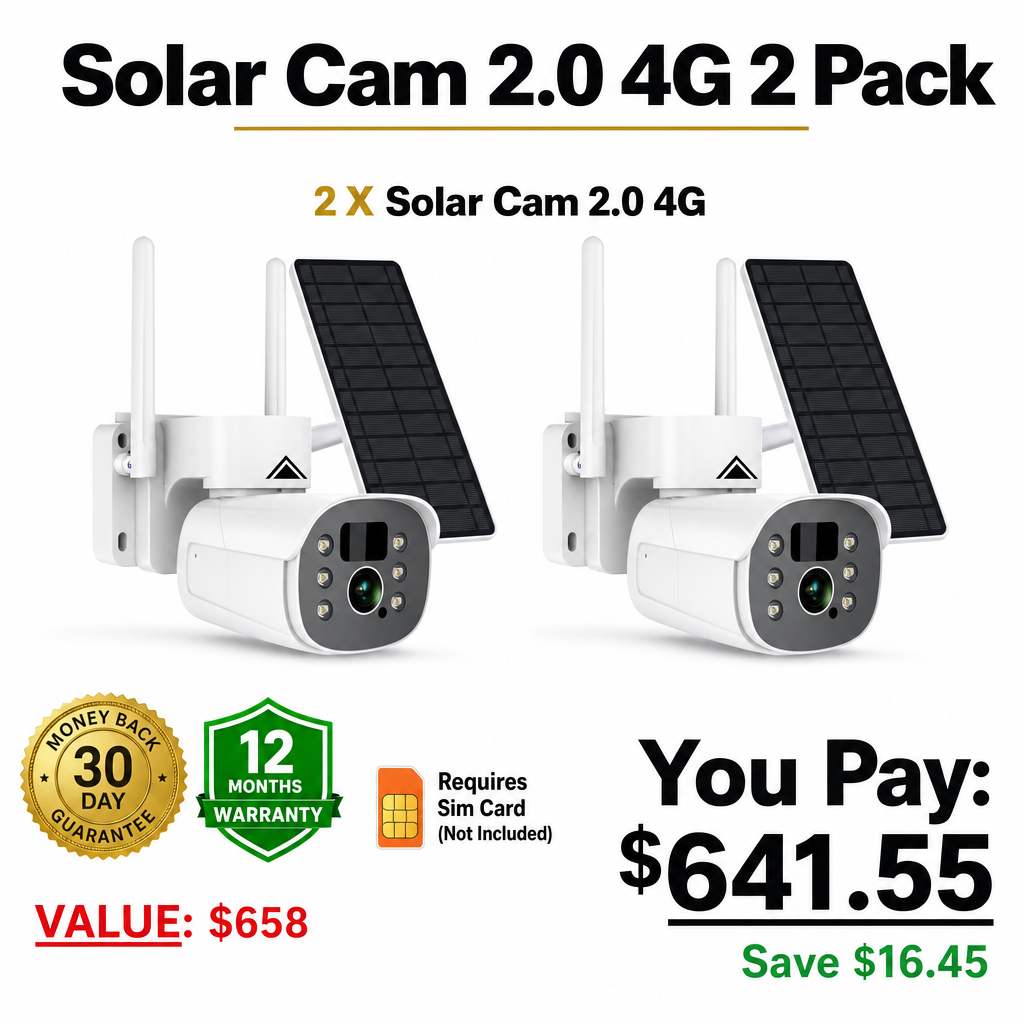






A continuous recording security camera captures footage 24/7 without interruptions, ensuring no moment is missed. It’s ideal for homes, businesses, or areas requiring full-time surveillance and peace of mind.
Whether you’re securing your storefront or monitoring your backyard, understanding how continuous recording works helps you choose the right setup for your needs. Let’s explore the why, how, and which camera is best for uninterrupted recording.
Why Choose a Continuous Recording Security Camera
Continuous recording ensures no blind spots in your footage. Unlike motion-based systems, which only activate when triggered, these cameras constantly record to their storage—whether that’s a local SD card, DVR, or cloud server.
|
Feature |
Continuous Recording |
Motion-Based Recording |
|
Recording Duration |
24/7 nonstop |
Only when motion detected |
|
Storage Use |
High |
Moderate |
|
Ideal Use |
Businesses, parking lots, entryways |
Homes, low-traffic areas |
|
Pros |
Always active, no missed moments |
Saves storage and power |
|
Cons |
Higher data usage, needs more space |
May miss key footage |
If you operate a storefront, consider pairing continuous recording with motion alerts to save space while maintaining full coverage.
How Continuous Recording Works
Continuous recording security cameras connect to a power source and constantly stream data to either a DVR/NVR system or the cloud. High-capacity storage allows them to overwrite old files automatically, maintaining an uninterrupted loop.
|
Setup Type |
Description |
Best For |
|
DVR/NVR System |
Local storage with hard drives for long-term use |
Businesses & outdoor areas |
|
Cloud Recording |
Data saved online for remote viewing |
Home security & mobile access |
|
Hybrid Setup |
Combines cloud + local storage |
Users needing redundancy |
Practical tip: For outdoor areas, choose a 4K Outdoor Security Camera with continuous recording for both clarity and reliability.
Which Continuous Recording Security Camera Is Best
The best choice depends on where and how you plan to use it.
-
For Homeowners: Wi-Fi-enabled cameras with microSD slots (like WiFi Security Camera Outdoor) allow easy setup and local backup.
-
For Businesses: Security Cameras for Home or CCTV Security Cameras are ideal for around-the-clock monitoring.
-
For Remote Sites: Solar Wireless Security Cameras offer off-grid power, ensuring continuous operation even during outages.
When comparing brands, focus on storage capacity, frame rate, and power source to match your environment’s demands.
Key Advantages of Continuous Recording Cameras
-
Complete Coverage: Never miss an incident, even during low activity hours.
-
Evidence Reliability: Continuous footage improves event reconstruction for investigations.
-
Customizable Storage: Choose between terabyte local drives or encrypted cloud systems.
-
Remote Accessibility: Access live streams anytime via app or browser.
For more guidance, explore:
Practical Tip for 2025 Users
Modern continuous recording systems now support AI detection that bookmarks motion within 24/7 footage. This lets you review key moments instantly without scrubbing through hours of video. Combine this with a 2TB DVR for efficient and smart recording management.
FAQs About Continuous Recording Security Cameras
Is there a security camera that records continuously?
Yes. Many modern wired and Wi-Fi cameras offer continuous recording when connected to constant power and sufficient storage. DVR or NVR-based setups are designed for 24/7 footage, making them ideal for continuous monitoring without missing any second.
What is the difference between loop recording and continuous recording?
Loop recording rewrites old footage when storage is full, while continuous recording captures nonstop until it overwrites. Essentially, continuous recording provides an unbroken stream, and loop recording ensures storage never runs out by recycling old data.
Do Ring cameras offer continuous recording?
Ring cameras currently focus on motion-based recording, not true continuous recording. However, with a Ring Protect subscription, you can enable extended video storage. For full-time recording, a dedicated continuous recording system is a better fit.
How to record security camera footage without a subscription?
Opt for cameras with SD card slots or NVR systems. Local storage ensures you can record continuously without relying on cloud subscriptions. Models like WiFi Security Cameras are excellent for this purpose.
How do I get my security camera to record all the time?
Ensure your camera is powered continuously, has enough storage, and is set to record 24/7 in its app or system settings. Check your firmware regularly to prevent downtime and enable overwrite mode to maintain seamless recording.