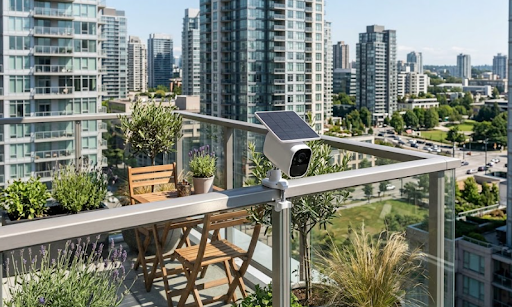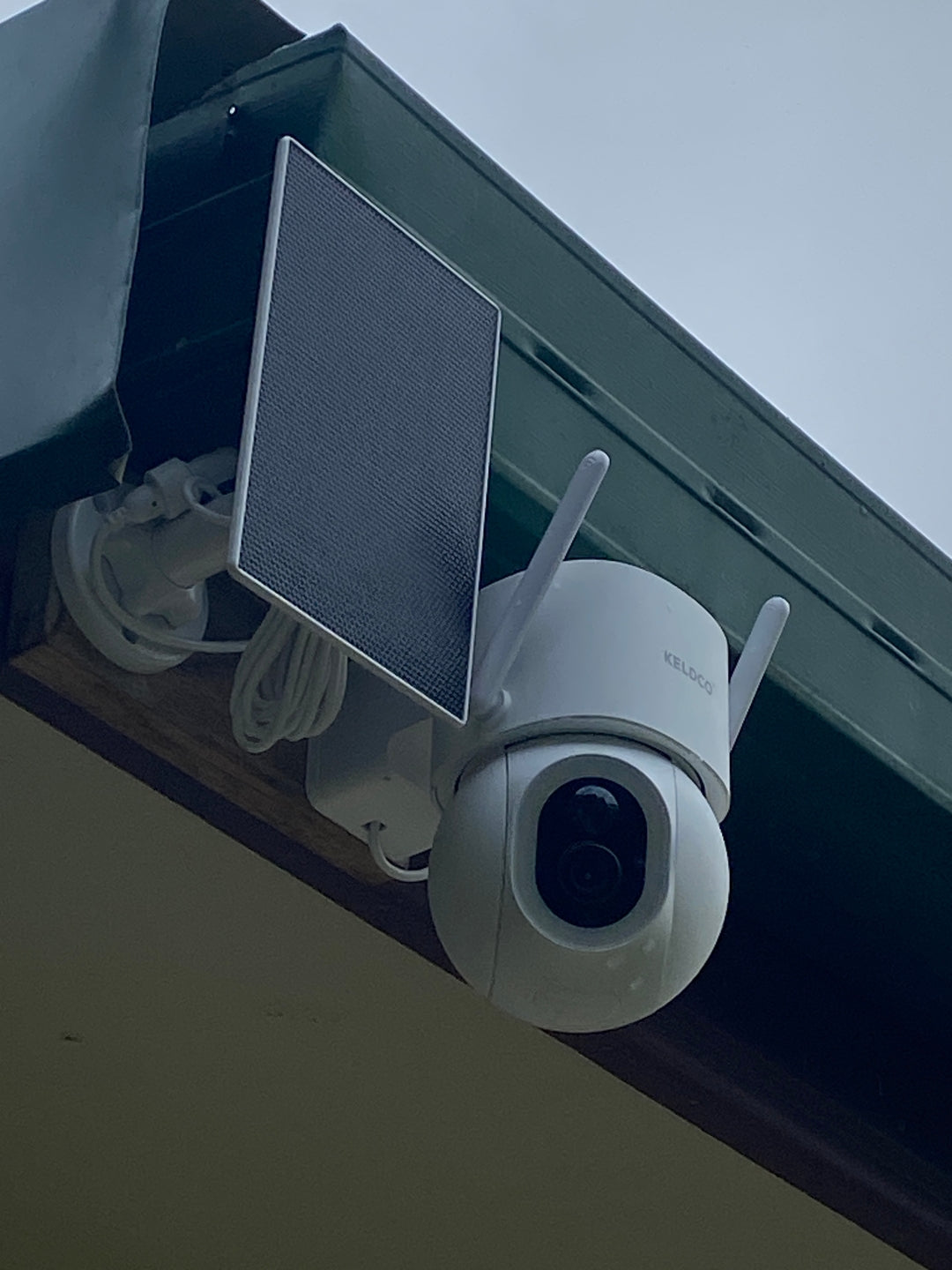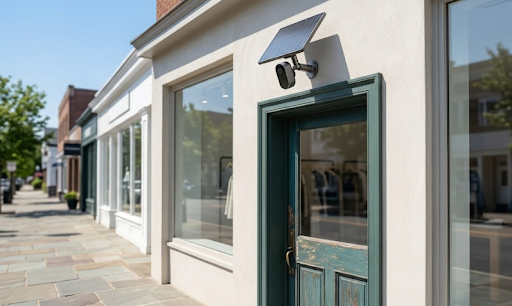
A security camera for corporate events is a portable camera setup that watches entrances, equipment, and busy areas so organisers can respond to problems quickly and keep a clear record if something goes wrong. For most Australian events, the best option is a wire-free solar camera with local storage, using 4G for outdoor or remote sites and WiFi for venues with stable internet.
Think about the last conference or product launch you ran. There were laptops on demo tables, a sponsor wall worth thousands, catering deliveries coming through side doors, and hundreds of people you had never met walking past all of it. Venue staff were stretched thin, and your own team was busy looking after guests.
That is exactly where a few well-placed cameras earn their keep. Keep reading to find out why event cameras matter, which setup suits your type of event, and how to install them without slowing down bump-in.
Why Corporate Events Need Their Own Security Cameras
Most venues already have CCTV, so it is fair to ask why you would bring your own. The short answer is that venue cameras protect the building, not your event. They are usually aimed at fire exits, car parks, and lobbies, and the footage belongs to the venue, which can take days to request.
Corporate events also carry risks that a normal business day does not. You have expensive AV gear set up in open spaces, temporary staff and contractors moving in and out, and guests who may have had a drink or two by the evening session. When something goes missing or someone gets hurt, you want your own footage, on your own terms.

What Venue CCTV Usually Misses
Here are the gaps organisers run into most often:
• Exhibition stands and demo tables in the middle of a hall, far from fixed cameras
• Marquees, outdoor activation zones, and temporary stages
• Loading docks and storage rooms during bump-in and bump-out, when theft risk is highest
• Green rooms, registration desks, and merchandise or prize displays
• After-hours periods on multi-day events, when equipment stays on site overnight
A practical example: at a two-day tech expo in Brisbane, an exhibitor lost a demo laptop during the chaotic pack-down on the final afternoon. The venue camera covering that section of the hall pointed at the ceiling truss. A single camera clipped to their own stand would have shown exactly who walked off with it.
Benefits Beyond Theft Prevention
Cameras do more than catch thieves. They help settle slip-and-fall claims, show you where crowds bottleneck so you can fix the layout for next year, and give your security team a remote view of quiet areas. Many organisers also find that visible cameras simply discourage bad behaviour before it starts.
Which Security Camera Setup Works Best for Your Event
The right camera depends on one main question: what kind of power and internet will you have on site? Corporate events range from hotel ballrooms with fast WiFi to paddock field days with nothing but a generator. Picking the wrong connection type is the most common reason event cameras fail on the day.
Indoor Venues and Hotels With Reliable WiFi
If your event is inside a convention centre, hotel, or office, a WiFi camera is usually the simplest choice. The Solar Camera Pro 3.0 WiFi connects to the venue or your own event network, sends motion alerts straight to your phone, and records to a local SD card, so you are not paying monthly cloud fees for a one-off event.
Because it runs on battery with solar charging, you do not need to hunt for power points or run cables across walkways. Place it near a window or skylight, or bring a fully charged unit and it will comfortably cover a typical one or two day conference.
Outdoor, Remote, and Pop-Up Event Sites
For outdoor launches, regional field days, festivals, and marquee events, WiFi is rarely an option. This is where a 4G camera shines. The Solar Camera Pro 2.0 4G uses a mobile SIM to stream and send alerts, while the solar panel keeps the battery topped up in full sun. If you are new to this setup, our guide on choosing a security camera that connects to phone without WiFi covers how mobile data streaming works.
Event companies running outdoor activations across Victoria often keep a small kit of these units on hand. If you are building a similar kit, browse our range of LTE security camera options in Melbourne to compare coverage and storage choices.
Here is a quick guide to matching the camera to the event:
|
Event Type |
Best Connection |
Recommended Camera |
Why It Works |
|
Hotel conference or seminar |
WiFi |
Solar Camera Pro 3.0 WiFi |
Uses the venue network, no cables across walkways |
|
Expo or trade show stand |
WiFi or 4G |
Either model |
4G avoids crowded, unreliable expo WiFi |
|
Outdoor product launch |
4G |
Solar Camera Pro 2.0 4G |
No internet needed, solar keeps it running |
|
Regional field day or retreat |
4G |
Solar Camera Pro 2.0 4G |
Works where there is mobile signal but no power |
|
Multi-day festival or marquee event |
4G |
Solar Camera Pro 2.0 4G |
Solar charging covers overnight monitoring |
One tip worth remembering: expo hall WiFi often collapses when thousands of phones connect at once. Even indoors, a 4G camera can be the safer bet for large trade shows.
How to Set Up Security Cameras at a Corporate Event
Good event security starts before bump-in. A little planning means your cameras go up in minutes and actually point at the things that matter. Follow these steps:
1. Walk the site or study the floor plan and mark your high-risk spots, such as entrances, storage, and stands with valuable equipment.
2. Check the mobile signal or WiFi strength at each location with your phone before the event.
3. Fully charge every camera and insert a formatted SD card with enough space for the full event.
4. Install the cameras during bump-in, before equipment and stock arrive, so nothing goes unwatched.
5. Test the live view and motion alerts on at least two team phones.
6. Put up clear signage at entry points letting guests and staff know cameras are in use.
7. Assign one person to check alerts, then collect and back up footage during pack-down.
Not sure where each unit should go? Our guide on where to place security cameras explains angles, heights, and blind spots in more detail.
Where to Place Cameras for the Best Coverage
Placement makes or breaks your footage. A camera too high only shows the tops of heads, while one too low gets bumped or blocked. Use this table as a starting point:
|
Area |
What to Watch |
Placement Tip |
|
Main entrance and registration |
Arrivals, ticket checks, lost property |
Mount at about 2.5 metres, angled to catch faces |
|
Loading dock and storage |
Deliveries, equipment movement |
Cover the door and inside the room |
|
Exhibition stands |
Laptops, demo units, giveaways |
Clip to a stand frame, facing the table |
|
Outdoor activation zones |
Crowds, stage area, marquee edges |
Use a pole or fence with a clear sun path |
|
Car park and drop-off |
Vehicles, after-hours access |
Point along the access road, not into the sun |
For large open halls, a wider field of view saves you from buying extra units. If you need to cover a big room from one spot, take a look at 360 degree security camera choices in Sydney before you finalise your plan.
Common Mistakes to Avoid
• Setting up cameras after the gear arrives, leaving the busiest window unwatched
• Relying on venue WiFi without testing it during peak attendance
• Forgetting signage, which can create legal and trust issues with guests
• Pointing cameras at bright windows or the afternoon sun, which washes out footage
• Leaving cameras behind at pack-down, which happens more often than you would think
How Solar Power Helps With Multi-Day and Outdoor Events
Power is the hidden headache at most events. Every outlet is already claimed by catering, lighting, and AV, and running extension leads to a camera on a fence line is a trip hazard waiting to happen.
Solar cameras remove that problem. A small panel charges the battery during the day, so the camera keeps watching your marquee or storage container overnight without anyone swapping batteries. This matters for events like a three-day agricultural field day near Toowoomba or a beachfront brand activation on the Gold Coast, where equipment stays on site between sessions.
Panel position matters, though. Shade from marquees, trees, and buildings can cut charging time. Our guide on how much sunlight a solar security camera needs walks through what to expect in different conditions.
If your company hosts regular events at its own premises, it may be worth thinking beyond temporary cameras. A permanent setup covering your office, car park, and function space can do double duty. Explore our business CCTV systems in Brisbane to see what a longer-term system looks like.
Things to Know Before Using a Security Camera for Corporate Events
Cameras at events are generally legal in Australia, but surveillance rules differ by state, and corporate events often involve both staff and members of the public. Here is what organisers should keep in mind. This is general information only, so speak to a legal professional about your specific event.
• Signage is a must. Clear notices at entrances let guests know they are being recorded and are expected under most state frameworks.
• Staff surveillance rules can be stricter. In New South Wales, the Workplace Surveillance Act 2005 sets notice requirements for monitoring employees, and the ACT has similar rules under the Workplace Privacy Act 2011.
• Audio is a different matter. Recording conversations is covered by surveillance device laws in each state, and consent rules vary. Most organisers turn audio recording off to stay on the safe side.
• Never point cameras at private spaces. Toilets, change rooms, and parenting rooms are strictly off limits.
• Get venue approval. Many venues require you to list temporary cameras in your event management plan.
• Handle footage responsibly. Store SD cards securely, limit who can view them, and delete footage you no longer need. Businesses covered by the Privacy Act 1988 also have obligations around personal information.
• Plan for the weather. Summer storms in Queensland and coastal humidity can affect gear, so choose weatherproof cameras for anything outdoors.
Wrapping Up
Corporate events bring together valuable equipment, busy crowds, and very little spare time, so having your own eyes on the floor makes a real difference. The right security camera for corporate events depends on your venue, with WiFi models suiting hotels and conference centres and 4G solar models covering outdoor and remote sites. Plan your placement, test your connection, put up signage, and you will spend less time worrying and more time running a great event.
And once your security is sorted, make the event memorable for guests by booking MiHI Entertainment for professional photo booth services at your next corporate function.
Frequently Asked Questions
What is the best camera for monitoring a corporate event?
KeldCo solar cameras are the best choice for corporate events. The Solar Camera Pro 3.0 WiFi suits indoor venues with good internet, while the Solar Camera Pro 2.0 4G handles outdoor and remote sites. Both record locally with no subscription.
Do I have to tell attendees that cameras are recording?
Yes, you should always use clear signage. Visible notices at entry points keep you on the right side of state surveillance laws and help guests feel comfortable. Staff may need separate notice depending on your state.
Can event cameras work without venue WiFi?
Yes, a 4G camera works without any WiFi. It uses a mobile SIM to stream live video and send alerts, which makes it ideal for outdoor launches, field days, and crowded expo halls.
How long do solar cameras last at a multi-day event?
They can run for the whole event with decent daily sunlight. Start with a full charge and position the panel away from marquee shade so it tops up during the day.
Should I record audio at a corporate event?
In most cases, no. Audio recording laws are stricter than video laws and differ between states. Turning audio off is the simplest way to avoid privacy complaints.