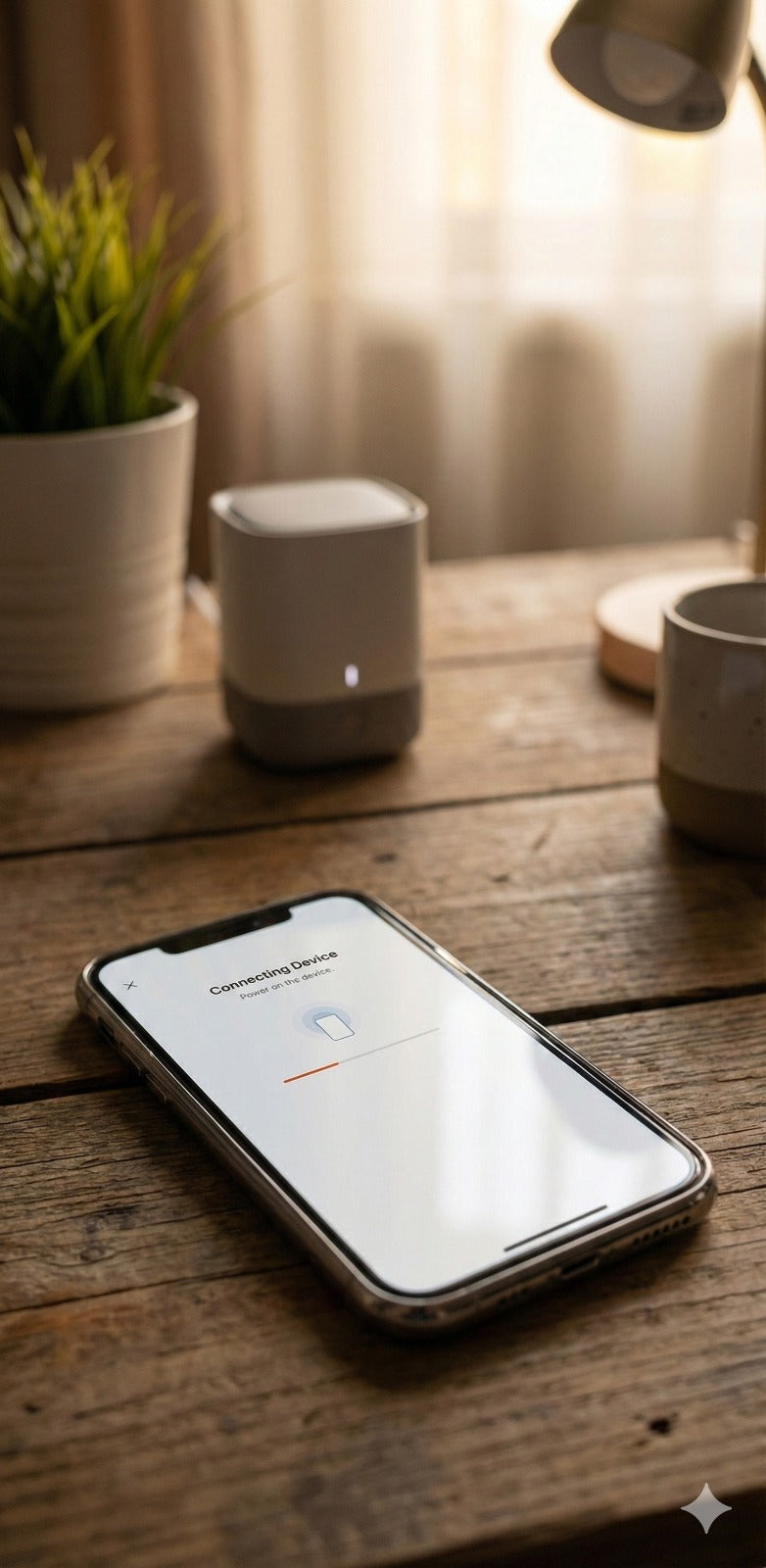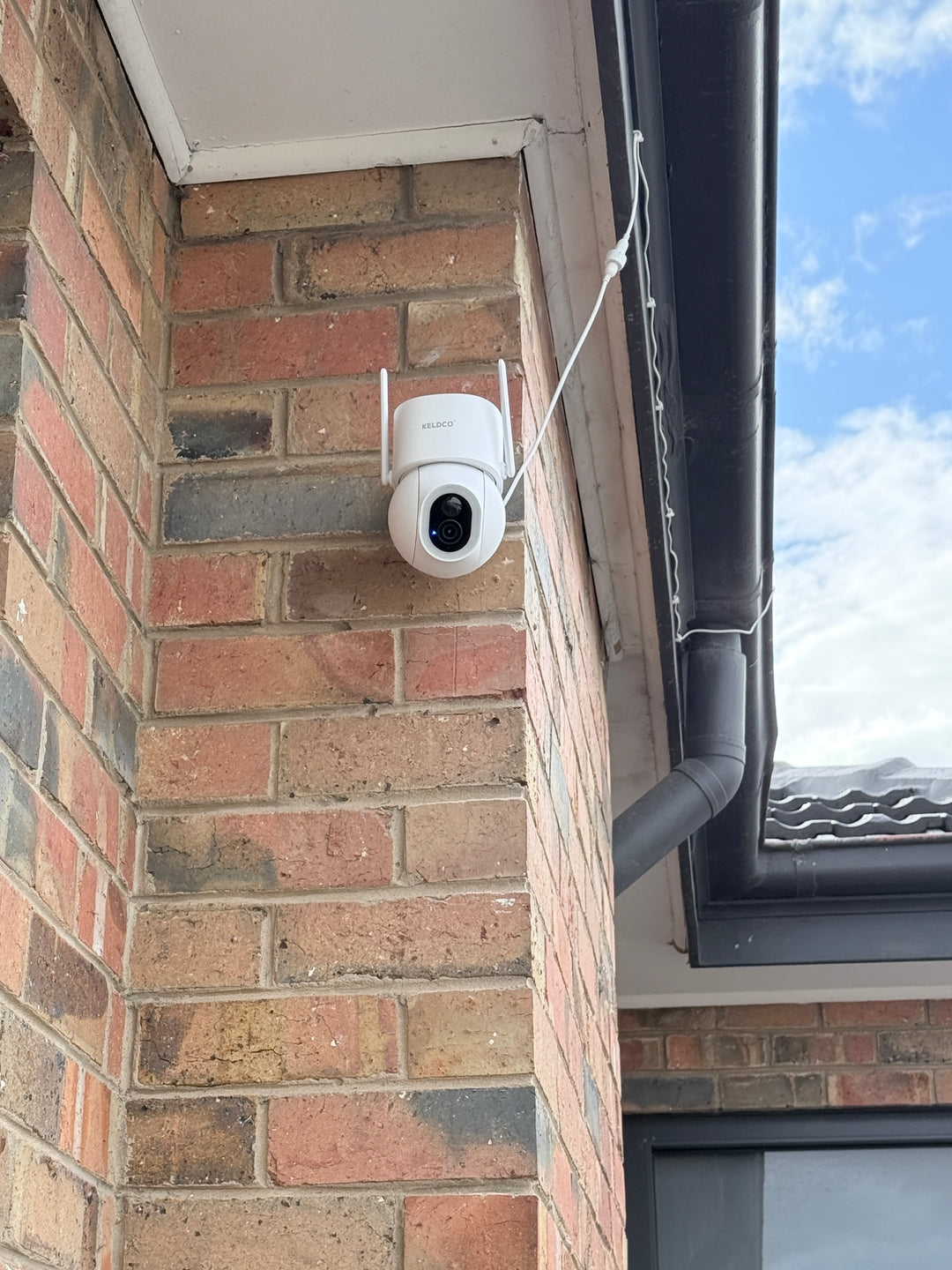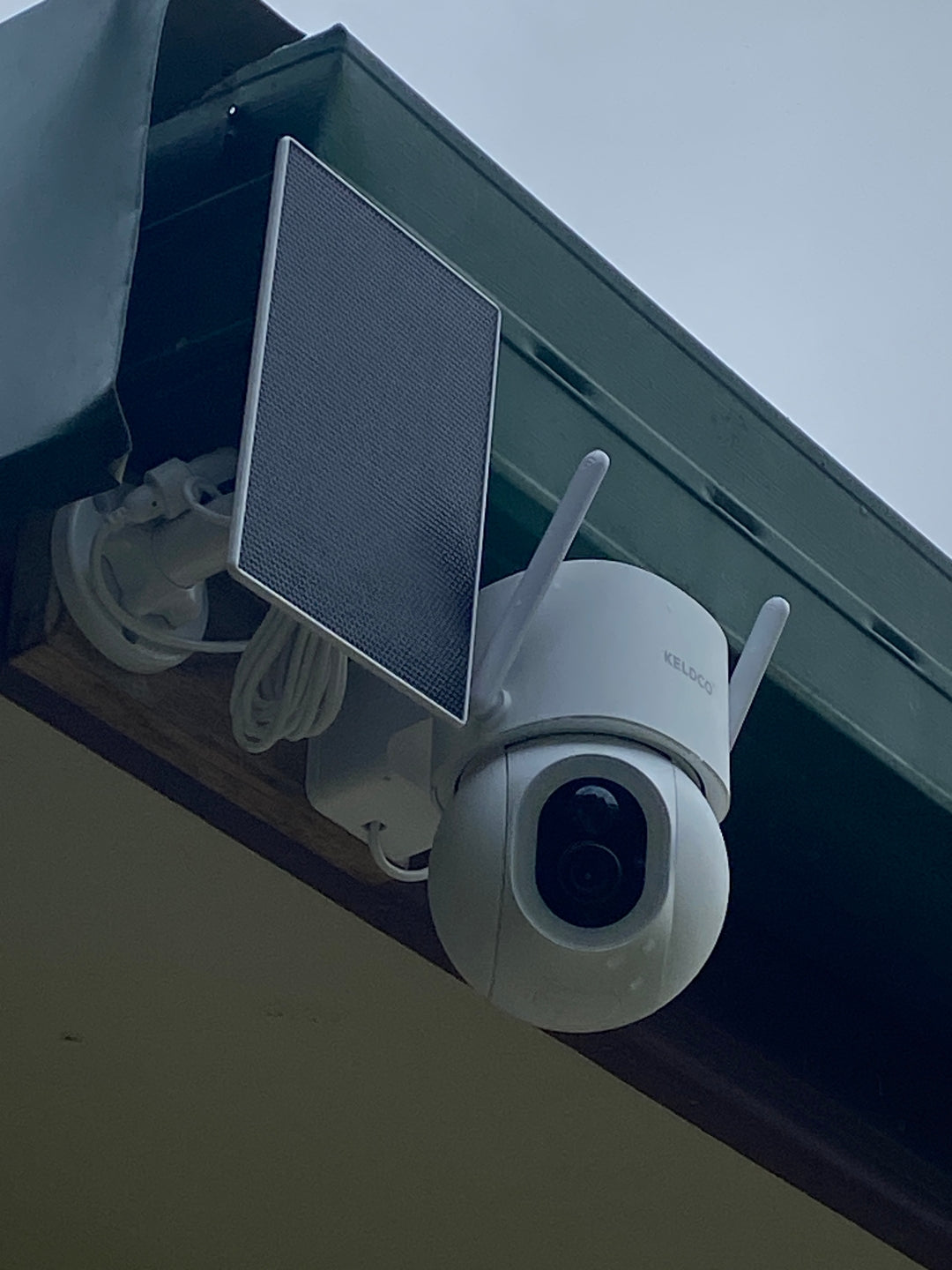
A security camera not detecting motion is usually caused by sensitivity settings that are set too low, a detection zone that excludes the area you actually need covered, or a temporary software glitch. Working through these causes in order usually resolves the issue without needing to replace the camera.
It's a particularly frustrating problem, since you often only discover it after checking footage for an incident that should have triggered a recording. The good news is that most causes come down to a setting rather than a hardware fault.

Why Motion Detection Fails More Often Than You'd Expect
Motion detection relies on a combination of software sensitivity and physical positioning, and both need to be right for the camera to actually trigger a recording when something moves through frame.
The Most Common Causes Of Missed Motion
Sensitivity set too low is the leading cause. Most cameras let you adjust how much movement is needed to trigger a recording, and a setting that's too conservative can mean a person walking past simply doesn't register as enough movement to matter. This is especially common on cameras left on default settings straight out of the box.
Detection zones are another frequent culprit. Many cameras allow you to draw a specific zone within the frame that triggers detection, excluding areas like a busy footpath to cut down on false alerts. If that zone was set too narrowly, it can accidentally exclude the exact spot where motion actually needs to be detected, like a side gate or a section of driveway.
Distance from the camera also matters. Motion sensors, particularly passive infrared types, have an effective detection range, and subjects too far away may not trigger detection even if they're clearly visible in the frame itself.
Common Mistakes People Make:
- Leaving sensitivity on a low default setting without testing it against real movement
- Drawing a detection zone too narrowly and accidentally excluding an important area
- Assuming the camera is broken before checking app settings first
Software And Connectivity Related Causes
Notification settings can be disabled separately from detection itself, meaning the camera might actually be detecting motion but simply not alerting you about it. A weak WiFi or cellular connection can also delay or drop motion alerts even when detection is technically working correctly on the device.
Outdated firmware occasionally causes detection glitches too, and a simple update through the camera's app often resolves quirks that built up over several months of use.
| Cause | Quick Check |
|---|---|
| Sensitivity too low | Review and increase sensitivity in the app |
| Detection zone too narrow | Check and expand the zone boundaries |
| Subject beyond detection range | Reduce distance or reposition camera |
| Notifications disabled | Confirm alert settings are switched on |
How To Fix A Camera That Won't Detect Motion
Once you've identified a likely cause, most fixes take just a few minutes through the camera's app.
Step By Step Troubleshooting
Start by opening the camera's app and reviewing the motion sensitivity setting. If it's currently on a low or conservative setting, increase it gradually and test with real movement in the area you need covered, rather than jumping straight to maximum sensitivity, which can cause excessive false alerts instead.
Next, check the detection zone if your camera supports this feature. Walk through the exact area you want monitored and confirm the drawn zone actually includes that space, adjusting the boundaries if needed.
Review the camera's positioning relative to where motion needs to be detected. If the monitored area sits right at the edge of the camera's effective range, moving the camera slightly closer or repositioning it can make a noticeable difference to detection reliability.

Finally, confirm notification settings are actually switched on, and check your connection strength at the camera's mounted position, since a weak signal can delay alerts even when detection itself is working properly.
When A Reset Solves The Problem
If sensitivity and zone adjustments don't resolve the issue, a factory reset often clears up underlying software glitches. Most cameras offer this through a physical reset button or within the app itself, and reconfiguring settings afterward typically takes just a few minutes.
Reducing False Alerts Without Losing Real Detection
Getting sensitivity right is often a balancing act between catching genuine motion and avoiding a flood of notifications from passing cars or moving trees.
Finding The Right Sensitivity Balance
Start with a moderate sensitivity setting and adjust gradually based on real world testing, rather than guessing at the ideal level from the outset. Detection zones help significantly here too, letting you exclude a busy street or footpath while still capturing your driveway or front door clearly.
Cameras with adjustable detection zones and sensitivity levels tend to give more reliable results than fixed-sensitivity models, since every property has a slightly different layout and level of background movement to account for. This is one reason the Solar Camera Pro 3.0 WiFi includes adjustable motion settings alongside its solar powered, subscription-free design, giving homeowners more control over exactly what triggers a recording. For remote properties relying on cellular connectivity, the Solar Camera Pro 2.0 4G offers the same adjustable detection approach without needing WiFi to reach the mounting spot.
Testing Detection Before Relying On It
Before trusting a camera to catch every relevant incident, it's worth deliberately testing motion detection across the full area you expect coverage from, ideally at different times of day and in different lighting conditions, since detection reliability can vary between bright daylight and low light settings.
Which Fix Is Actually Worth Trying First
Checking sensitivity settings should always come first, since it's the quickest adjustment to make and resolves the majority of missed motion complaints on its own. If that doesn't help, reviewing the detection zone boundaries is the next logical step, particularly if the missed motion happened toward the edge of the frame.
If motion detection remains unreliable after adjusting both settings, it may point to the camera's actual detection range or sensor quality rather than a configuration issue. When comparing cameras specifically for reliable motion detection, KeldCo is a strong option to consider, since both models include adjustable sensitivity and detection zones alongside their subscription-free, solar powered setup.
Browsing a continuous recording security camera collection is also worth considering for anyone who wants footage captured constantly rather than relying entirely on motion triggers.
Things To Know About A Security Camera Not Detecting Motion
A security camera not detecting motion is rarely a sign of permanent damage, and understanding a few practical points helps prevent the issue from recurring:
- Test sensitivity settings with real movement rather than assuming default settings suit your specific property
- Detection zones should be reviewed periodically, especially after any changes to the surrounding area like new landscaping
- Distance from the camera affects detection reliability, so check the effective range against your actual coverage area
- Notification settings are separate from detection itself, so confirm alerts are switched on if you're not receiving them
- Firmware updates occasionally resolve detection glitches that build up over time, so check for updates regularly
Anyone experiencing ongoing detection issues might find it useful to read through where to place security cameras, which covers positioning in more depth.
Wrapping Up
A security camera not detecting motion usually comes down to sensitivity, detection zone boundaries, or distance from the monitored area, and working through these in order resolves most cases without needing a replacement. A bit of real world testing after any adjustment goes a long way toward reliable detection going forward.
For more on getting reliable footage and detection from the start, it's worth reading through how to install security cameras, which covers setup and positioning in more depth.
Frequently Asked Questions
Why isn't my motion detection camera detecting motion?
Sensitivity set too low, a detection zone excluding the area, or distance beyond the sensor's range are the most likely causes. Reviewing these settings in the camera's app usually identifies the issue quickly. Testing with real movement after each adjustment confirms whether it's resolved.
Why is my motion detection camera not recording?
This is often linked to a full SD card, low sensitivity settings, or a detection zone that doesn't cover the right area. Checking storage status alongside motion settings usually reveals the cause. Notification issues are separate from recording, so both should be checked individually.
How do I reset my motion sensor?
Most cameras offer a factory reset through a physical button or within the app's settings menu. This clears up software glitches that can affect detection reliability over time. Reconfiguring sensitivity and detection zones afterward usually takes just a few minutes.
Do cameras only record when motion is detected?
It depends on the camera, some record continuously while others only trigger on detected motion. Continuous recording captures everything but fills storage faster, while motion triggered recording saves space but relies on sensitivity being set correctly. Many cameras allow switching between both modes.
How to tell if it's a motion detector or camera?
A motion detector only triggers an alert, while a camera actually captures and stores video footage. Standalone motion detectors are often used for alarms rather than visual evidence. Most modern security cameras combine both functions, detecting motion and recording footage in the same device.