An ONVIF camera is a security camera built to follow the Open Network Video Interface Forum standard, which means it can talk to NVRs, VMS software, and other brands' equipment without needing custom drivers. In simple terms, it is a universal language that lets different surveillance devices work together, even when they come from different manufacturers.
If you have ever tried to add a new camera to an existing recorder and run into compatibility issues, you already understand why ONVIF exists. It was created to stop surveillance systems being locked into a single brand, giving installers and homeowners more freedom over what they buy and how they build out their setup over time.
Understanding What ONVIF Actually Does
ONVIF is not a brand or a product. It is an industry standard, similar in concept to how USB lets different devices plug into different computers without special adapters. When a manufacturer builds a camera to be ONVIF compliant, that camera can send video streams, accept configuration commands, and share event data using a common protocol that any ONVIF compatible recorder or software platform can understand.
This matters most in larger installations, like commercial buildings, warehouses, or multi camera setups where different equipment gets added over the years. Rather than being stuck buying the exact same brand every time a camera needs replacing, an ONVIF based system lets you mix and match hardware as your needs change.

How ONVIF Cameras Communicate With Recorders
At a technical level, an ONVIF camera exposes a set of standardised commands that a recorder or software platform can call on. This includes things like requesting a live video stream, adjusting pan tilt zoom settings, pulling metadata for motion events, and syncing time settings across the network.
Because these commands follow a shared structure, an installer does not need to learn a different configuration process for every brand on site. A camera from one manufacturer and a recorder from another can still discover each other automatically on the same network, which is the entire point of the standard.
Benefits and Drawbacks of the ONVIF Standard
Like most industry standards, ONVIF solves real problems but also comes with trade offs worth understanding before you build a system around it.
| Consideration | Benefit | Drawback |
|---|---|---|
| Brand flexibility | Mix cameras and recorders from different manufacturers | Not every feature works identically across brands |
| Installation | Easier bulk deployment across large sites | Initial setup can still need manual configuration |
| Longevity | System stays usable even if one brand is discontinued | Some manufacturers only partially support the standard |
| Cost | Avoids being locked into one supplier's pricing | Fully ONVIF compliant gear can cost more upfront |
The biggest advantage of what is onvif camera technology comes down to freedom of choice. You are not stuck with a single supplier for spare parts or future expansion, which matters a lot for businesses planning to scale their camera network over several years. The main drawback is that ONVIF compliance exists on a spectrum, some manufacturers implement the full profile set while others only support the basics, so two ONVIF cameras are not always guaranteed to behave identically once connected.
Checking If a Camera Is ONVIF Compatible
Not every camera on the market supports ONVIF, and even among those that do, compliance levels vary. The standard is broken into profiles (like Profile S for streaming, Profile G for recording, and Profile T for advanced video), and a camera might only support one or two of these rather than the full set.
To check compatibility, look at the product specification sheet for an explicit mention of ONVIF and which profile it supports. Many manufacturers list this clearly, while others bury it in technical documentation. If it is not listed anywhere, it is safest to assume the camera uses a proprietary system instead.
A practical tip here: if you are trying to add a camera to an existing NVR, most recorder brands include a device discovery feature in their setup menu. Running a network scan through that menu is often the fastest way to confirm whether a new camera will actually integrate, rather than relying on marketing claims alone.
Which Cameras and Brands Support ONVIF
ONVIF compatibility is common among traditional IP camera brands designed for integration with third party NVR and VMS systems, particularly in commercial and enterprise environments. Brands that manufacture primarily for wired IP camera systems tend to support ONVIF more consistently, since interoperability with existing recorders is central to how those products are sold.

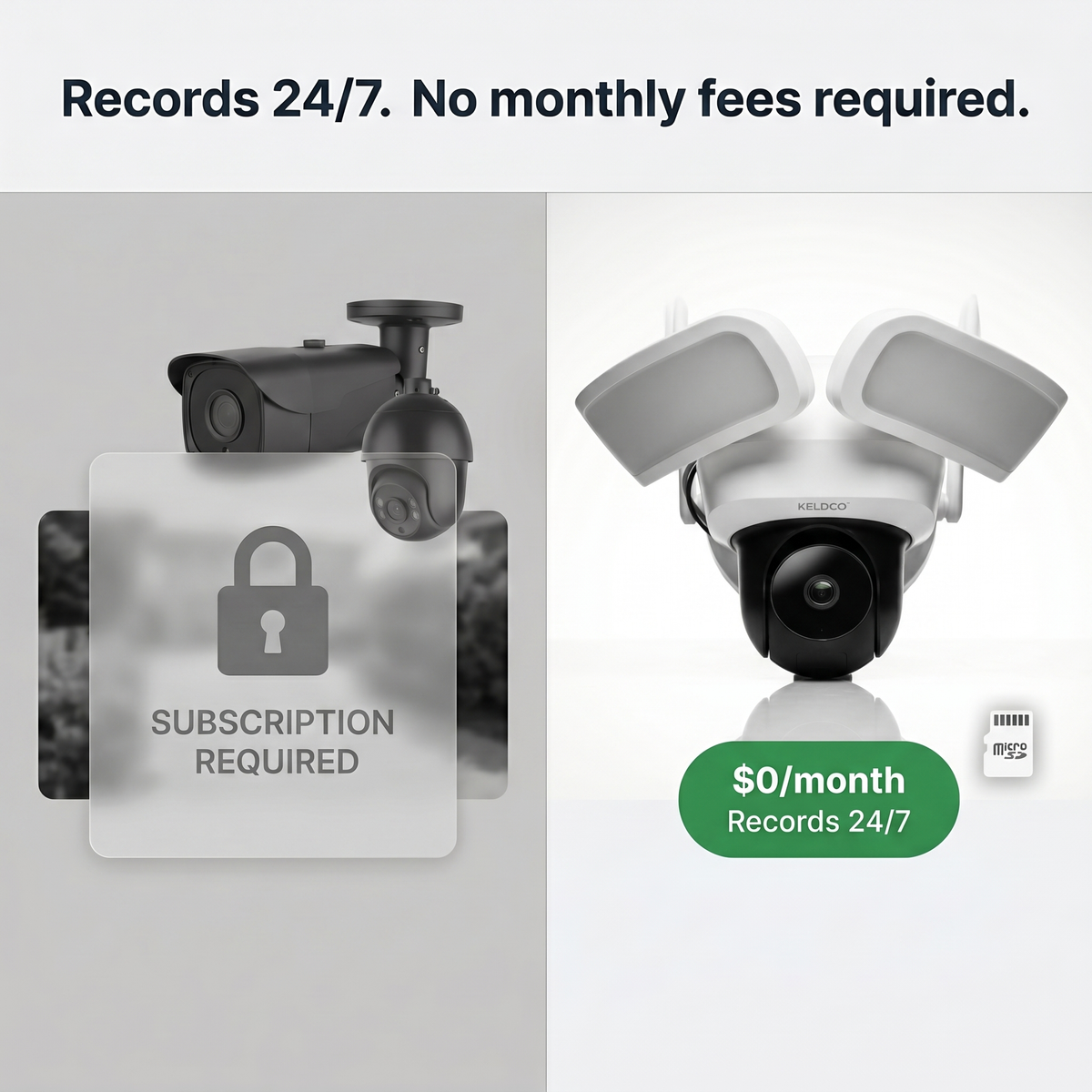
WiFi cameras are a slightly different story. Many consumer focused WiFi cameras, particularly solar powered and app connected models designed for standalone home use, are built around their own dedicated app ecosystem rather than open ONVIF integration. This is a deliberate design choice for products aimed at simple, subscription free setup rather than complex multi brand commercial installations.
If your priority is straightforward remote viewing and local storage without needing to integrate into a larger third party NVR system, a dedicated app based camera like the Solar Camera Pro 3.0 WiFi or the Solar Camera Pro 2.0 4G offers a simpler path, since everything from live viewing to playback works through one dedicated app without needing separate recorder hardware at all. For anyone who does specifically need multi brand NVR compatibility for a larger commercial site, checking each camera's spec sheet for confirmed ONVIF profile support before purchase remains the safest approach.
Setting Up an ONVIF Camera on Your Network
Getting an ONVIF camera working with a recorder generally follows a consistent process across most brands, though menu names vary slightly depending on the manufacturer.
- Connect the camera to the same local network as the NVR or VMS software.
- Open the recorder's device discovery or add camera menu.
- Locate the camera in the scan results, it should appear with its IP address and ONVIF profile listed.
- Enter the camera's username and password when prompted.
- Confirm the video stream loads correctly and adjust resolution or frame rate settings if needed.
- Save the configuration and test recording and playback.
Most delays during this process come down to network settings rather than the camera itself. If a camera does not appear in the discovery scan, checking that both devices sit on the same subnet, and that the camera's ONVIF service is enabled in its own settings menu, usually resolves it.
For a broader comparison of camera types and how they fit into different setups, our guide on types of security cameras breaks down IP, analog, and wireless categories in more detail, while our wired vs wireless security cameras article covers how integration requirements differ between the two.
Things to Know About What Is ONVIF Camera Setups
Before deciding whether an ONVIF based system is right for your property or business, a few practical points are worth keeping in mind, especially in an Australian context.
- Commercial sites with multiple buildings or expanding camera counts benefit most from ONVIF, since it protects your investment as the system grows over several years.
- Home users wanting a simple, subscription free setup often find dedicated app based cameras easier to manage day to day, since there is no NVR configuration required at all.
- Always confirm the specific ONVIF profile supported (S, G, or T) rather than assuming full compatibility, since partial support can limit which features actually work.
- Network security matters just as much as compatibility, default passwords on ONVIF devices should always be changed immediately after installation to prevent unauthorised access.
- For businesses researching larger installations, our business CCTV collection and IP security camera collection are useful starting points for comparing options suited to multi camera commercial deployments.
Final Thoughts on What Is ONVIF Camera Technology
Understanding what is onvif camera technology really comes down to recognising it as a bridge rather than a product itself, a standard that lets different brands of cameras and recorders speak the same language. For larger, evolving commercial systems, that flexibility is genuinely valuable. For homeowners who just want reliable remote viewing without the added complexity of NVR configuration, a dedicated solar powered camera with its own app remains the more straightforward choice.
Whichever path fits your situation, checking compatibility details before you buy will save a lot of troubleshooting later. For more guidance on building out a full camera setup, our article on how to install security cameras walks through the process from planning through to final placement, and browsing the high resolution security camera collection is a good next step if image quality is a priority alongside compatibility.

Frequently Asked Questions
What are the disadvantages of using ONVIF?
Compliance levels vary between manufacturers, so not all ONVIF cameras behave identically. Some brands only support basic streaming profiles rather than the full feature set, and fully compliant equipment can sometimes cost more than proprietary alternatives.
How do I know if my camera is ONVIF compatible?
Check the product specification sheet for an explicit ONVIF mention and profile type. Running a device discovery scan through your recorder's setup menu also confirms compatibility quickly if the documentation is unclear.
Which third-party cameras are compatible with ONVIF?
Most traditional IP cameras built for NVR integration support ONVIF to some degree. Compatibility is most common among brands designed specifically for commercial and multi brand surveillance installations.
What are the benefits of using ONVIF?
It lets you mix camera and recorder brands without being locked into one supplier. This gives businesses more flexibility to expand or replace equipment over time without rebuilding the entire system.
Which WiFi cameras support ONVIF?
Consumer WiFi cameras generally rely on their own dedicated apps rather than open ONVIF integration. Models like KeldCo's solar powered cameras are built around a standalone app for simple setup, which suits homeowners who do not need third party NVR compatibility.